How to Set
Social Media Thumbnails
Learn how to set social media thumbnails for each uploaded image
using ThumbPress and boost your brand identity in a flash!
Install and Activate ThumbPress
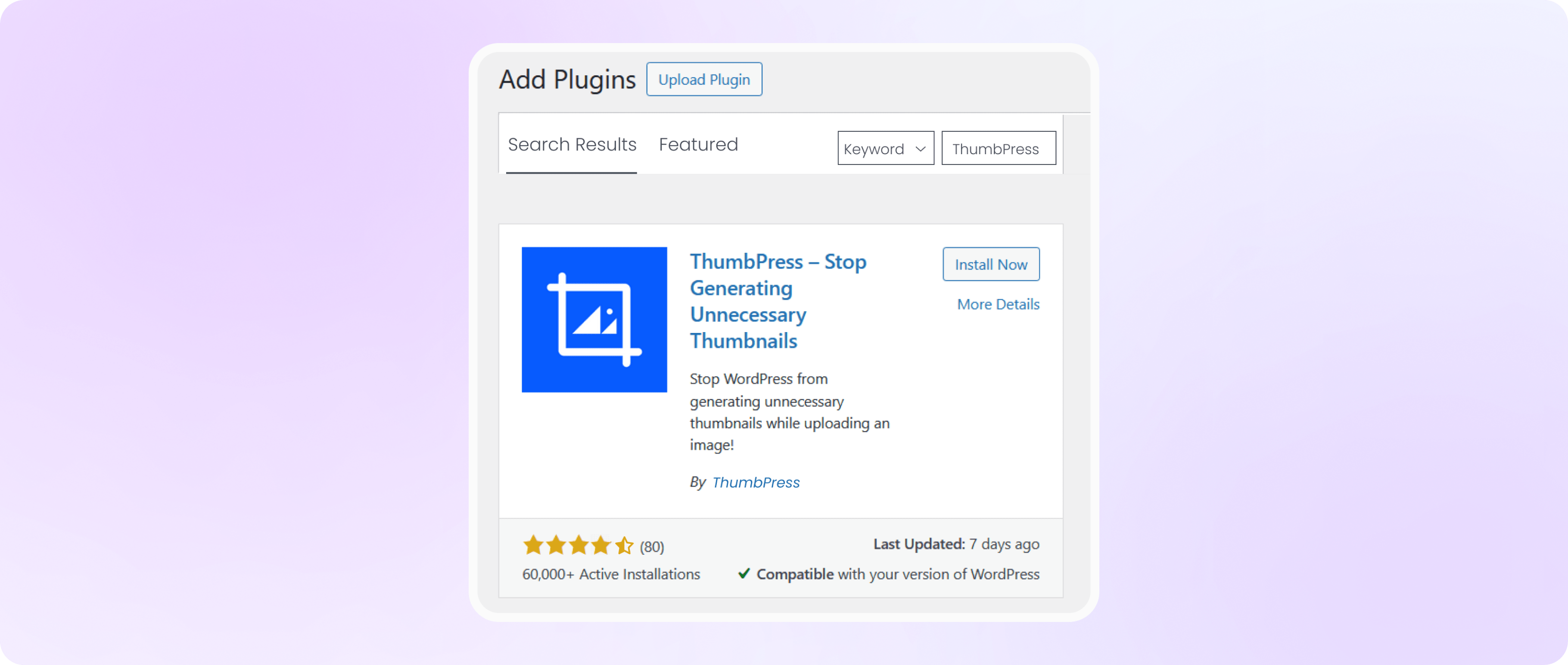
First, you need to install ThumbPress on your dashboard. To install and activate ThumbPress
Go to Dashboard > Plugins > Add New Plugin and search for ThumbPress in the search bar on the top right of the screen. Click Install Now and then Activate ThumbPress.
Enable Social Media Thumbnails Feature
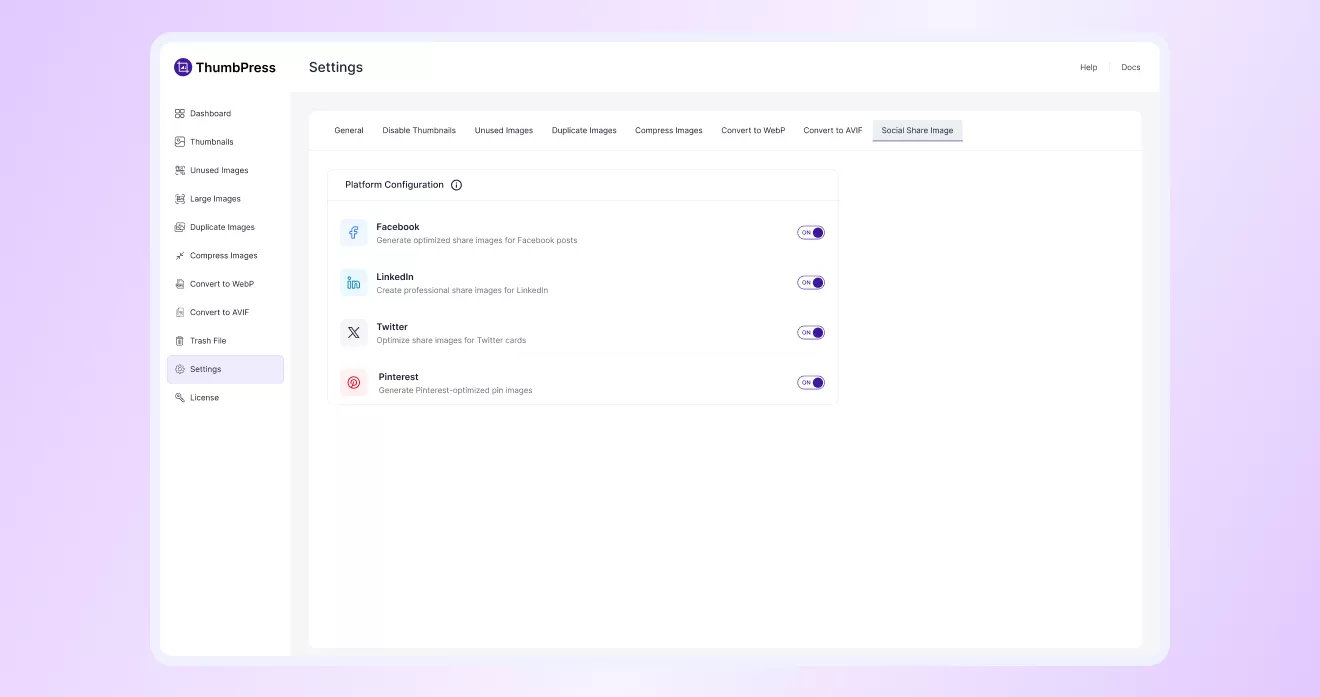
Navigate to ThumbPress > Settings > Social Share Image to enable ‘Social Media Thumbnails’ and
click Save Settings.
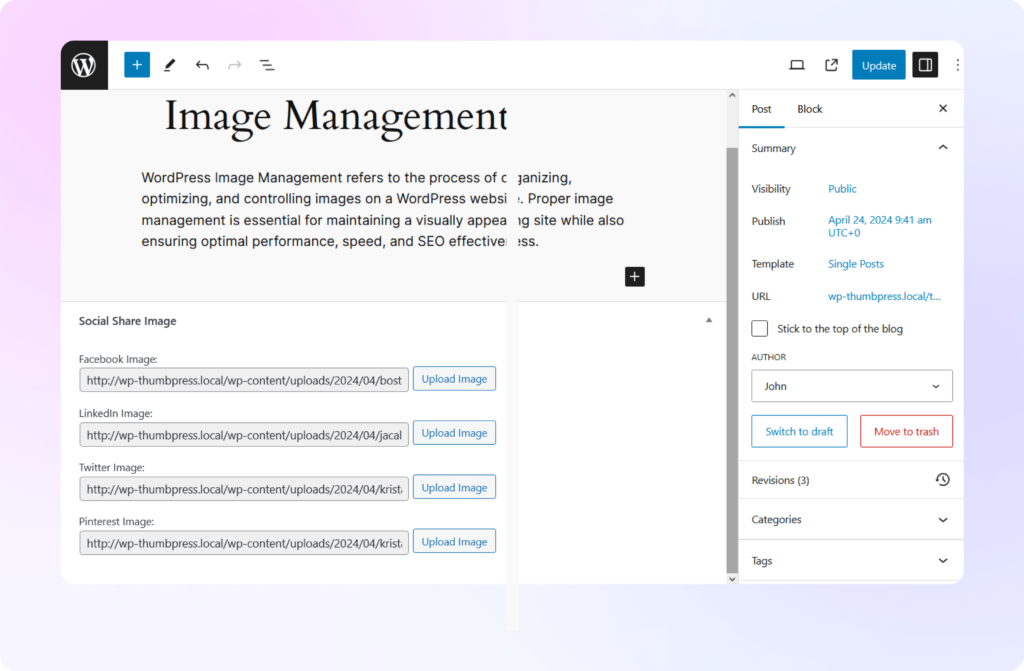
Upload Thumbnails from Post Editor
Upload your custom thumbnails for each platform you have enabled and automatically share them once your post has been published. Now you can upload the thumbnails you have created and set them for each platform, directly from the post editor!