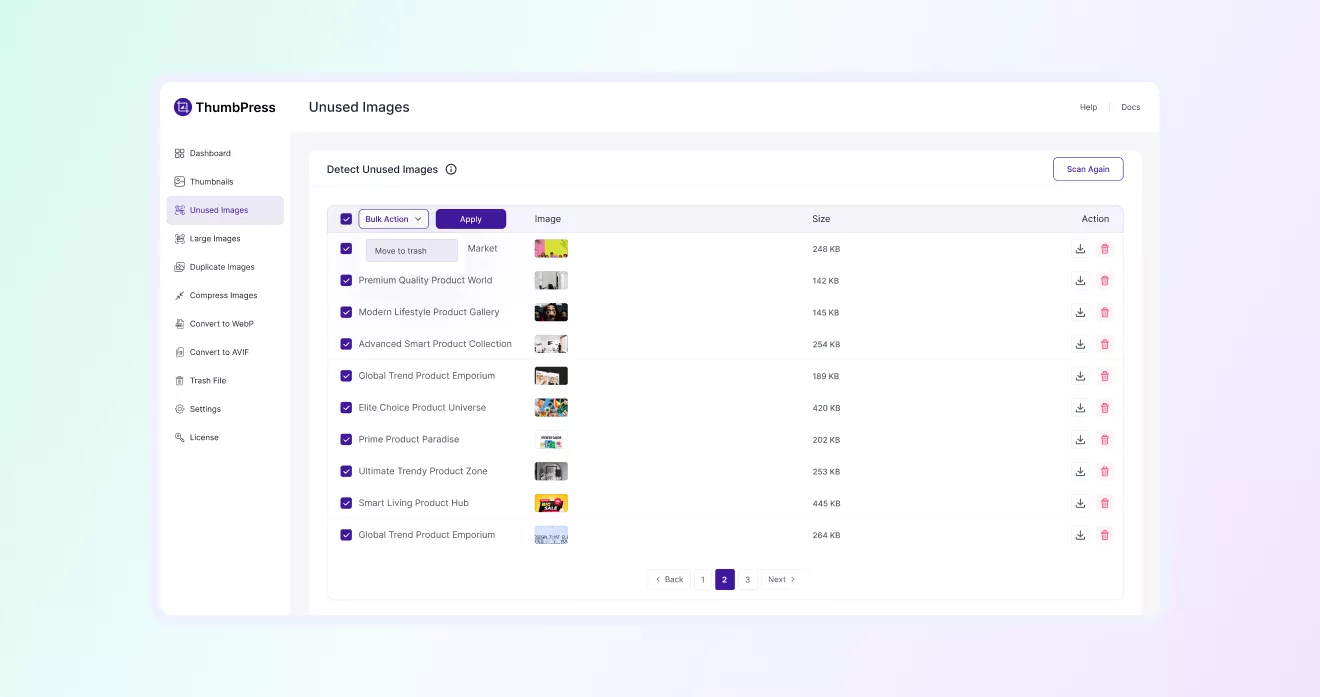
How to Detect Unused Images &
Remove Them
Learn how to detect and delete unused WordPress images with ThumbPress and
get a blazing-fast website in no time!
Install and Activate ThumbPress & ThumbPress Pro
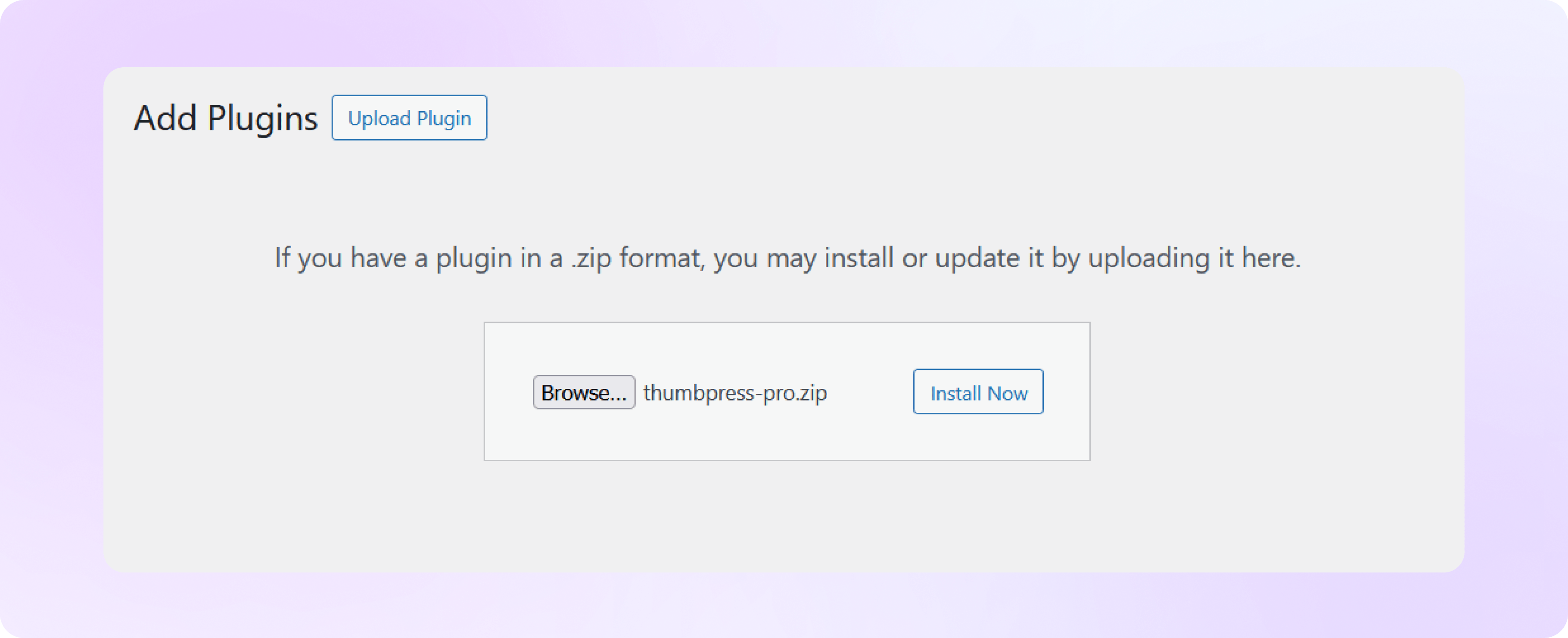
First, you need to install ThumbPress on your dashboard. To install and activate ThumbPress
Go to Dashboard > Plugins > Add New Plugin and search for ThumbPress in the search bar on the top right of the screen.
Click Install Now and then Activate ThumbPress.
Note: Detect Unused Images is a premium ThumbPress feature. Get ThumbPress Pro to unlock this feature. After that, upload it to your site and activate the license.
Set Chunk Size & Start Scanning
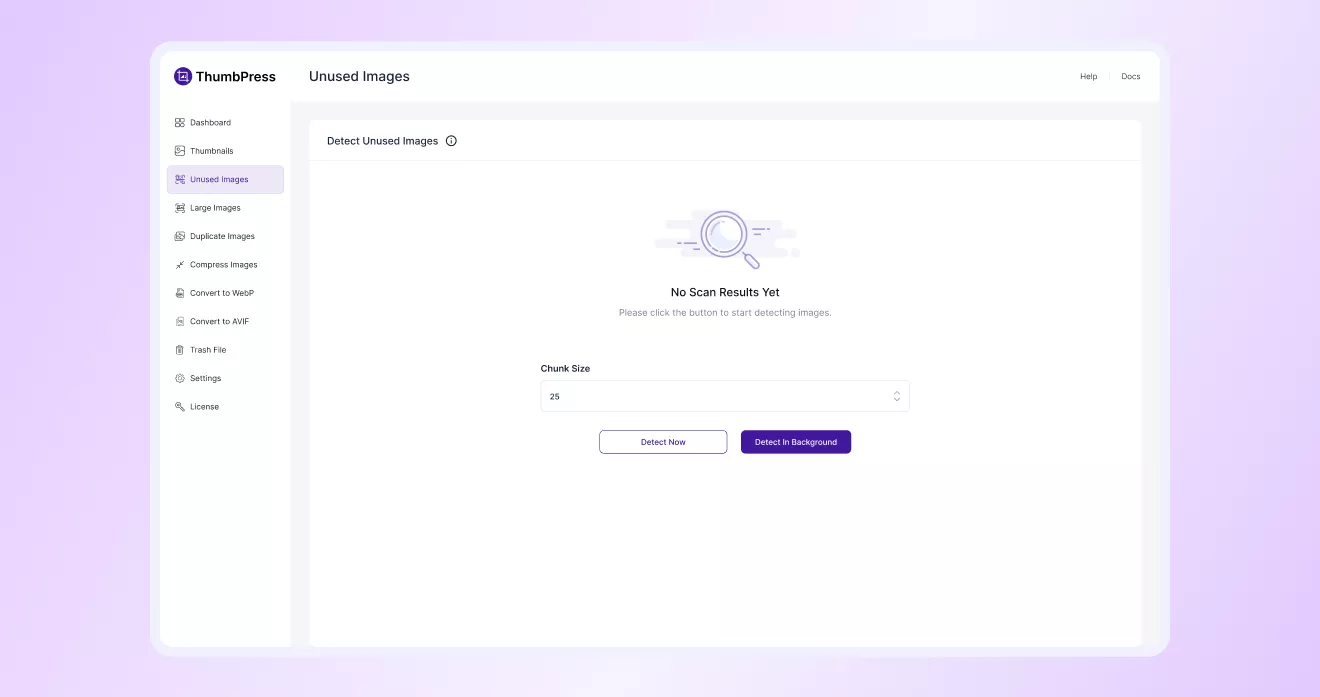
Navigate to ThumbPress > Unused Images. In the ‘Unused Image’ section, provide the chunk size and
click on the Detect button to generate all images that are not in use. After the generation, you will discover a show result button.
Note: Here, Chunk Size is the number of images processed in a single batch per server request.
Review and Manage Unused Images
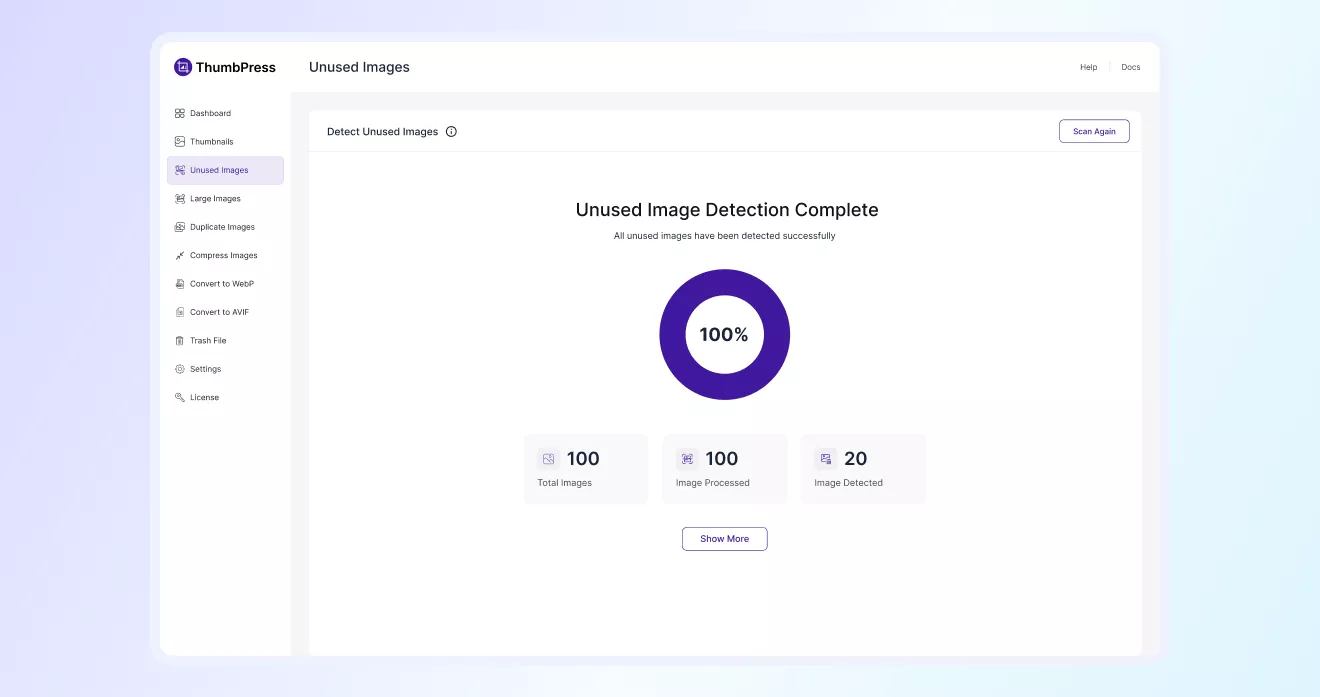
Once the scan is complete, you’ll see a summary of detected unused images.
Click on Show Results to view the full list.
Delete Images Individually or in Bulk
From that page, you can select specific images from the list of unused images on your website and click
the Trash button to remove them. You can also delete all unused images in bulk.