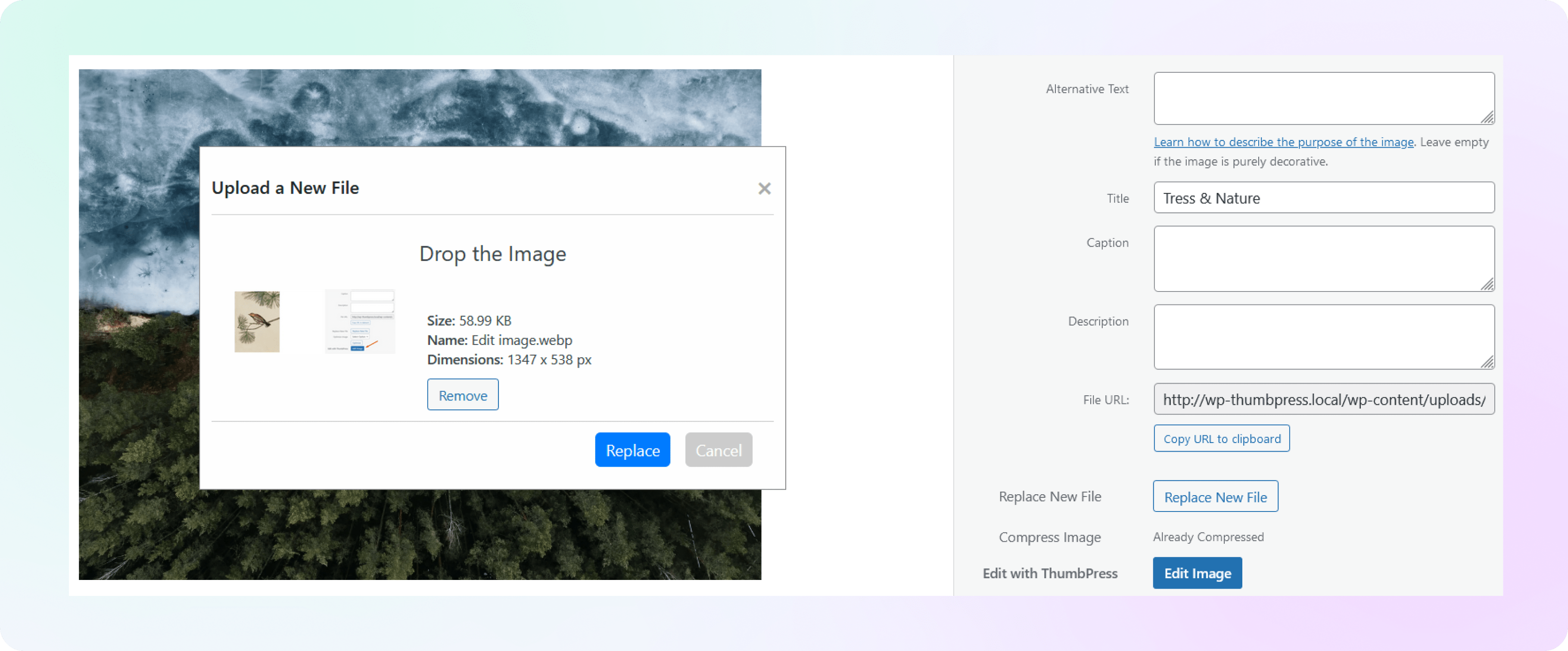
How to Replace Image with New
Version in ThumbPress
Let’s have a look at how you can replace the image with a new version of ThumbPress and
maintain a consistent approach.
Install and Activate ThumbPress & ThumbPress Pro
First, you need to install ThumbPress on your dashboard. To install and activate ThumbPress
Go to Dashboard > Plugins > Add New Plugin and search for ThumbPress in the search bar on the top right of the screen.
Click Install Now and then Activate ThumbPress.
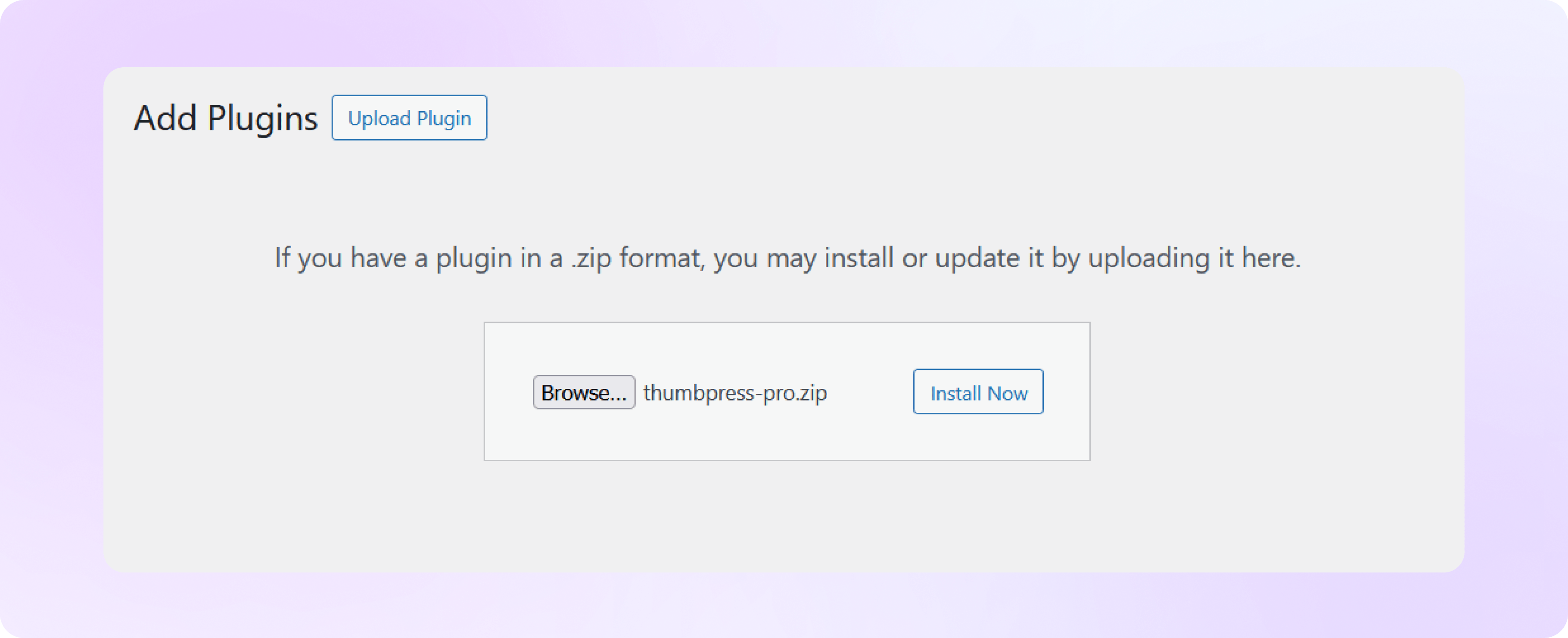
Note: Detect Unused Images is a premium ThumbPress feature. Get ThumbPress Pro to unlock this feature. After that, upload it to your site and activate the license.
Enable Replace Images with New Version From Settings
Navigate to ThumbPress > Settings > General to enable ‘ Replace Images with New version’ and click Save Settings.
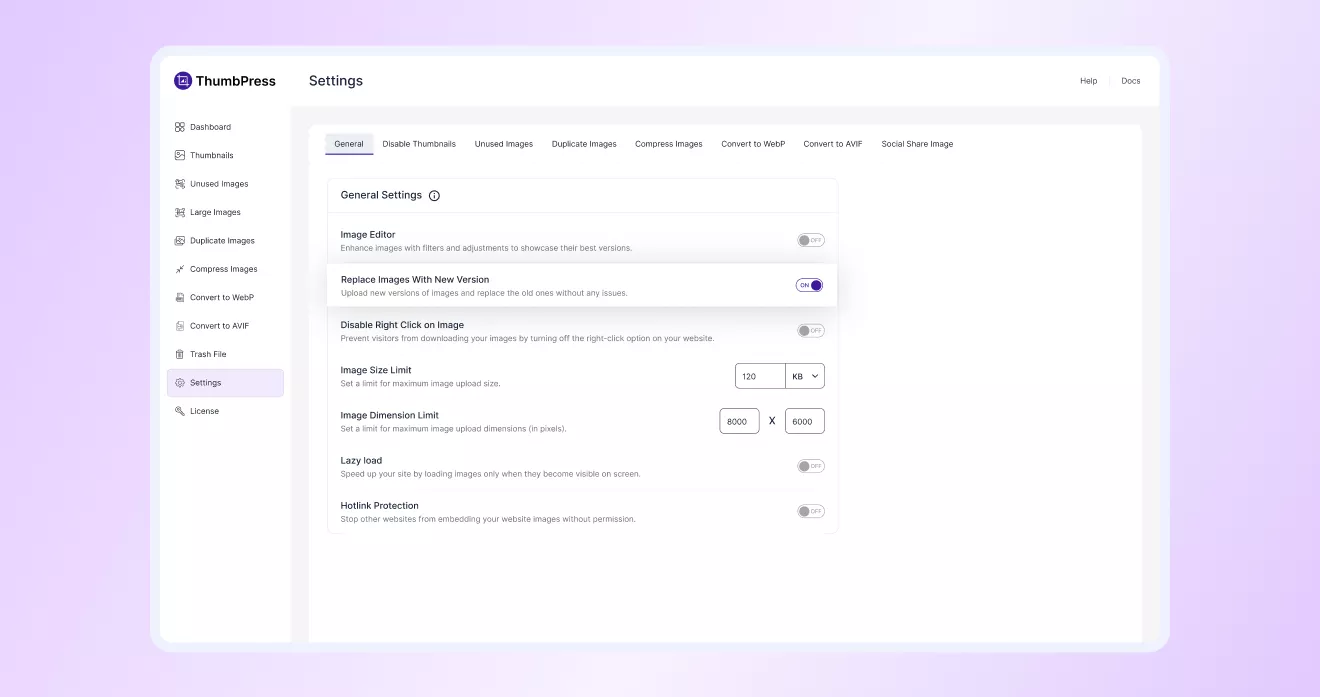
Replace Images with New Version
After you have enabled the replace images with the new version button, you can
replace any image from your media library or a specific post.