How to Detect & Delete Duplicate Images
Learn how to convert your WordPress images to AVIF using ThumbPress
and unlock peak compression performance for your website instantly!
Install and Activate ThumbPress & ThumbPress Pro
First, you need to install ThumbPress on your dashboard. To install and activate ThumbPress
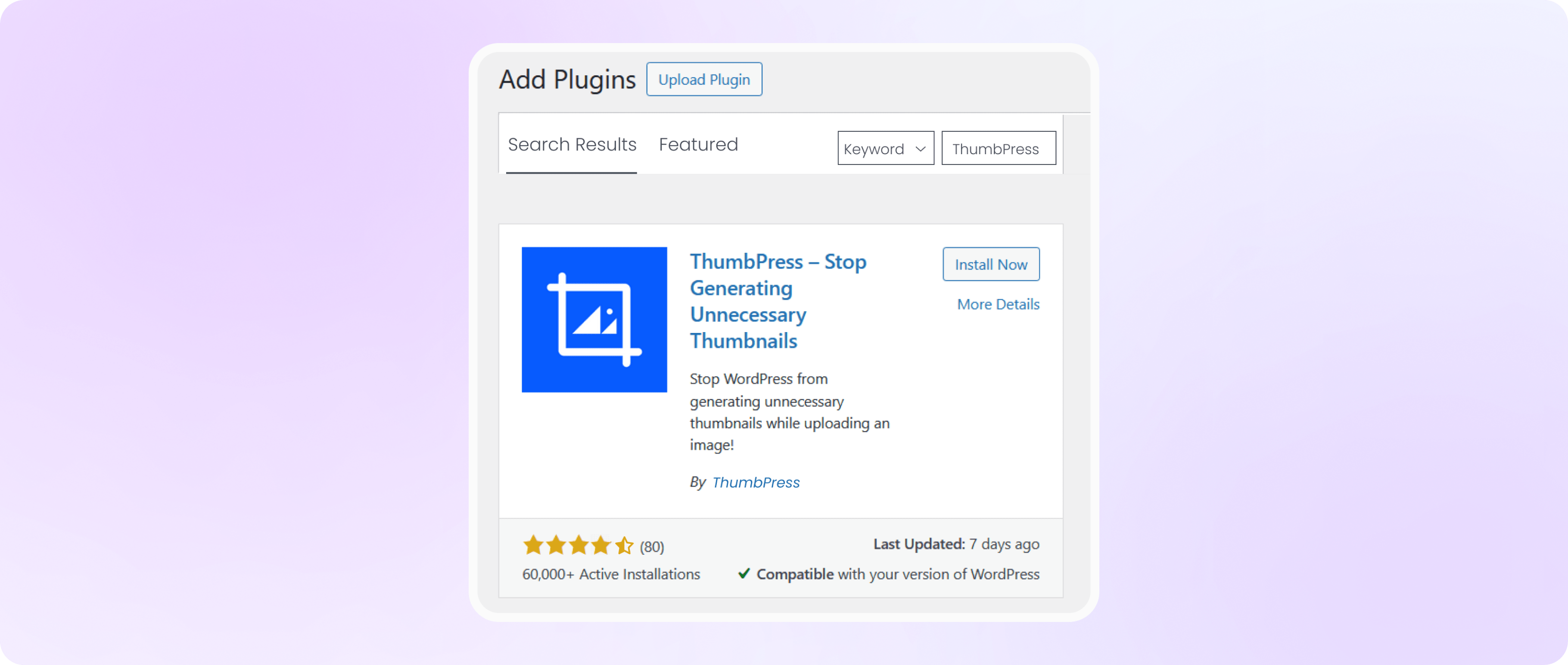
Go to Dashboard > Plugins > Add New Plugin and search for ThumbPress in the search bar on the top right of the screen. Click Install Now and then Activate ThumbPress.
Note: Duplicate Images is a premium ThumbPress feature. Get ThumbPress Pro to unlock this feature. After that, upload and activate Pro plugin on your website.
Enable Duplicate Images Prevention Settings
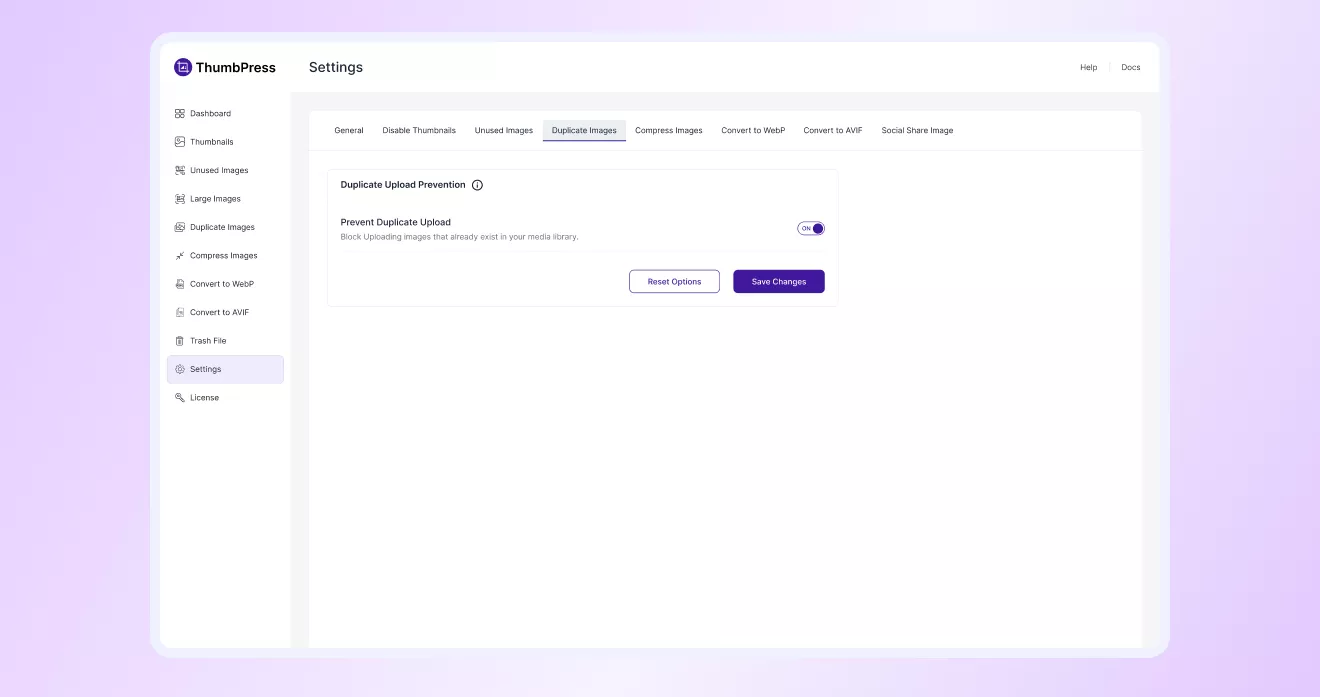
Navigate to ThumbPress > Settings to enable ‘Prevent Duplicate Upload’ and
Click Save Settings.
Scan Your Media Library for Duplicates
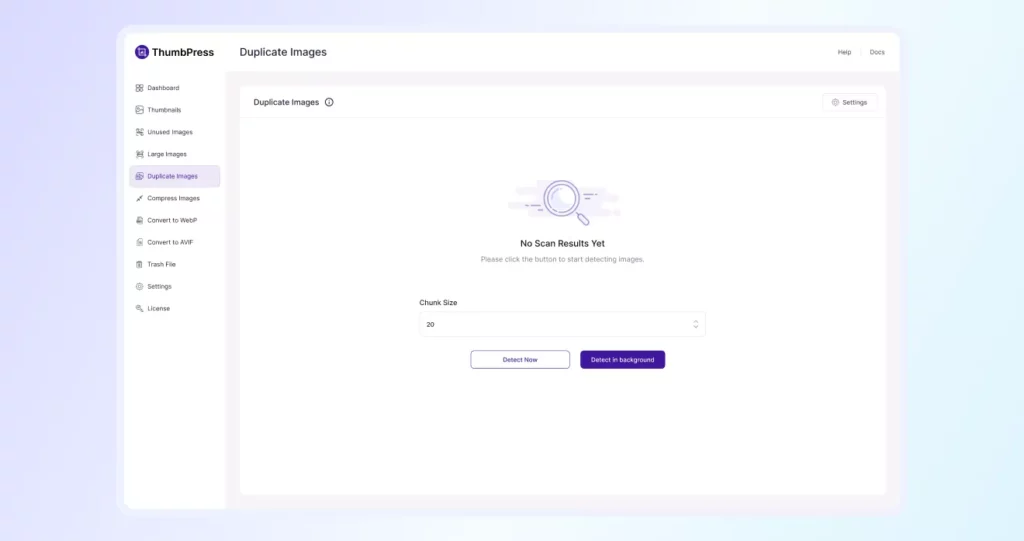
Navigate to ThumbPress > Duplicate Images and click the Detect button. ThumbPress will scan your entire media library and display a full list of
duplicate images grouped by match, so you can see exactly what’s repeated.
Note: Set the Chunk Size to control how many images are processed at a time. A smaller batch size reduces the load on your server.
Review Duplicate Images Results
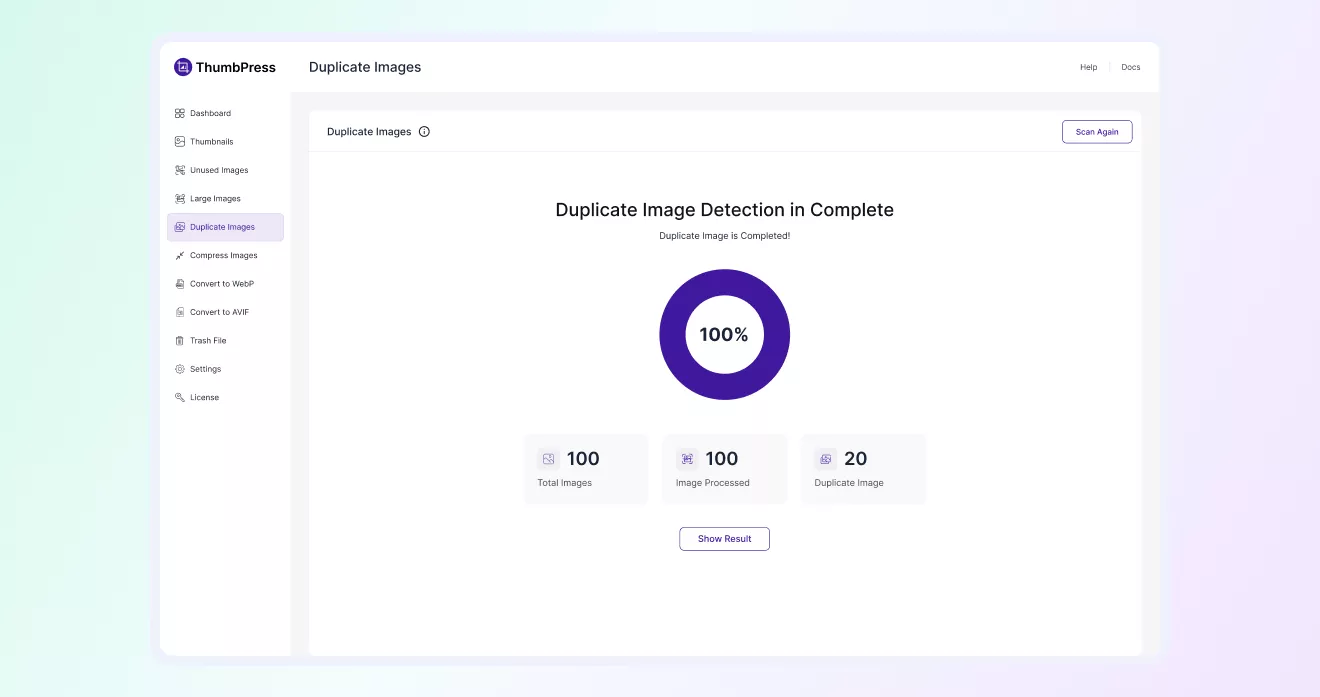
Once the scan is complete, you’ll see a summary of detected duplicate images.
Click on Show Result to view the full list.
Manage and Merge the Image with the Duplicate
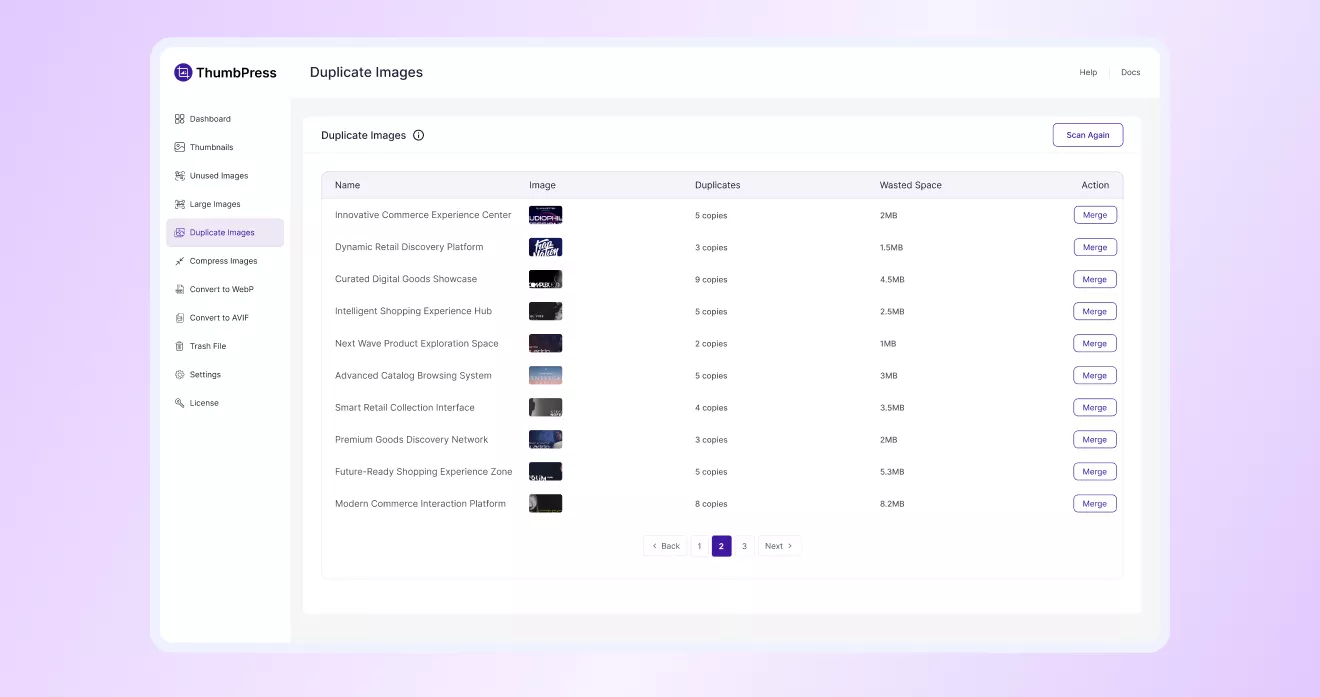
From that page You can Merge them one by one . Click the Merge button to start the process.
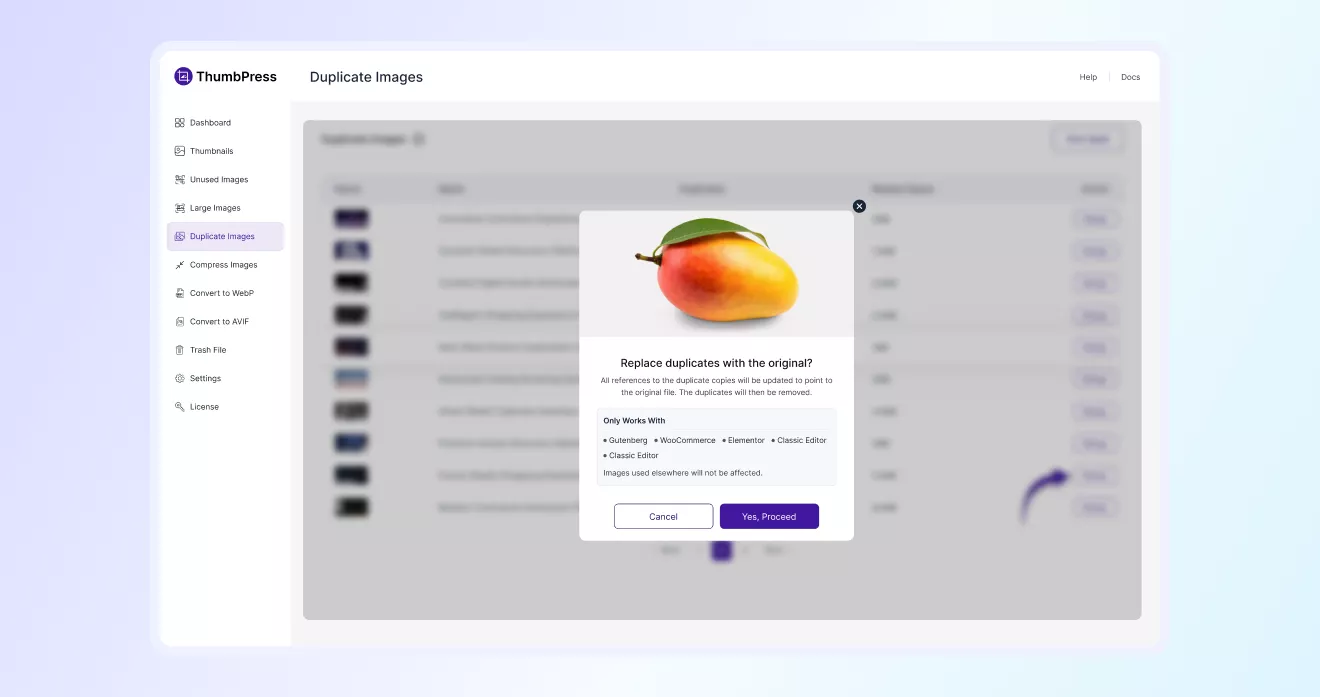
Replace Duplicates with Original
Now, proceed to replace duplicate image copies with the original file to keep your media library clean and save storage space.
Supported references will automatically update to use the original image without affecting your existing content.