
Find the Large Images Slowing Your Site
A handful of oversized files can drag down your whole site. ThumbPress scans your library for images above the size you set - measuring the real original file - so you know exactly which ones to compress or resize.
Get Started Now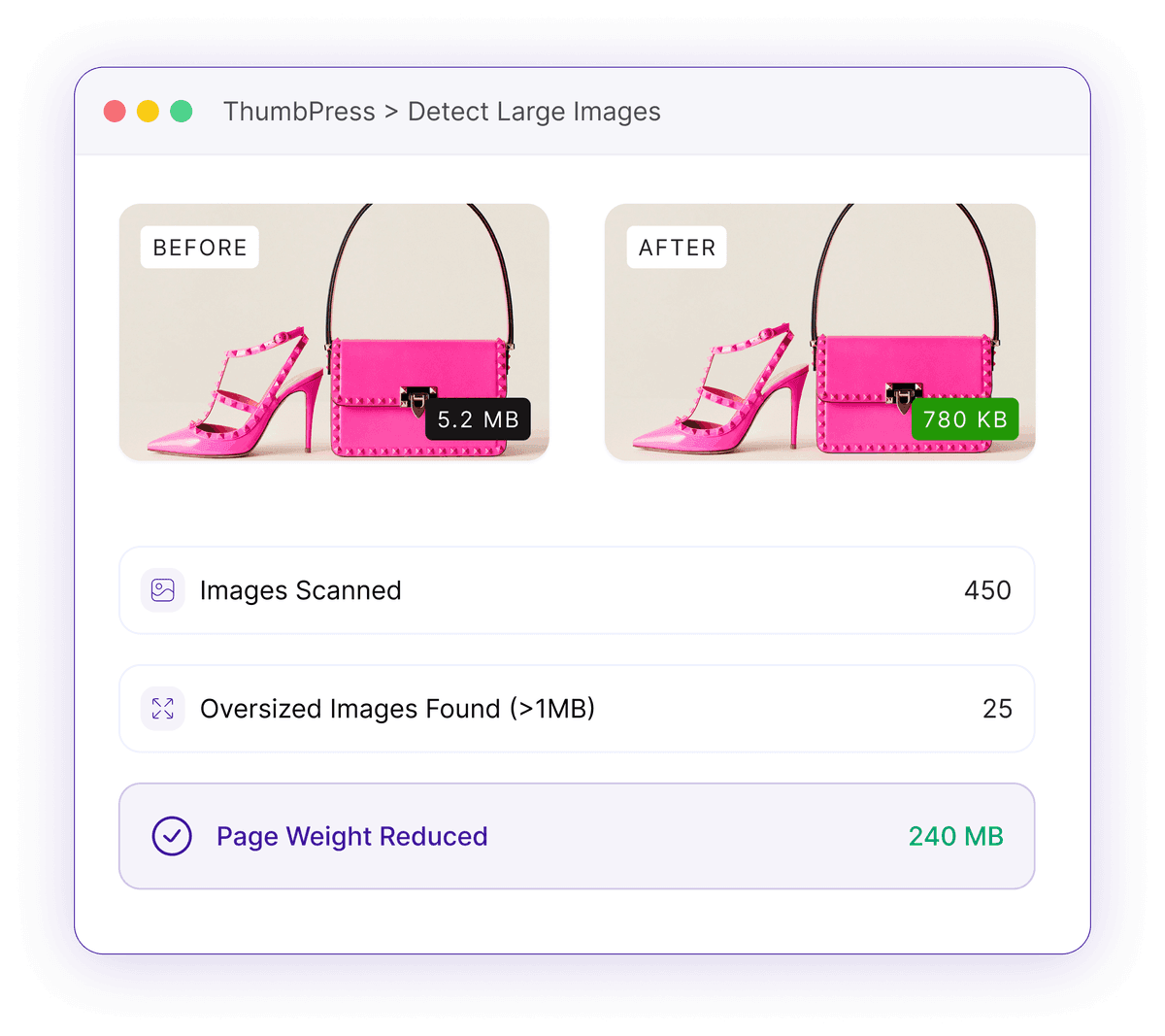
A Few Heavy Files Slow Down Everything
Oversized images are the quiet reason pages crawl and PageSpeed scores drop.
Multi-Megabyte Uploads
A single page with 20 unoptimized images can weigh 10-40 MB. Editors upload straight from a phone or camera, and those full-resolution files land in your library untouched.
10-40 MB pages from a few big filesHidden Behind Scaling
WordPress may display a scaled-down copy, but the heavy original still sits on your server and gets served in plenty of places. A 5 MB upload shown at 90 KB is still 5 MB on disk.
The real weight hides behind the scaled viewCore Web Vitals Hit
Big images blow up Largest Contentful Paint and trigger PageSpeed's "properly size images" warning - costing you rankings and conversions.
LCP failures and PageSpeed penaltiesHow Large-Image Detection Works
Set a threshold, scan, and act on the files that actually matter.

Set
You choose a size threshold - the default is 1 MB - so ThumbPress knows what counts as too big for your site.

Measure
It checks the original file for every image, so an upload WordPress auto-scaled is still reported at its true full size.
Act
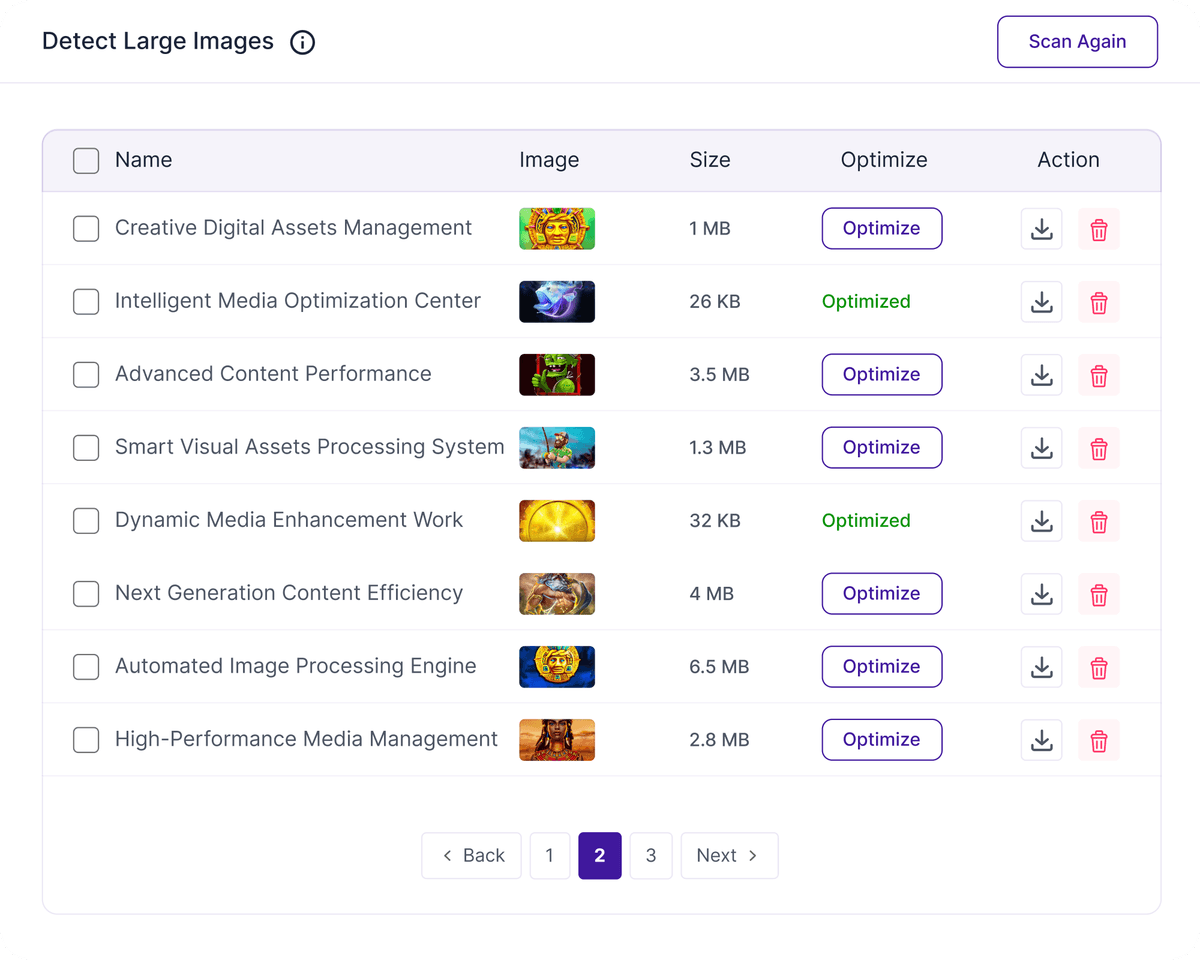
You get a list of oversized files with the option to trash them or send them straight to compression.
Find Heavy Images Fast
Quickly identify oversized files and optimize the images consuming unnecessary storage and resources.
Detect Large Images
Scan your media library to quickly find oversized images that may be slowing down your website. Review file sizes and optimize individual images directly from one place.
Size Up Your Library with Confidence
Find the real heavyweights, then deal with them fast.