
Compress Images Without Losing Quality
Trim image size, not the sharpness. Use ThumbPress’s image compression to shrink your files and speed up page loads instantly for better performance.
Get Started Now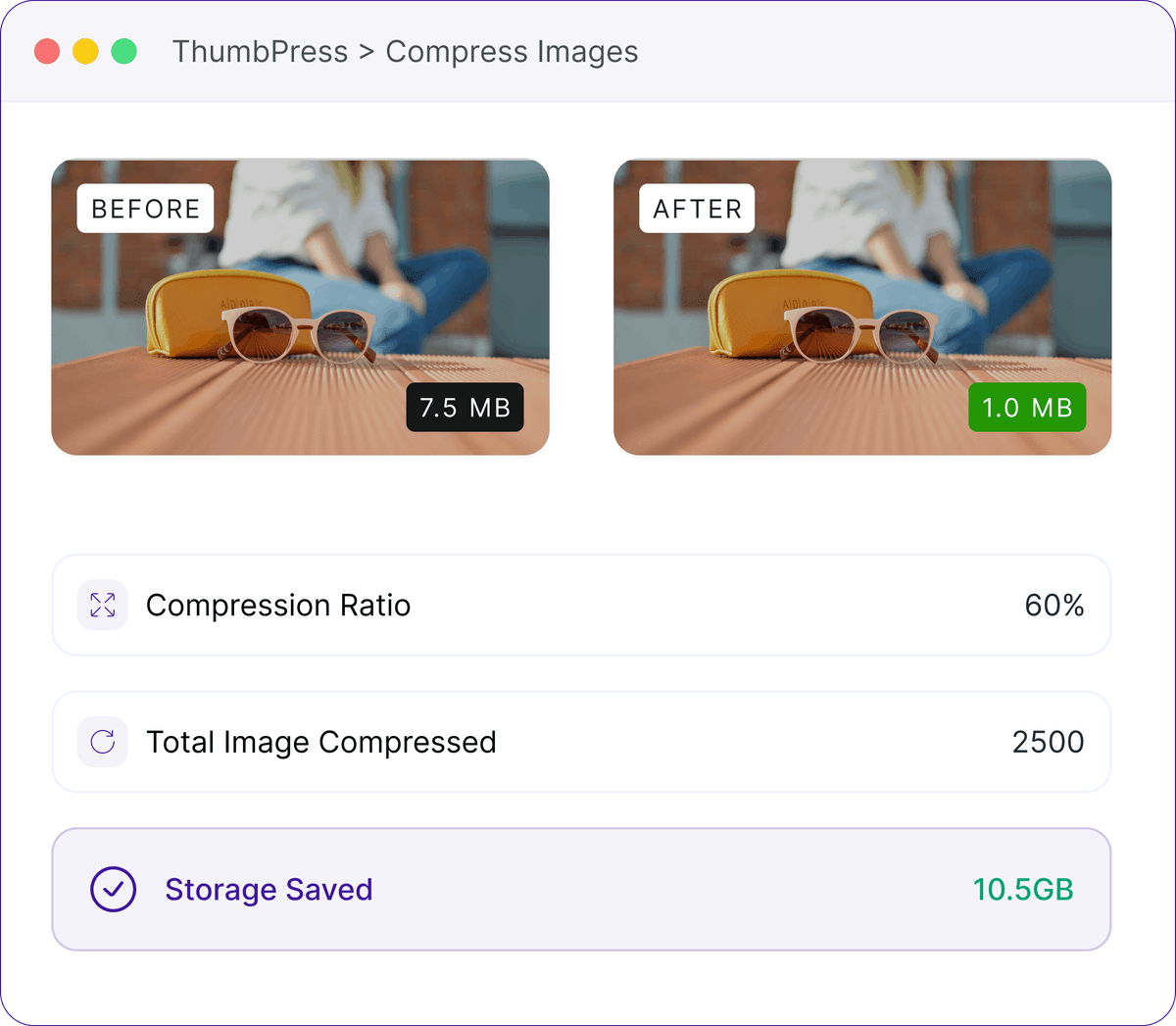
Uncompressed Images Are Slow Sites Waiting to Happen
Here's what's quietly happening on most WordPress sites right now.
File-Size Explosion
Uploading a 2 MB image to your product page feels harmless. Now multiply that by hundreds or thousands of images every month.
50–80% more image weight than necessaryPage-Speed Impact
A page with 20 unoptimized images can weigh 10–40 MB and take 5–12 seconds to load -pushing bounce rates to 40–50%.
7–15% conversion loss · ranking penaltyHosting-Cost Bloat
200GB of images at $0.50/GB is $100/month and backups double it. That's money spent storing files you don't need.
$1,200–4,800/yr in unnecessary costHow Compression Works
3 steps. Same image to the eye, a fraction of the file size.

Analyze
ThumbPress reads each image, finds redundant pixel data, and spots metadata you don't need on the web.

Optimize
It strips that excess, applies modern compression algorithms, and respects the quality level you choose.
Deliver
You get the same visual image at a much smaller size - so pages load faster for every visitor.
3 Ways To Compress
Run it once on everything, fix a single image, or set it and forget it.
Bulk compression
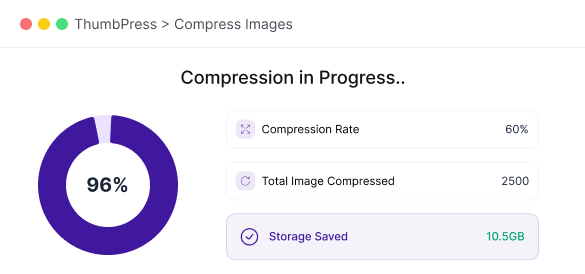
Compress your whole library at once - configurable batches, real-time progress, foreground or background.
Single image
One-click compress straight from the media library. Instant result - perfect for a quick fix or a quality test before you run a bulk job.
Auto-compress on upload
Enable it once and every new image is compressed automatically as it's uploaded. No manual steps, no forgotten files - your library stays lean forever.
Compress with Confidence
You stay in control of quality, and everything happens on your own server.