
Put Your Name on Every Image You Publish
Stamp text or your logo on new uploads automatically, or across your whole media library in one run. Your untouched originals are always kept, so you can change the watermark or remove it whenever you like.
Get ThumbPress Pro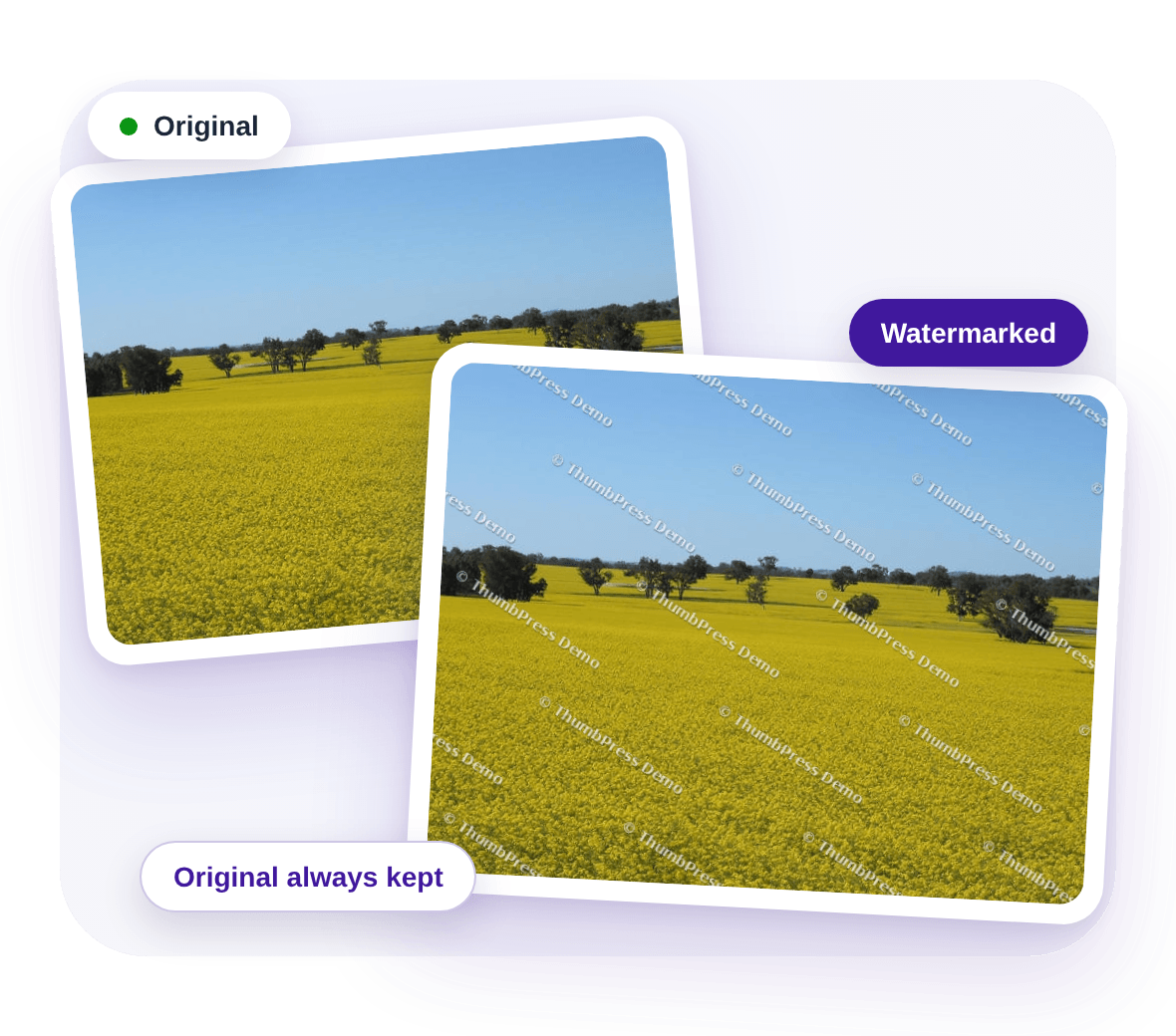
Unmarked Photos Travel Without Your Name
Here's what happens to images that carry nothing to tie them back to you.
Images Get Copied Without Credit
Once a photo is public, anyone can save it and post it as their own. Blocking right-click only slows down the casual copier, and does nothing once the file is saved.
Copied photos rarely carry your nameManual Watermarking Does Not Scale
Opening every photo in an editor before you upload is slow, easy to forget, and hopeless for a library that already holds hundreds of images.
Hours of repetitive editingA Bad Setting Can Be Permanent
Stamp a whole library in place and a wrong position or opacity sticks to every photo, unless you happened to keep separate copies of the originals.
One wrong choice, every photoHow Watermarking Works
Choose the look once. ThumbPress applies it to new uploads and to the images you already have.

Design
Pick text or your logo, then set the position, size, opacity, margin and rotation. Preview it on one of your own images before anything changes.

Apply
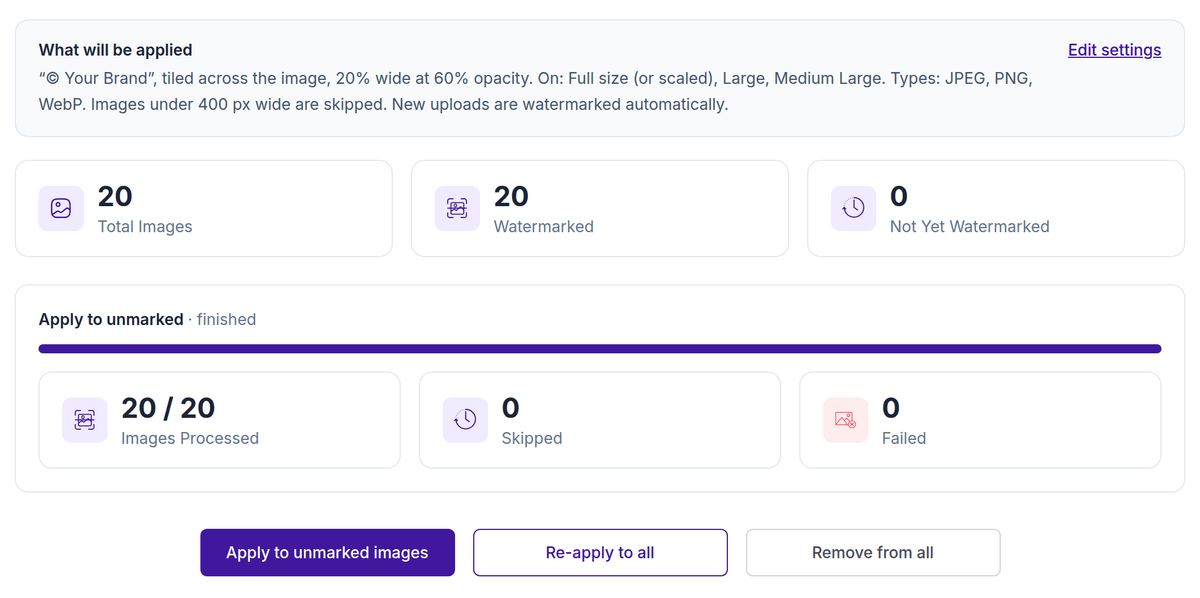
Mark every new upload automatically, or run your existing library in the background and watch the progress.
Adjust or Undo
Change the settings and re-apply, or remove the watermark. The saved original is restored, and a mark is never stacked twice.
Three Ways to Apply It
Mark images as they arrive, in bulk, or one at a time from the Media Library.
On Upload and Across Your Library
Turn on watermarking for new uploads and every image is marked as it is added. Already have a library? Run it in the background: only unmarked images, or all of them again after you change the settings. Choose which image sizes carry the mark, so small thumbnails can stay clean.
Preview Before You Apply
See the watermark on one of your own images, with your exact settings, before a single file is changed. Adjust until it looks right.
One Image at a Time
Apply, re-apply or remove the watermark from any image on its Media Library details screen.
Protect Your Images Without Risking Them
Built so a watermark never costs you the original.
Frequently Asked Questions
Ready to Put Your Name on Your Images?
Watermark new and existing images with ThumbPress Pro, and keep every original.
Let's Go