
Trash and Recover Media Safely
Cleanup shouldn't be a leap of faith. Images you remove go to a ThumbPress trash first - review them, restore anything you removed by mistake, and only permanently delete when you're sure.
Get Started Now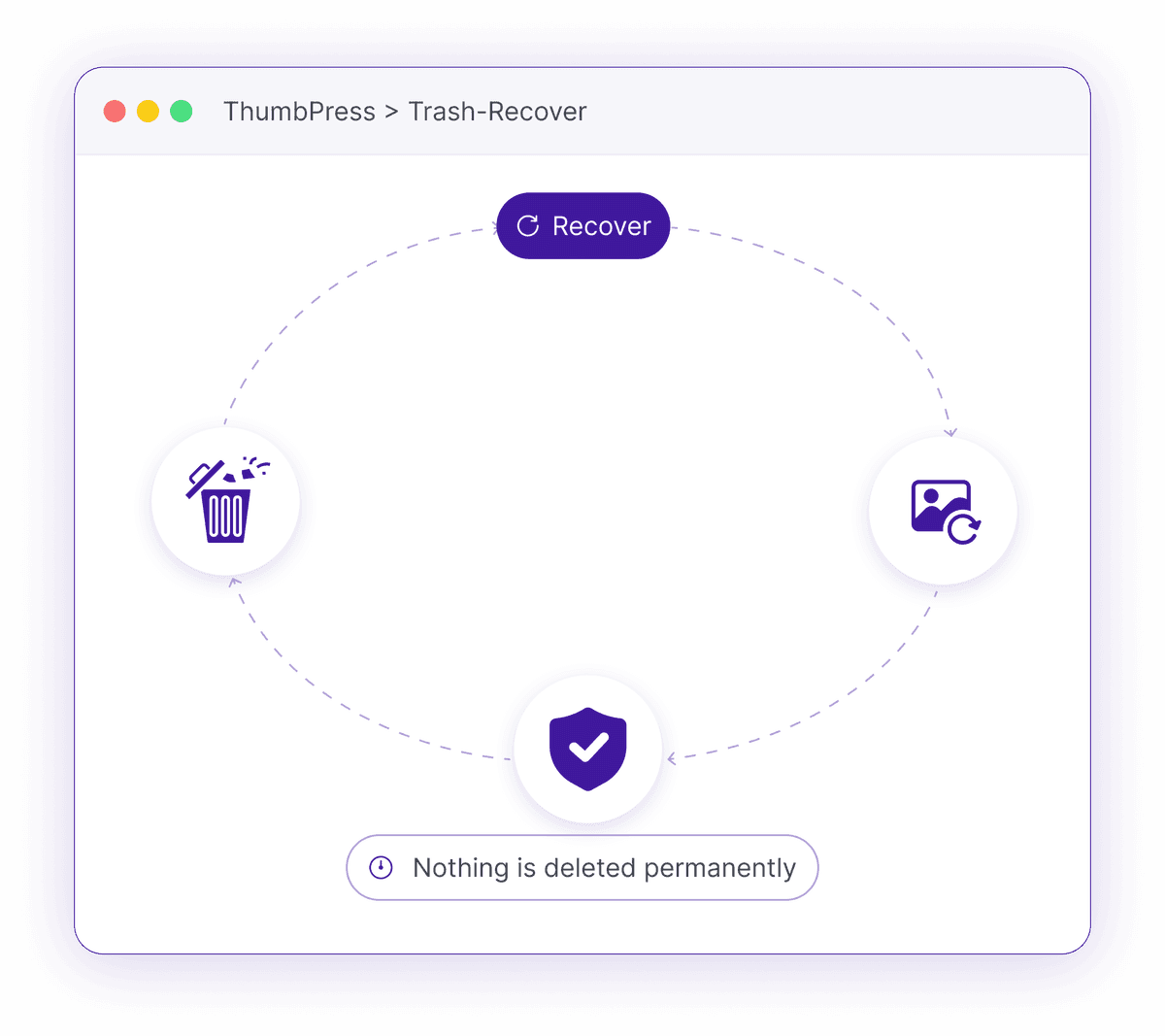
One Wrong Delete Can't Be Undone
Media cleanup is only worth doing if a mistake doesn't cost you the file.
Deletion Is Permanent
WordPress deletes media instantly and for good. Remove the wrong image and it - along with every generated size - is simply gone.
No undo, no recovery, no second chanceCleanup Feels Risky
Because a mistake is irreversible, most people avoid bulk cleanup entirely - so unused, duplicate and oversized files just keep piling up.
Bloat you're too scared to removeNo Idea What You Removed
Delete a batch and later find a page broken? You've no record of what came out or where it was used - so you can't put it back.
Broken pages you can't trace backHow Trash and Recover Works
It sits behind every cleanup tool as a soft-delete layer, so nothing leaves your site without your say-so.

Trash
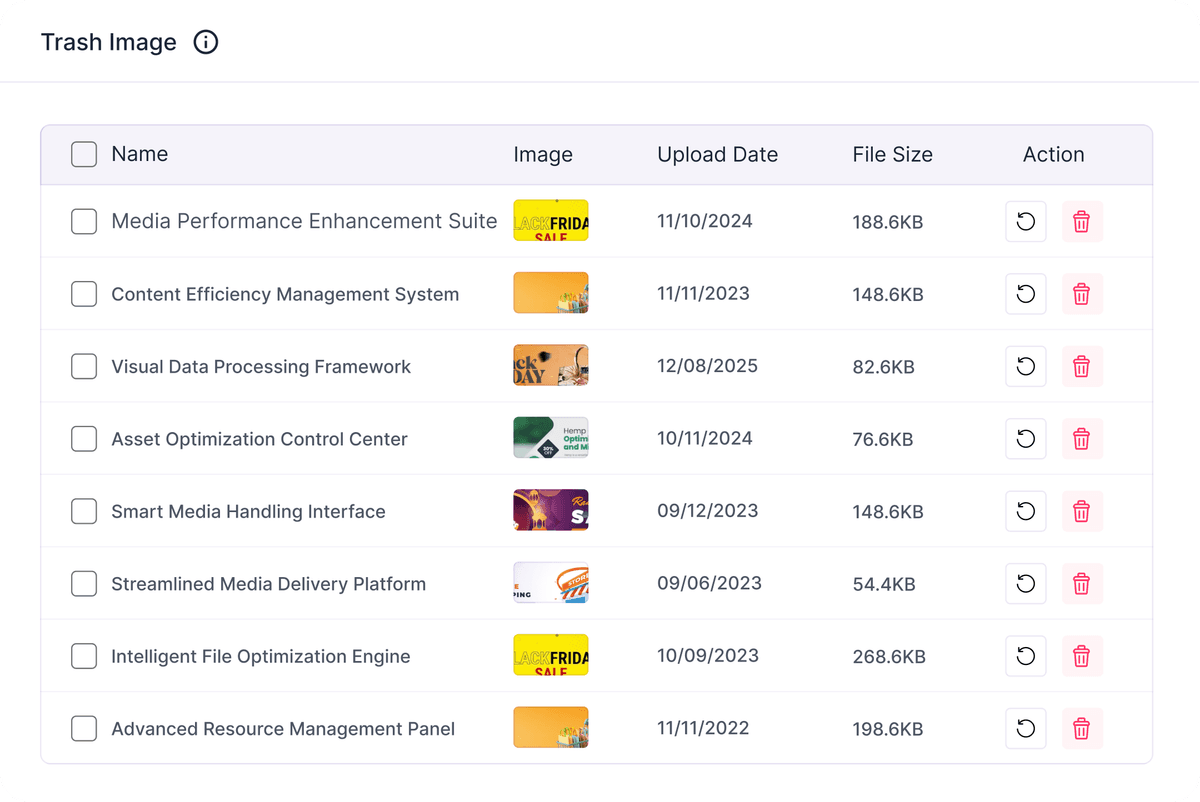
Images you remove via Detect Unused, Large or Duplicate go to a ThumbPress trash instead of being deleted outright.

Review
Each trashed image is tagged with where it came from, so you can see exactly what you removed and why.
Restore or Delete
Put anything back in its original list with one click, or permanently delete to finally reclaim the space.
Delete Images Without Regret
Restore images when needed or remove them permanently once you are completely certain.
Restore Deleted Images Anytime
Move deleted images to Trash instead of removing them immediately. Restore files whenever needed, or permanently delete them later to keep your media library clean, organized, and easy to manage.
Cleanup Without the Risk
A safety net under every removal, so you can declutter with confidence.