

Your WordPress site can have great content and a clean design and still feel slow because of its images. It gets worse when visitors are far from your hosting server. That’s why we’ve rounded up the 5 Best Image CDNs for WordPress in 2026 to help you deliver images faster and improve your site’s performance.
A CDN for WordPress images fixes the distance part. It keeps copies of your images on servers around the world and hands each visitor the copy closest to them.
The hard part is picking one. Some CDNs speed up and protect the whole site. Others focus on images only, with compression and resizing built in. This guide compares the 5 best CDNs for WordPress images in 2026 on the things that decide the choice: setup effort, what’s included, real prices, and limits.
Short on time? Pick by situation:
| If you want… | Pick |
|---|---|
| A faster, safer whole site | Cloudflare |
| Images, cleanup, and CDN in one WordPress plugin | ThumbPress |
| Images resized automatically for every device | Optimole |
| Cheap, usage-based CDN you configure yourself | Bunny.net |
| AWS-scale delivery with full control | Amazon CloudFront |
How We Compared Best Image CDNs
ThumbPress is our own product, so we’ve listed its limits as plainly as everyone else’s. It is not the right pick for every site, and we say where.

We compared each option on four things:
- Setup effort inside WordPress
- Image optimization: included, extra, or missing
- Starting price for a small site
- Usage limits you are likely to hit first
All prices come from each provider’s official pricing page, linked in each section.
Image CDN for WordPress: What It Is & Why You Need One
An image CDN (content delivery network) is a network of servers that stores copies of your images in many locations. Visitors get images from the nearest location instead of from your origin server.

Say your site is hosted in the United States and many of your visitors are in Bangladesh, India, or Europe. Without a CDN, every image request travels to the US and back. With one, the image is cached at an edge location near those visitors and served from there.
What you get from an image CDN
- Faster image delivery. Images travel a shorter distance.
- Less load on your server. Popular images are served from the CDN, not your host.
- Better speed for international visitors. Distance stops being the bottleneck.
- Lower bandwidth use on your hosting plan.
- A better Largest Contentful Paint (LCP) on pages where the largest element is an image.
A CDN is not a cure-all. If your images are 4000 pixels wide and uncompressed, a CDN only delivers oversized files faster. Compress and resize first, then deliver through a CDN.
5 Best Image CDNs for WordPress in 2026
1. Cloudflare: Best for Whole-Site Speed and Security
Cloudflare sits in front of your entire site. It caches images along with your CSS and JavaScript, and it blocks malicious traffic before it reaches your host.

That makes it the best pick when images are only part of your speed problem.
What you get
- Global CDN for all static files, including images
- Free SSL and DDoS protection
- Cache rules to control what is stored and for how long
- Works with any WordPress host
- Automatic image compression (Polish) on paid plans
Pricing: Free plan available. Pro is $20/month billed annually, or $25 month to month, per site.
Pros
- The free plan is enough for many small sites
- Speeds up the whole site, not only images
- Security is built in
Cons
- You have to change your domain’s nameservers to set it up
- Cache rules get confusing fast if you are new to them
- Automatic image compression is not on the free plan
- A wrong cache rule can serve stale or broken pages
Bottom line: Choose Cloudflare if you want a faster, safer site overall. If your goal is specifically better image handling inside WordPress, an image-focused tool is less work.
2. ThumbPress: Best for Image Management and CDN in One Plugin
ThumbPress is a WordPress image management plugin. It compresses images, converts them to WebP and AVIF, cleans up unused thumbnails, and finds duplicates. Its Image CDN, live on every Pro plan since September 1, 2026, adds global delivery to the same dashboard.
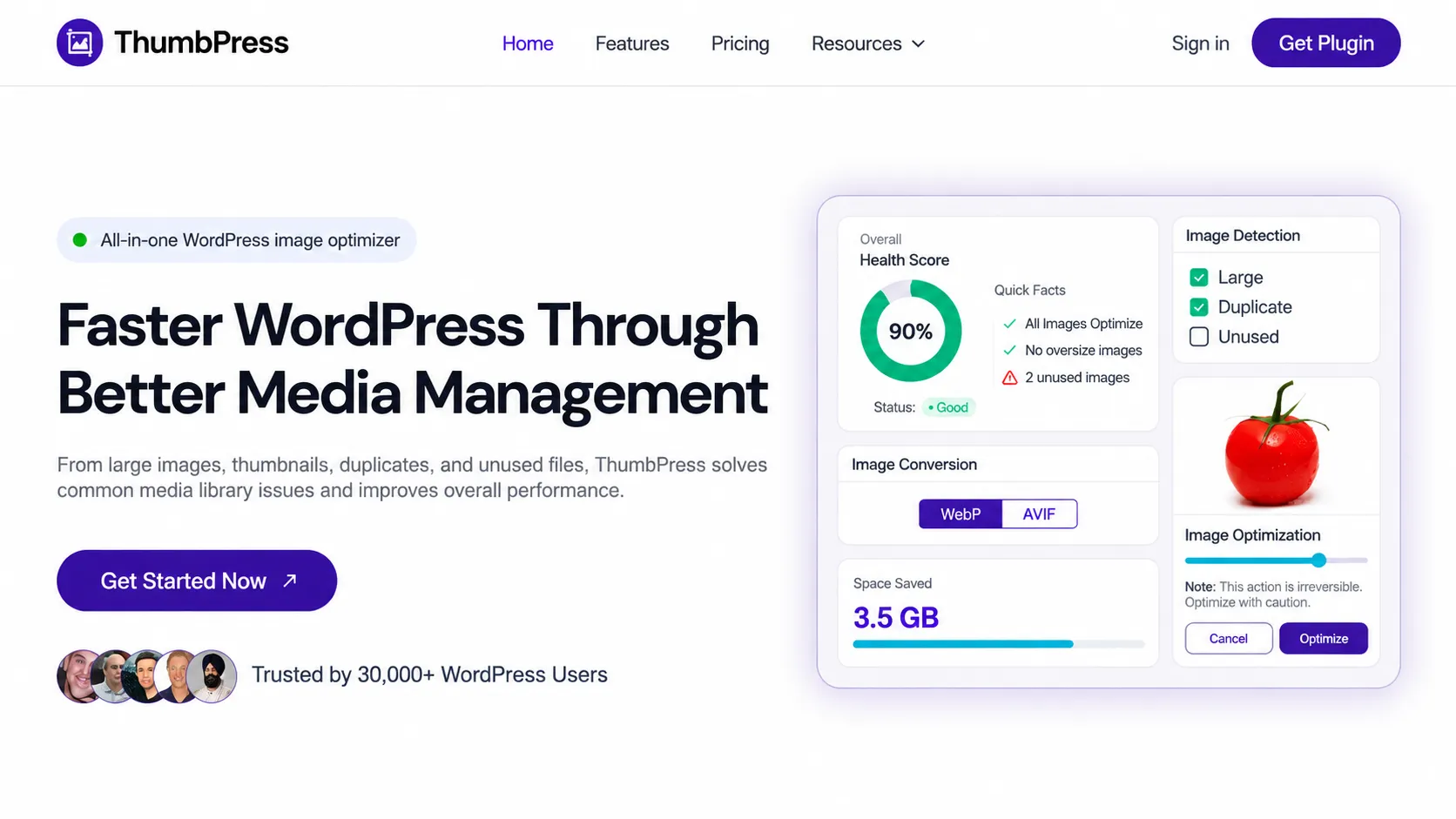
The appeal is that there is nothing else to sign up for or configure.
What you get
- Global edge delivery. Each visitor loads images from the nearest edge location.
- No DNS changes. You turn it on from the ThumbPress dashboard.
- No re-uploading. Your existing images and their URLs stay exactly as they are.
- CDN storage included. No separate CDN bill on top of Pro.
- Every other Pro feature: bulk compression, WebP and AVIF conversion, duplicate and unused image detection.
Pricing: The Image CDN is not in the free version. Pro plans are billed yearly, with a 30-day money-back guarantee:
| Plan | Price | Sites | CDN storage |
|---|---|---|---|
| Personal | $59/year | 1 | 10 GB |
| Professional | $119/year | 5 | 50 GB |
| Agency | $299/year | Unlimited | 100 GB |
Pros
- Setup takes a minute, with no DNS or separate account
- Image optimization and CDN live in one plugin
- Flat yearly price, no bandwidth billing
- Existing image URLs do not change
Cons
- Requires a Pro plan
- Storage is capped by plan. If you outgrow it, you upgrade or ask for a custom plan.
- It delivers images only. It will not cache your CSS, JavaScript, or HTML.
- It is new, so it has a shorter track record than the other four.
Bottom line: Choose ThumbPress if you want image optimization, cleanup, and CDN delivery handled in one place. If you need whole-site caching or security, pair it with Cloudflare or pick Cloudflare alone.
See how the ThumbPress Image CDN works →
3. Optimole: Best for Automatic Resizing on Every Device
Optimole processes your images in the cloud and serves each visitor a version sized for their screen and browser. You upload one image; it handles the rest.
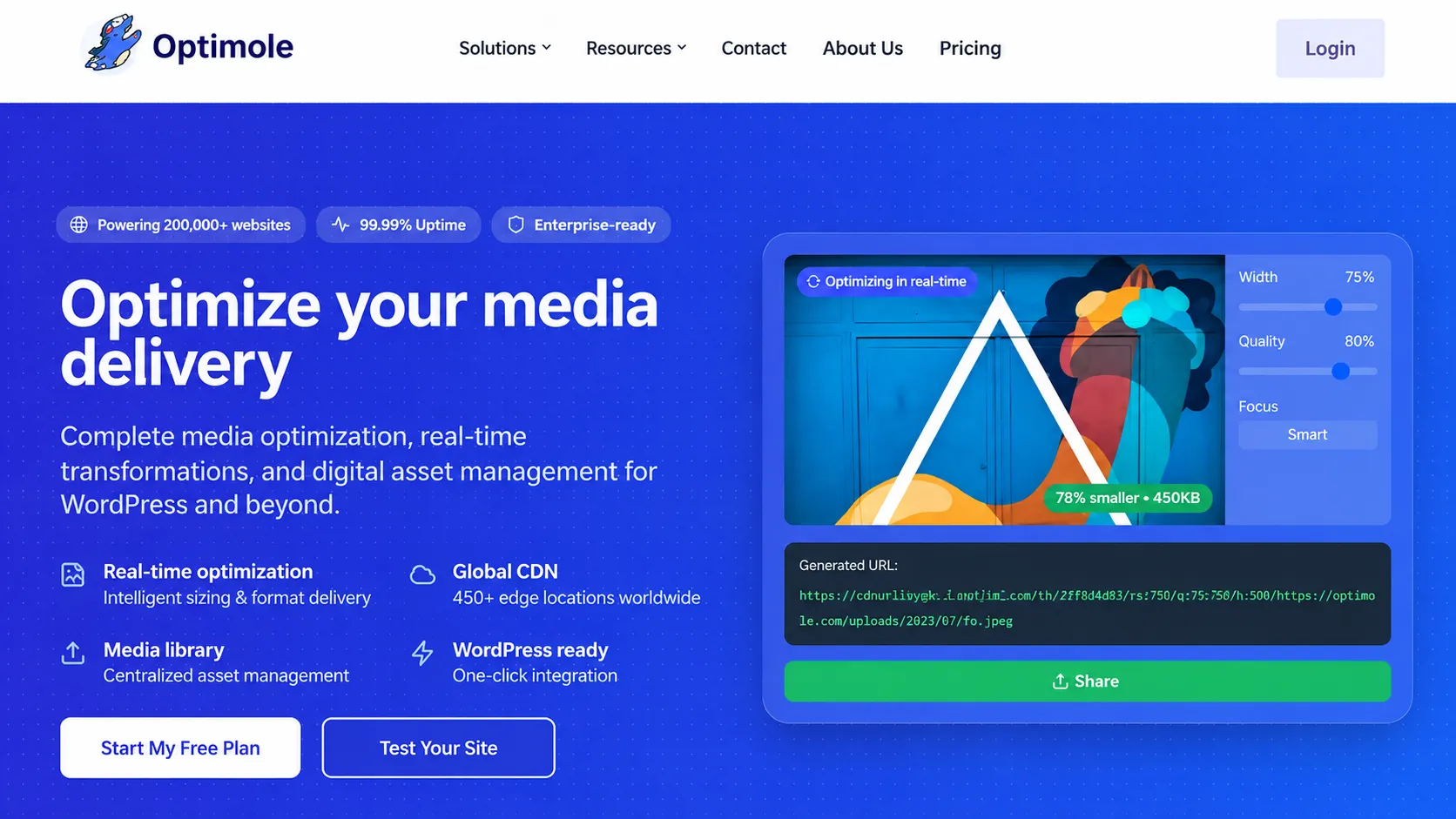
It is a good fit for blogs, photography sites, and stores where oversized images are the main problem.
What you get
- Automatic compression and resizing per device
- WebP and AVIF support
- Lazy loading
- Delivery through Amazon CloudFront, with 450+ locations
- Image offloading to Optimole’s cloud storage
- Unlimited images and sites on paid plans
Pricing: Plans are priced by monthly visits, not by storage or bandwidth. The Starter plan covers 48,000 visits a month and costs $19 to $22.99. Yearly billing saves 20%. There is a 7-day money-back guarantee.
Pros
- Truly hands-off once it is on
- Optimization and CDN in one service
- Friendly for beginners
Cons
- Visit-based pricing gets expensive as traffic grows
- Custom domain for image URLs needs the Business plan
- Your images are served from Optimole’s domain, so leaving later means checking every image URL
Bottom line: Choose Optimole if automatic, per-device resizing matters most and your traffic fits inside a visit tier.
4. Bunny.net: Best for Low-Cost, Configurable CDN
Bunny.net is CDN infrastructure, not a WordPress plugin. You create a pull zone, connect it to WordPress with a plugin, and pay only for the bandwidth you use.

What you get
- 119 points of presence on the standard network
- Usage-based pricing with no request fees
- Full control over caching and delivery rules
- Optional image optimization through Bunny Optimizer, a separate paid add-on
- Monthly bandwidth limits to protect you from surprise bills
Pricing: $0.01 per GB in Europe and North America, $0.03 per GB in Asia and Oceania, with a $1 monthly minimum. There is a 14-day free trial with no credit card.
Pros
- Very cheap for small and medium sites
- You pay for use, not for a plan tier
- Great for developers running several sites
Cons
- More setup than a plugin with a built-in CDN
- Image optimization costs extra
- Your bill varies with traffic and visitor location
- No permanent free plan
Bottom line: Choose Bunny.net if you are comfortable with a little configuration and want the lowest delivery cost.
5. Amazon CloudFront: Best for Scale and Custom Setups
Amazon CloudFront is the CDN inside Amazon Web Services. A common setup stores images in Amazon S3 and delivers them through CloudFront.
It suits developers and agencies building a custom delivery pipeline.
What you get
- Global edge delivery over HTTPS
- Detailed control over caching and expiry
- Tight integration with S3 and the rest of AWS
- Flat-rate plans that bundle a firewall, DDoS protection, and DNS
Pricing: Since November 2025, CloudFront has flat-rate plans with no overage charges. The Free plan covers 1 million requests and 100 GB of transfer a month. Pro is $15/month for 10 million requests. Plans apply per distribution. Pay-as-you-go pricing is still available.
Pros
- Handles any traffic level
- Flat-rate plans make costs predictable
- Extremely configurable
Cons
- The most technical setup on this list
- No image compression, resizing, or format conversion out of the box
- Needs a plugin or custom code to connect to the WordPress media library
Bottom line: Choose CloudFront if you have a developer and need scale or custom architecture. For a small blog or business site, it is more than you need.
Quick Comparison
| CDN | Best for | Image optimization | Setup effort | DNS change needed |
|---|---|---|---|---|
| Cloudflare | Whole-site speed and security | Paid plans | Moderate | Yes |
| ThumbPress | Image management plus CDN | Included | Low | No |
| Optimole | Automatic per-device resizing | Included | Low | No |
| Bunny.net | Low-cost configurable CDN | Paid add-on | Moderate | Optional |
| Amazon CloudFront | Scale and custom setups | Not included | High | Optional |
This is a feature and pricing comparison, not a speed benchmark. Real speed depends on your host, image sizes, cache hit rate, and where your visitors are.
Pricing Comparison
| CDN | Free option | Starting Price Monthly | First limit you will hit |
|---|---|---|---|
| Cloudflare | Available | $20 | Image compression needs a paid plan |
| ThumbPress | Available | $4.9 | 10 GB CDN storage |
| Optimole | Available | $22.90 | 48,000 visits/month on Starter |
| Bunny.net | Available | $0.01/GB | Optimizer is extra |
| Amazon CloudFront | Available | $15 | Free: 1M requests, 100 GB/month |
Prices were checked on October 5, 2026 and can change. Confirm on each provider’s pricing page before you buy.
5 Ways to Choose the Right Image CDN

1. Find your real bottleneck
Run your key pages through PageSpeed Insights. If the report flags oversized or unoptimized images, you need optimization as well as delivery. If the whole site is slow, start with a whole-site CDN such as Cloudflare.
2. Be honest about your technical comfort
Nameservers, cache rules, and origin settings are fine if you enjoy them. If you would rather stay inside WordPress, pick a plugin-based option.
3. Check the limit that applies to you
Each provider meters something different: storage (ThumbPress), visits (Optimole), bandwidth (Bunny.net), requests (CloudFront). Compare your media library size and monthly traffic against the right one.
4. Think about your store
Product images drive buying decisions, and stores have a lot of them. If you run a store on a plugin such as EasyCommerce, pair properly sized product images with an image CDN, then test galleries, variation images, and zoom after you switch it on.
5. Measure before and after
Record LCP and total image weight before you enable the CDN, then test again from your main audience regions. If the numbers do not move, the bottleneck is somewhere else.
Image CDN vs. Image Compression vs. Caching
These solve three different problems, and most sites need all three.
- Image CDN: shortens the distance. Images are served from a location near the visitor.
- Image compression: shrinks the file. Often includes conversion to WebP or AVIF.
- Caching: avoids repeat work. Pages and assets are stored so the server does not rebuild them on every visit.
One warning: do not run two tools that do the same job. Two plugins that both rewrite image URLs, lazy load, or convert formats will conflict.
Final Verdict: Which Image CDN Is Right for You?
There is no single best CDN for WordPress images. It depends on what is slowing you down.
- Whole site slow, or you need security: Cloudflare
- You want images resized for every device automatically: Optimole
- You want the lowest cost and do not mind configuring it: Bunny.net
- You are on AWS or need serious scale: Amazon CloudFront
- You want compression, WebP and AVIF, cleanup, and a CDN in one WordPress dashboard: ThumbPress Pro
ThumbPress Pro starts at $59/year with 10 GB of CDN storage and a 30-day money-back guarantee.
Frequently Asked Questions
It depends on the site. Cloudflare is best for whole-site speed and security, ThumbPress for image management and CDN in one plugin, Optimole for automatic resizing, Bunny.net for low cost, and CloudFront for scale.
Indirectly. Faster image delivery can improve LCP, which is one of Google's Core Web Vitals. A CDN will not lift rankings on its own; content quality and overall page experience still matter more.
Yes. A CDN delivers files faster; compression makes the files smaller. Some tools, including ThumbPress and Optimole, do both. A plain CDN such as CloudFront does not compress images for you.
It depends on the service. ThumbPress leaves your existing images and URLs as they are. Optimole serves transformed versions from its own domain and can offload originals to its cloud. Check how a service handles originals and URLs before you commit.
No. The Image CDN is a Pro feature. Every Pro plan includes it at no extra cost.
