
Auto-Set the Featured Image on Every Post
When a post has no thumbnail, ThumbPress uses the first image in its content automatically - no more blank spots on archives, feeds, or social previews.
Get Started Now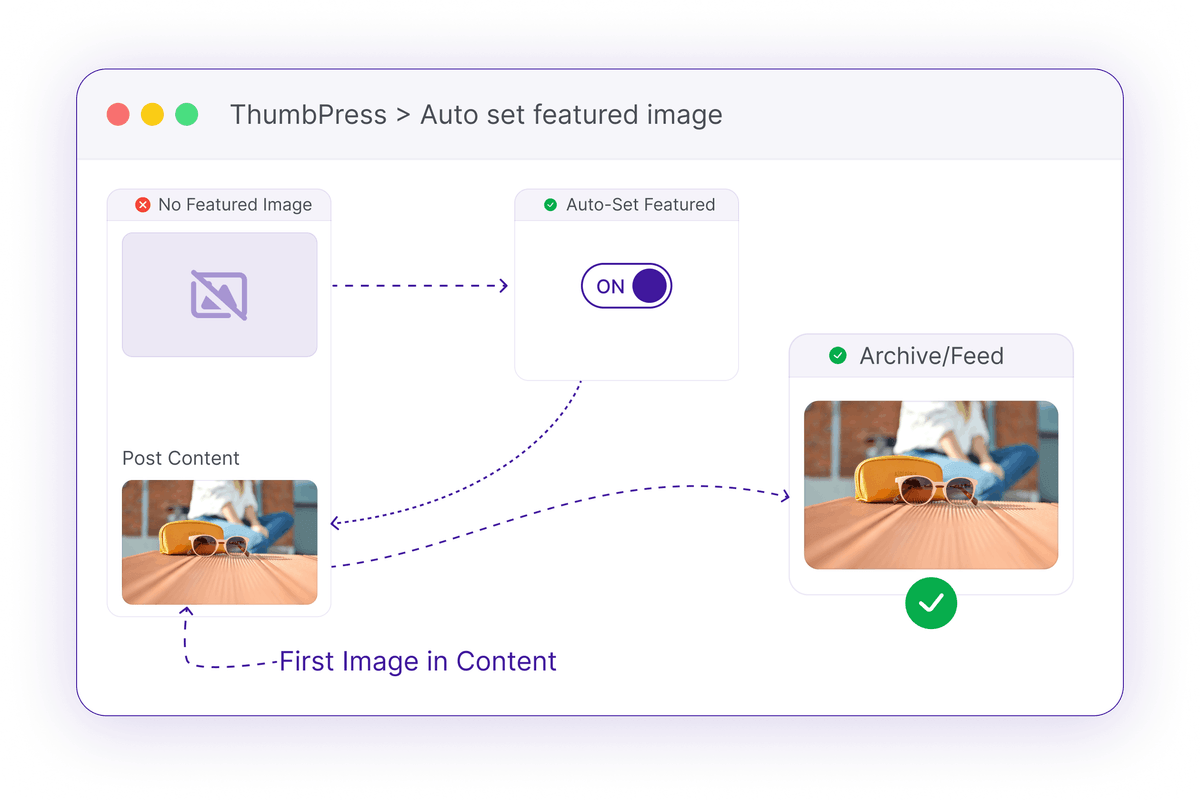
Missing Featured Images Break Your Layout
A post without a thumbnail leaves gaps everywhere it appears.
Blank Thumbnails Everywhere
Archives, blog grids, and related-post blocks all lean on the featured image. When it's missing, visitors see empty boxes instead of your content.
Empty boxes where thumbnails should beImported Content Gaps
Posts brought in from another site or a migration rarely carry a featured image, leaving hundreds of entries looking unfinished.
Hundreds of posts, zero thumbnailsBare Social Previews
No featured image often means no og:image, so shared links show up plain and get scrolled past.
Shared links with no image at allHow Auto Featured Image Works
It runs at page load - no edits, no database changes.

Detect
On any post missing a featured image, ThumbPress checks the content for the first image.

Pick
It grabs that first content image and treats it as the featured image at runtime.
Serve
The image shows on archives and feeds, and is emitted as the og:image for shares.
Every Post Looks Complete
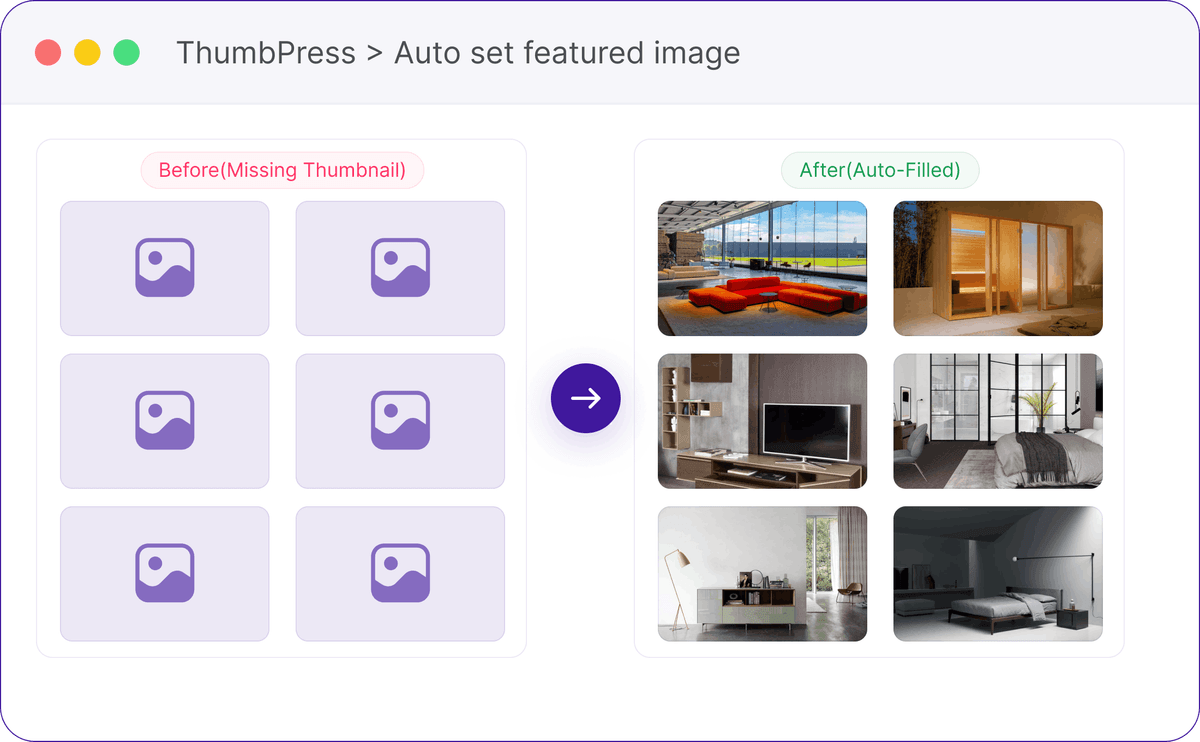
Missing featured images are filled automatically, keeping archives, feeds, and blog grids visually consistent.
Fills the Missing Featured Image
Any post without a featured image automatically uses the first image from its content, keeping archives, blog grids, and feeds complete - all without any manual updates.
A Safe, Zero-Touch Fallback
It fills the gaps without ever changing your content.
Frequently Asked Questions
Ready to Fix Missing Thumbnails?
Install ThumbPress free and never ship a blank featured image again.
Let's Go