
Find & Remove Unused Images Safely
Your media library fills up with images that aren't used anywhere - leftover uploads, replaced graphics, one-off test files. ThumbPress finds them, and lets you trash them without touching anything that's still in use.
Get Started Now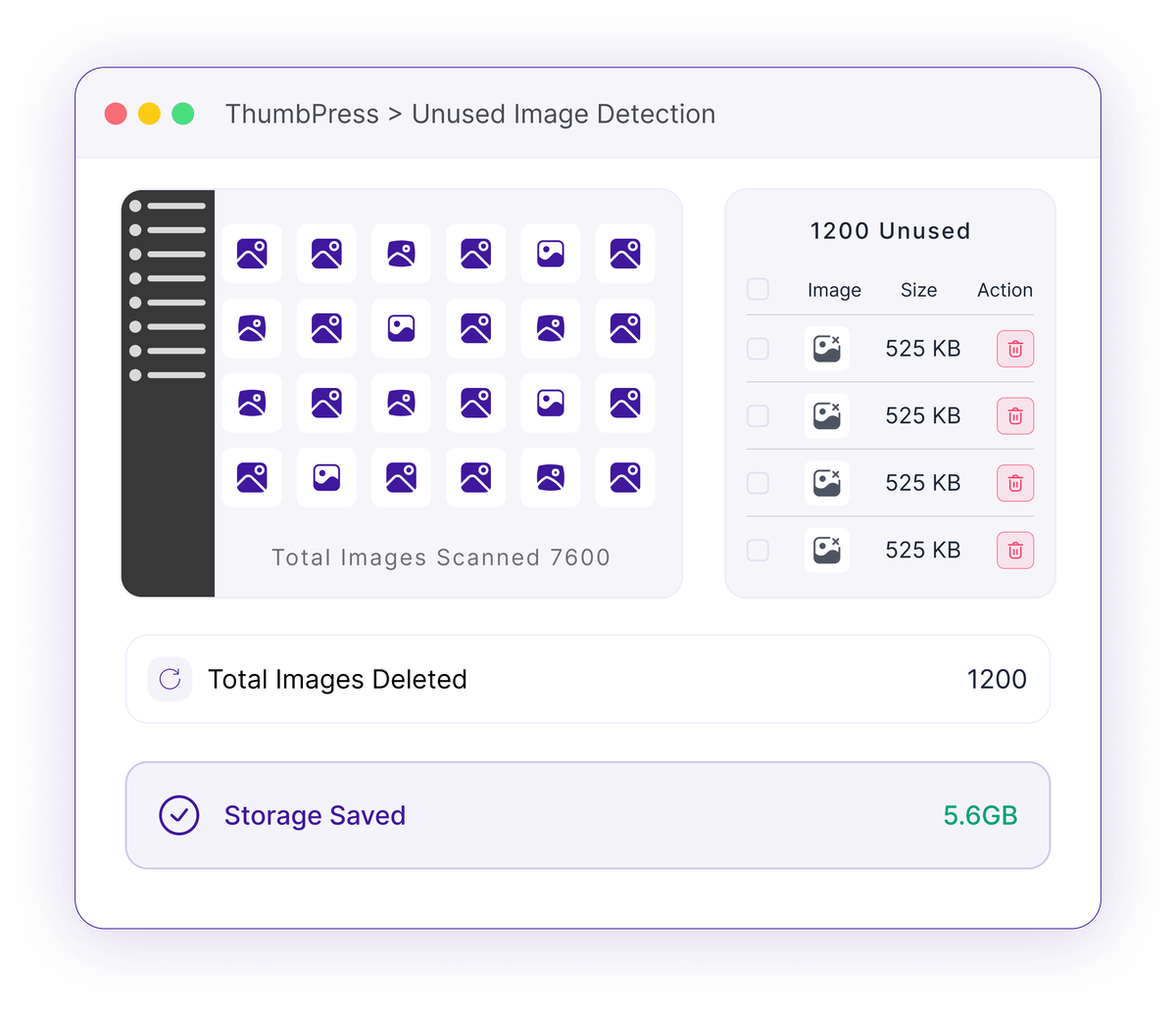
Half Your Media Library May Be Dead Weight
Images accumulate for years - most sites have no idea which ones are actually used.
Orphaned Uploads
Every draft, replaced graphic, and abandoned test image stays in your library forever. You can't tell by looking which ones a page still depends on.
Years of uploads no page referencesBuilder Blind Spots
Naive cleanup tools only check post content and miss images used in WooCommerce, Elementor, ACF, and Gutenberg blocks - so they flag in-use images as "unused" and break your pages.
False "unused" hits break live designsBackup & Storage Drag
Dead images inflate your disk usage and every backup you take, so you pay to store and copy files no visitor will ever see.
Wasted disk on every single backupHow Unused-Image Detection Works
It checks every place an image could be referenced before calling it unused.

Scan
ThumbPress walks your media library and looks for each image across posts, pages, products, featured images, and builder content.

Match
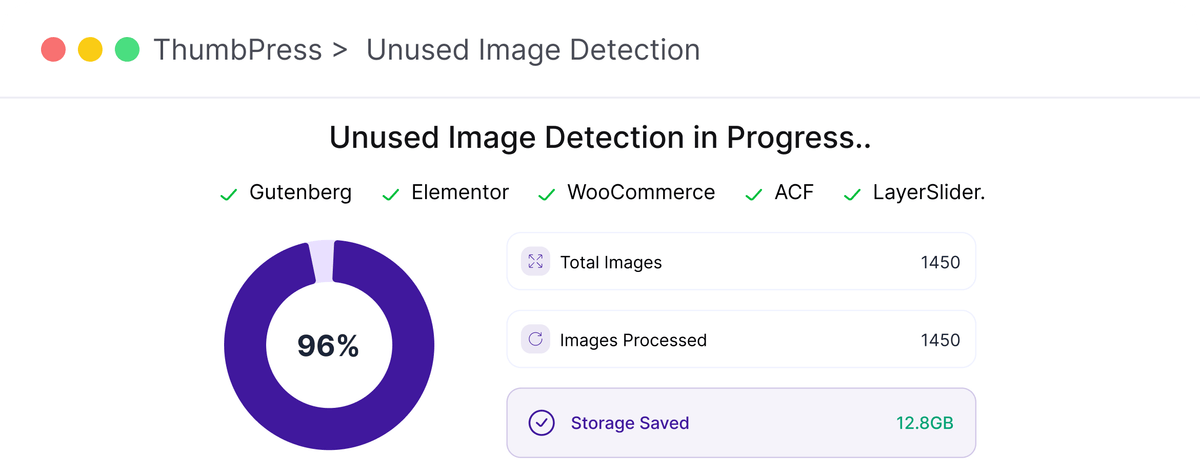
You pick which sources to include - WooCommerce, Elementor, Gutenberg, ACF - and it only counts the ones you enable, with careful exclusions to avoid false "used" hits.
Trash
Anything referenced nowhere is listed for you to trash, so you free space without guessing.
Find Unused Images Safely
Scan your entire media library thoroughly and remove unused images with confidence.
Compatibility-aware scan
Choose exactly which sources to check - WooCommerce galleries, Elementor designs, Gutenberg blocks, ACF fields, logos and category thumbnails - and ThumbPress only counts the enabled ones. That precision is what keeps genuinely-used images off the unused list.
One-Click Cleanup
Select and remove unused images in bulk without manually searching through your entire media library.
Trash with recovery
Removed images go to the ThumbPress trash first, tagged with where they came from. Their files move out of your uploads folder, so the image comes off your site while it waits - restore anything you removed by mistake and it goes right back.
Clean Up with Confidence
Delete dead weight, keep everything that matters.
Frequently Asked Questions
Ready to Clean Your Library?
Get started today. 30-day money-back guarantee on every purchase.
Let's Go