
Disable Right-Click to Deter Image Theft
Turn off right-click, "Save image as," and dragging on your images - a simple deterrent that stops the easiest way visitors copy your work. Not DRM, just friction.
Get Started Now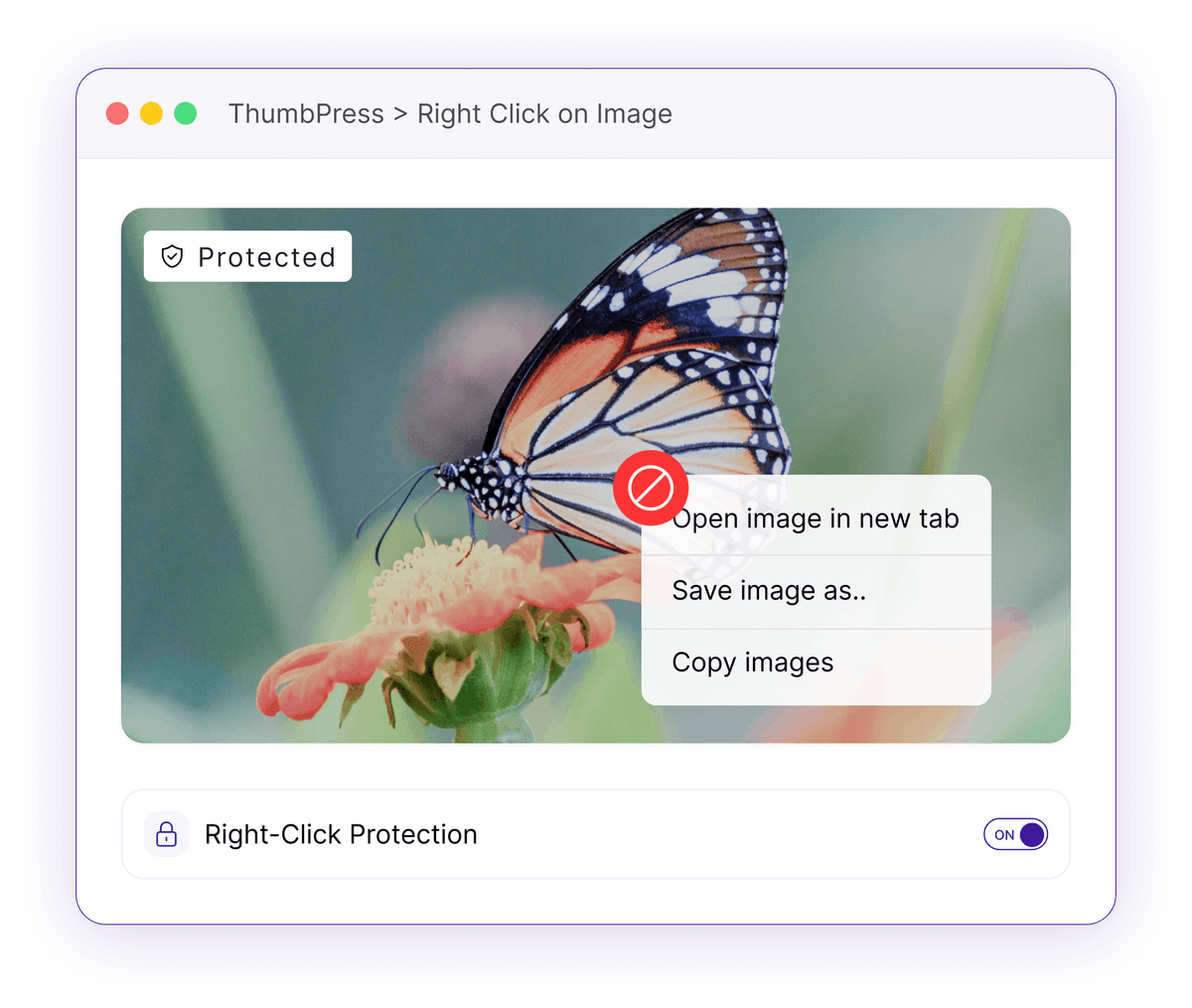
The Easiest Grabs Take Two Seconds
Most casual image copying happens through the browser's own tools.
One-Click Saves
Right-click, then "Save image as" is the fastest way any visitor lifts an image straight off your page.
Two clicks to copy any imageDrag-and-Drop Grabs
Without opening a menu at all, a visitor can drag an image from your page onto their desktop.
No menu needed to take a photoCasual Reuse
Photographers, artists, and shops watch their work get copied and reposted by people who never thought twice.
Your images, reused without askingHow Right-Click Disable Works
A tiny script adds friction on the frontend - and nowhere else.

Enable
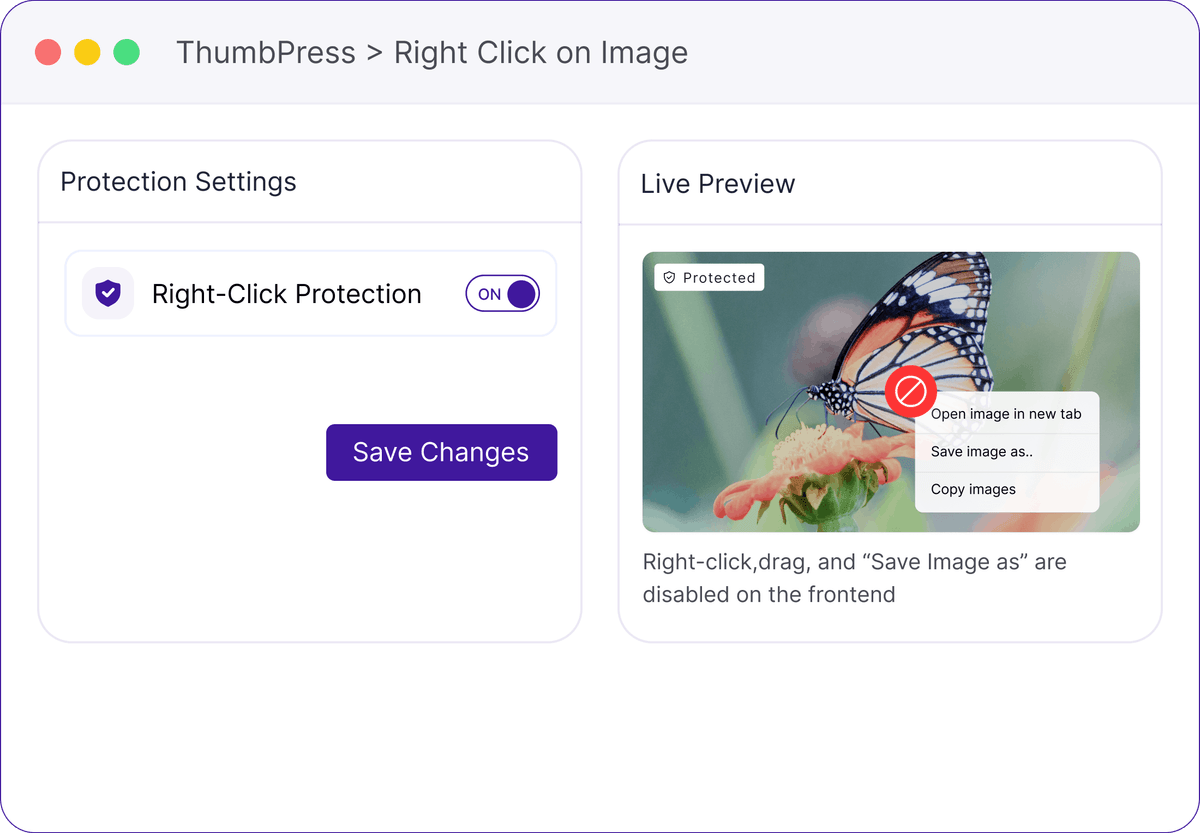
Flip the single toggle to turn on right-click protection for your site.

Load
A lightweight script loads only on the frontend, and only while the feature is on.
Block
Right-click, the "Save image as" menu, and image dragging are disabled on your images.
Keep Your Original Images Protected
Discourage casual copying and unauthorized reuse while visitors continue browsing your website normally.
Your Images Are Your Property
Keep your original images safer from casual copying and unauthorized reuse. Protect your visual content while maintaining a more professional and secure website experience.
An Honest Deterrent, Done Simply
It raises the bar for casual copying - and stays out of the way otherwise.
Frequently Asked Questions
Ready to Deter Image Theft?
Install ThumbPress free and turn on right-click protection with one toggle.
Let's Go