
Disable Unused Thumbnail Sizes
WordPress can create 10 or more image copies from a single upload - many of which no theme or plugin ever uses. ThumbPress shows every registered size and lets you switch off the ones you don't need.
Get Started Now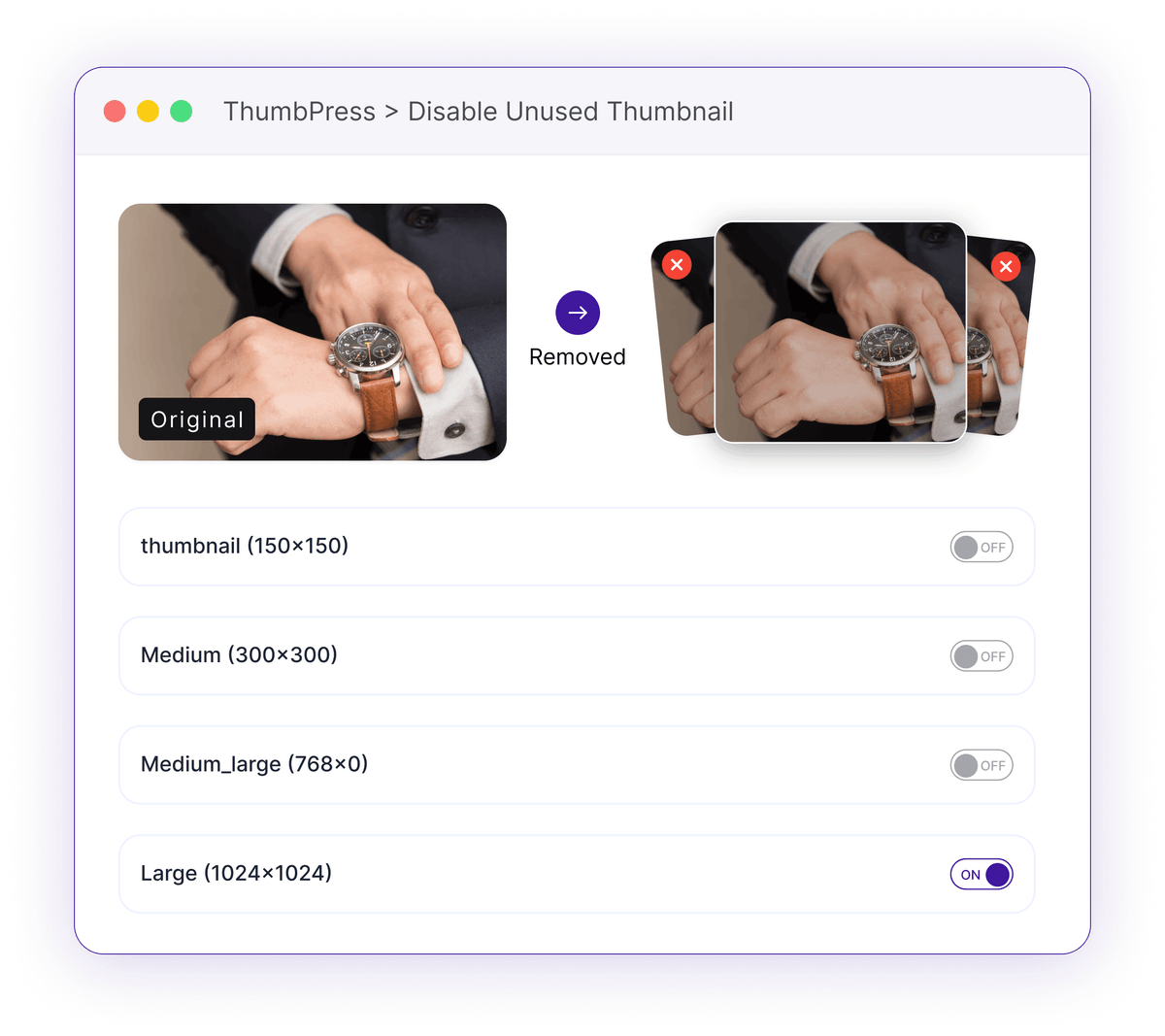
One Upload, a Dozen Files You Didn't Ask For
Every image you add quietly multiplies across sizes your site may never display.
Silent Thumbnail Sprawl
Your theme and plugins each register their own image sizes, so a single upload can spawn 10 or more separate files - most of which are never actually shown.
10+ files generated per imageDisk Space Bleed
Multiply those extra copies across a whole media library and they add up to gigabytes of storage spent on thumbnails no page ever loads.
Gigabytes wasted on unused sizesBloated Backups and Slower Uploads
More files per image means larger, slower backups and extra work on every single upload while WordPress generates sizes you'll never use.
Heavier backups, slower uploadsHow Disabling Sizes Works
See every size WordPress makes, then keep only the ones you use.

See
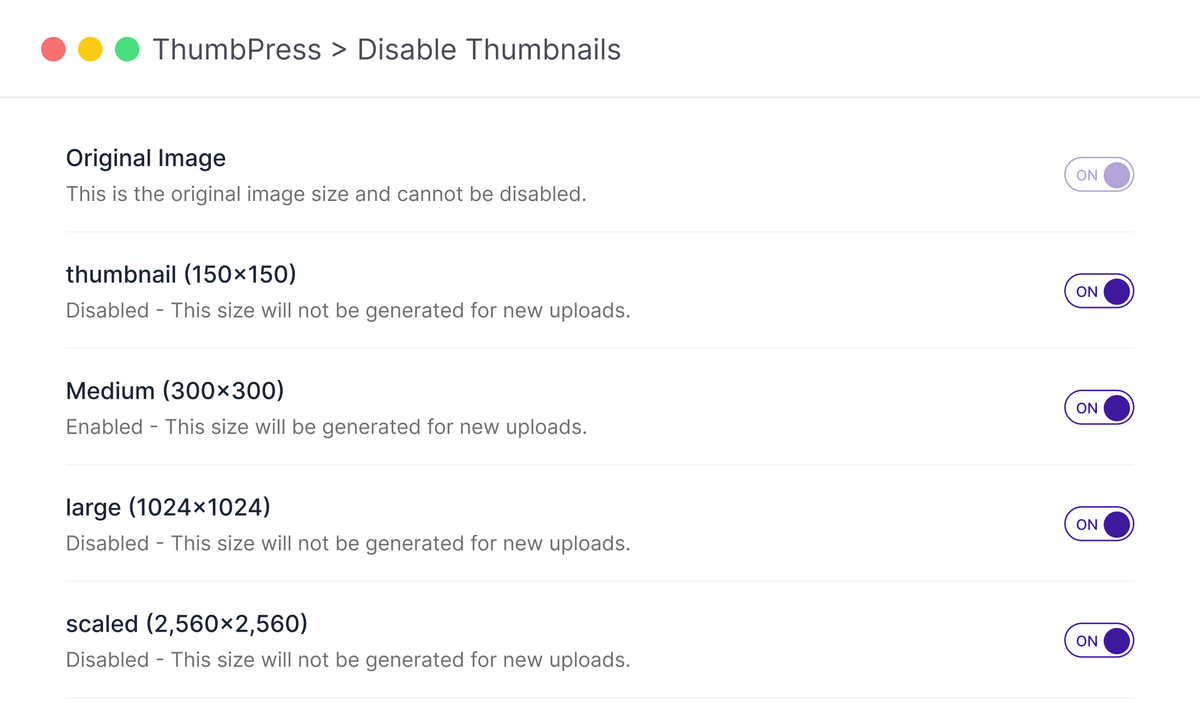
ThumbPress lists every image size registered on your site - core, theme and plugin - in one clear view.

Disable
Untick the sizes you don't need and save, and WordPress stops generating them on future uploads.
Clean up
Pair it with Regenerate Thumbnails to rebuild your library and clear out the existing copies you just switched off.
A Simple Way to Control Thumbnail Sizes
Keep your media library cleaner by creating only the thumbnail sizes your site needs.
Choose your sizes
Turn on only the dimensions you actually use-from 150×150 thumbnails up to 2560×2560 scaled images-so every upload generates exactly what your theme needs, nothing more.
Take Back Control of Your Sizes
Keep the thumbnails you use, drop the ones you don't.
Frequently Asked Questions
Ready to Stop the Sprawl?
Install ThumbPress free and stop generating image sizes you never use.
Let's Go