
A Real Image Editor Inside WordPress
Crop, rotate, flip, resize, draw and apply filters without leaving your dashboard. Edit right in the media library and save straight back to the attachment - no Photoshop, no re-upload.
Get Started Now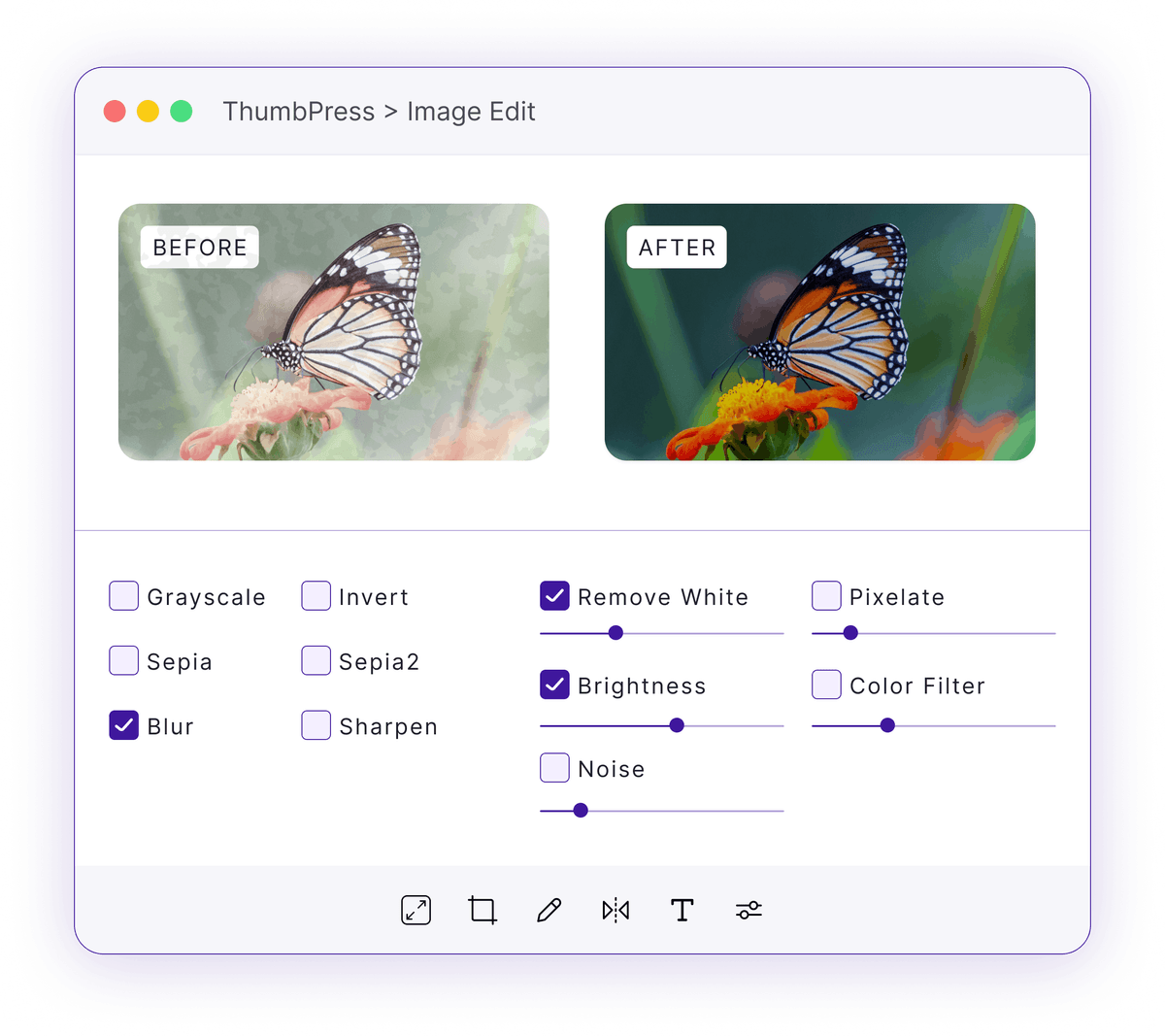
WordPress Editing Ends Where You Need It
The built-in editor covers the basics and stops - so every real edit leaves your site.
Bare-Bones Built-In Tools
WordPress gives you crop, rotate and scale - and little else. No filters, no drawing, no fine control over the result.
Basic crop and rotate, nothing moreThe Photoshop Round-Trip
Need a filter or a proper crop? Download the file, open a desktop app, edit, export, and re-upload - for a change that should take seconds.
A 5-step detour for a quick tweakRe-Upload Breaks Links
Every re-upload creates a new attachment and a new URL, so the old image lingers and the places using it don't update.
New URL, orphaned files, stale pagesHow the Image Editor Works
A full editor launches over your media library and writes back to the same image.

Launch
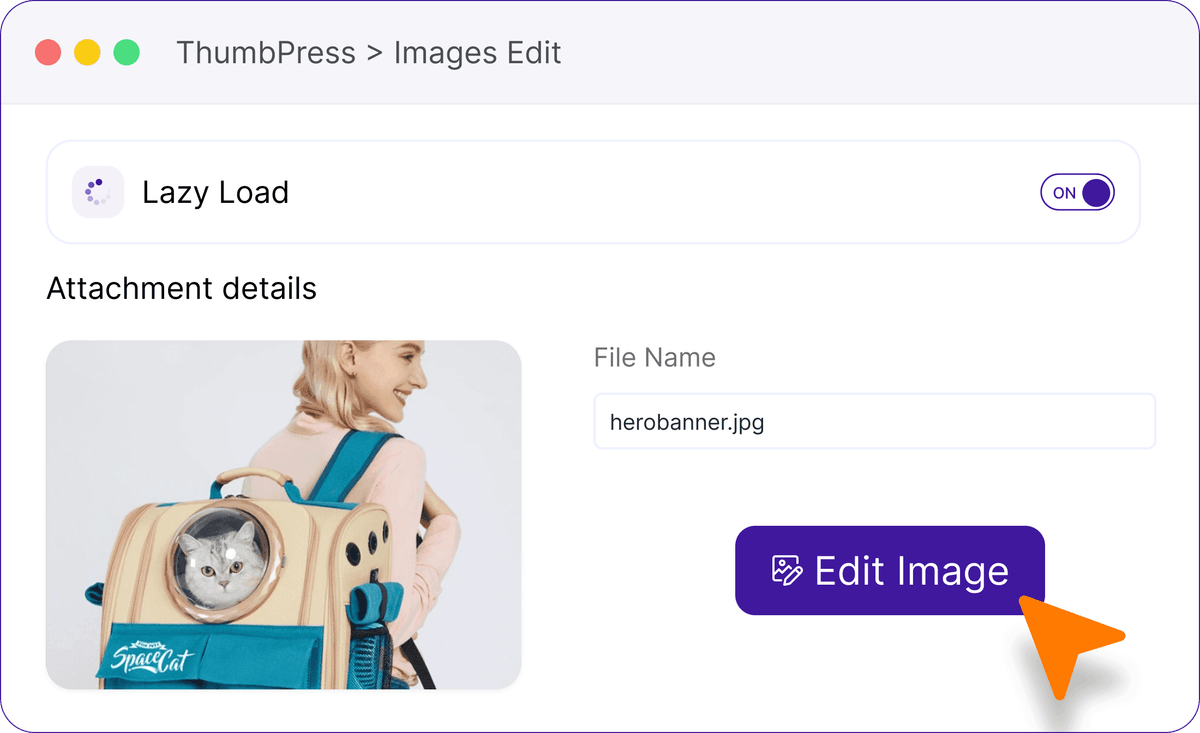
Open any image from the media library and start the built-in Toast UI editor right there in your dashboard.

Edit
Crop, rotate, flip, resize, draw and apply filters with proper controls - see every change live as you make it.
Save Back
Save to the same attachment; metadata regenerates and caches bust automatically so the new version shows everywhere.
Edit Without Leaving WordPress
Resize, crop, rotate, add text, and make other adjustments directly from your dashboard.
Image Editor
Edit WordPress images directly from your media library. Resize, crop, rotate, add text, shapes, icons, and filters without leaving your dashboard. Image Editor is a Pro feature
Edit with Confidence
A full editor that lives in your dashboard and keeps every reference intact.
Frequently Asked Questions
Ready to Edit In-Dashboard?
Get started today. 30-day money-back guarantee on every purchase.
Let's Go