
WordPress Lazy Loads Some of Your Images. This Covers the Rest.
Core only lazy-loads images inside your post content, and skips any image without width and height. Your header, footer, page builder and custom field images are left loading up front. ThumbPress catches them - using the browser's own lazy loading, no JavaScript.
Get Started Now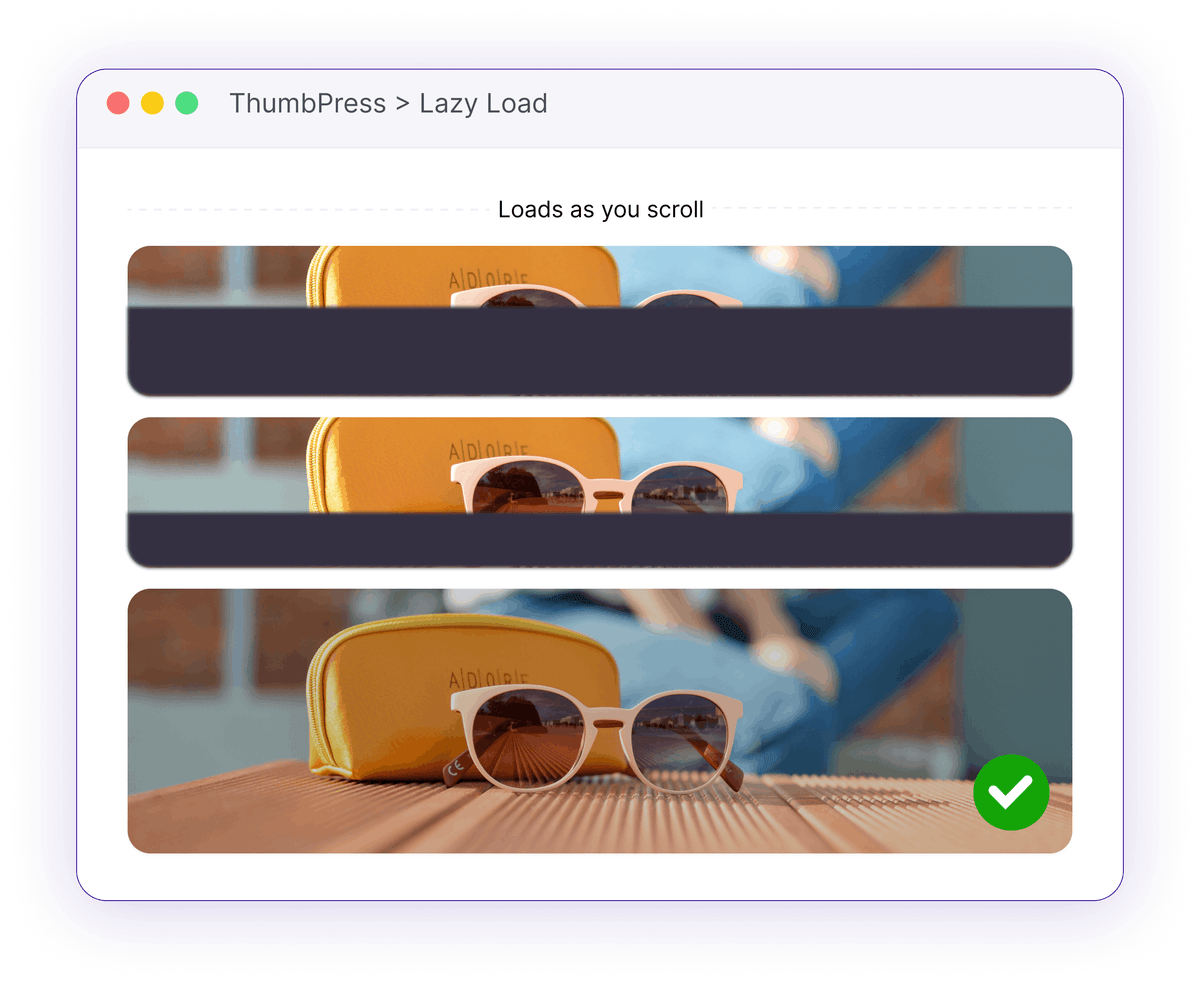
The Images WordPress Never Lazy Loads
Core only decorates images it renders itself. Everything else downloads immediately, whether the visitor scrolls to it or not.
Theme and Builder Images Are Skipped
WordPress lazy loads images inside post content. Images printed by your theme templates, page builder, sliders or custom fields never pass through that code, so they get nothing - and those are often the largest ones on the page.
Header, footer and template imagesNo Width and Height, No Lazy Loading
Core refuses to lazy load any image that does not declare width and height, to avoid layout shift. Hand-written markup and many builders omit those attributes entirely, so those images always load up front.
Silently excluded by coreThe "Defer Offscreen Images" Warning Persists
PageSpeed keeps flagging deferrable images even after core lazy loading is active, because the images it is complaining about are the ones core never touched.
A recurring Core Web Vitals hitHow Lazy Loading Works
One toggle, and the images core misses wait their turn too.

Fill the Gaps
ThumbPress reads the finished page and adds native loading="lazy" to the images WordPress never reached - theme templates, page builder output, custom fields, plugin markup.

Let the Browser Work
No JavaScript, no placeholder swap, no extra library. The browser's built-in lazy loading does the work, so your images still appear even with scripts blocked.
Never Fight Core
Any image WordPress or your theme has already decided about is left exactly as it is, and the leading images stay eager using WordPress's own threshold, so your largest contentful paint is never delayed.
Load Images When Needed
Images appear as visitors reach them, helping pages load faster without extra setup.
One-Toggle Loading
Flip a single switch and lazy loading applies across your fronted automatically. No shortcodes, no per-image setup, no settings to tune.
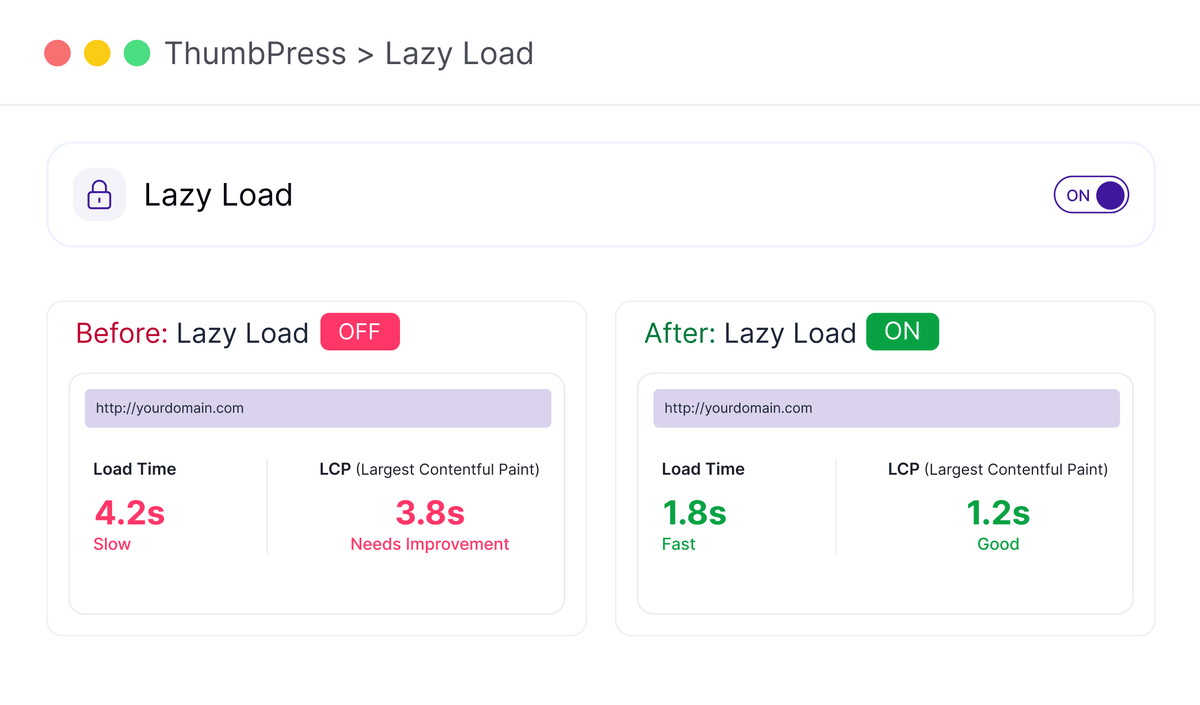
Lazy Load with Confidence
Covers what core misses, agrees with core everywhere else.
Frequently Asked Questions
Ready for a Faster First Paint?
Install ThumbPress free and switch on lazy loading with a single toggle.
Let's Go