
Limit Image Upload Size and Dimensions
Set a maximum file size and pixel dimensions for uploads - oversized images are rejected before they ever bloat your media library or slow your pages.
Get Started Now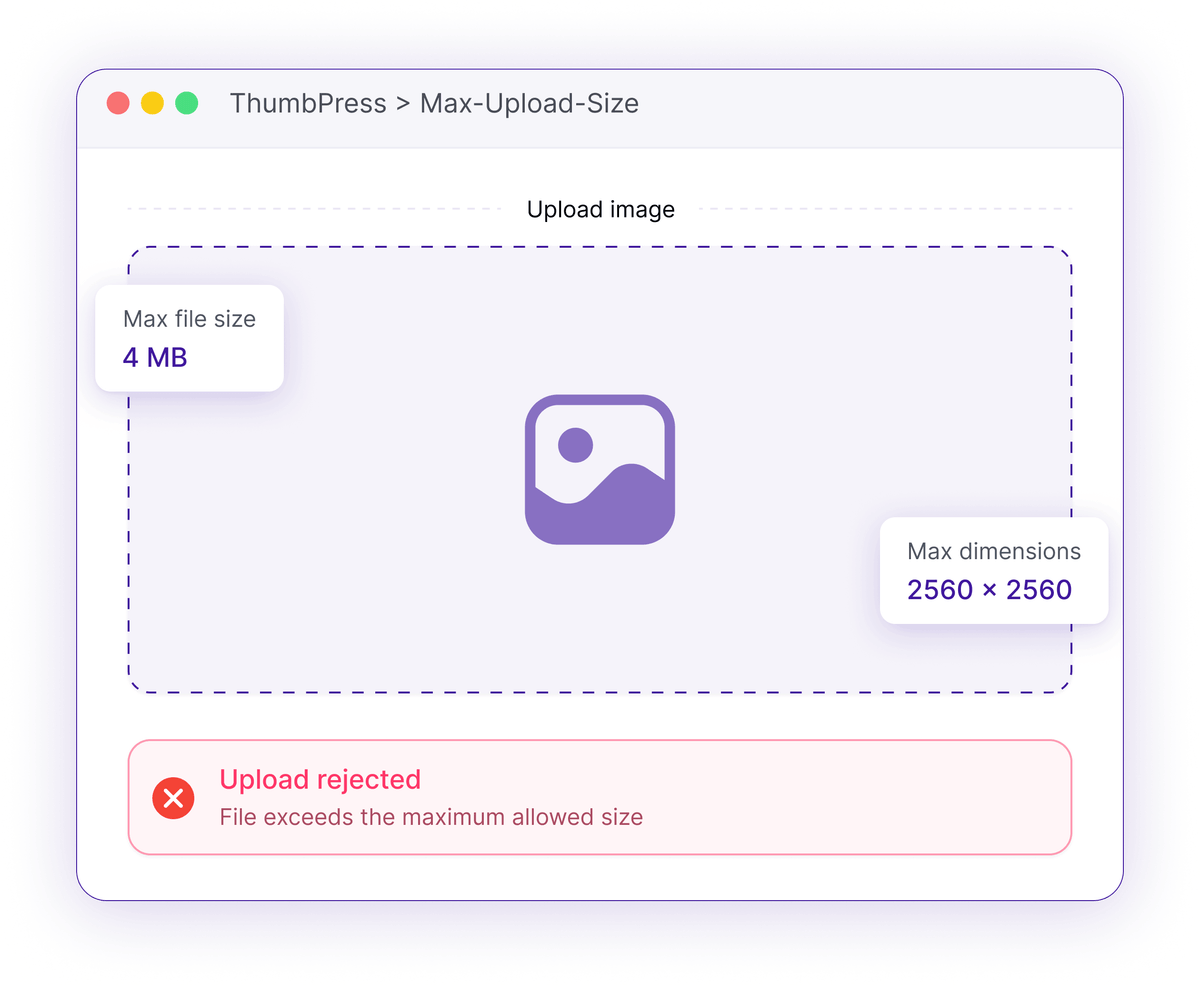
One Giant Upload Can Undo Your Optimization
Without limits, anyone can drop a huge file into your library.
Giant Uploads
A single phone photo can top 10 MB and run 6000 pixels wide. Multiply that across every author and every upload.
A single photo can top 10 MBMulti-Author Chaos
On a shared or client library you can't hand-check every file that comes in, and the oversized ones slip through.
No control over what others uploadStorage & Speed Drain
Oversized originals bloat your disk, double your backups, and drag down the pages that display them.
Bigger files, bigger backups, slower siteHow Upload Limits Work
Limits are checked the moment a file is uploaded.

Set
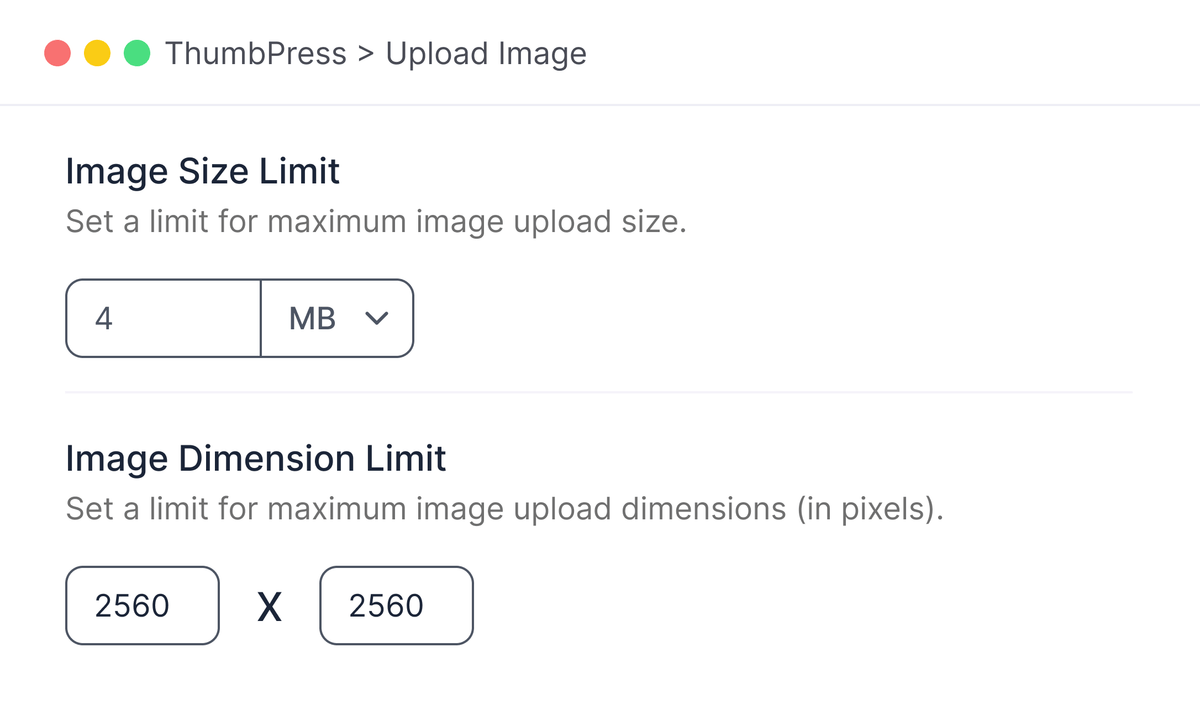
Choose a maximum file size in KB or MB, plus a maximum width and height in pixels.

Check
Every upload is measured against your limits at upload time, before it's saved.
Reject
Anything over the limit is bounced with a clear message, so nothing oversized lands.
Control Oversized Image Uploads
Set file-size and dimension limits to prevent heavy images from entering your media library.
Set Image Upload Limits
Set maximum file size and image dimensions for uploads. Oversized images are blocked before entering your media library, helping reduce storage use and maintain consistent website performance.
Guardrails on Every Upload
Set the limits once and they apply to everyone.
Frequently Asked Questions
Ready to Take Back Control?
Install ThumbPress free and set your upload limits in under a minute.
Let's Go