
Replace Images Without Changing the URL
Swap an image's file for a new version while the media ID and URL stay exactly the same. Every post, page and product that used the old image now shows the new one - no broken links.
Get Started Now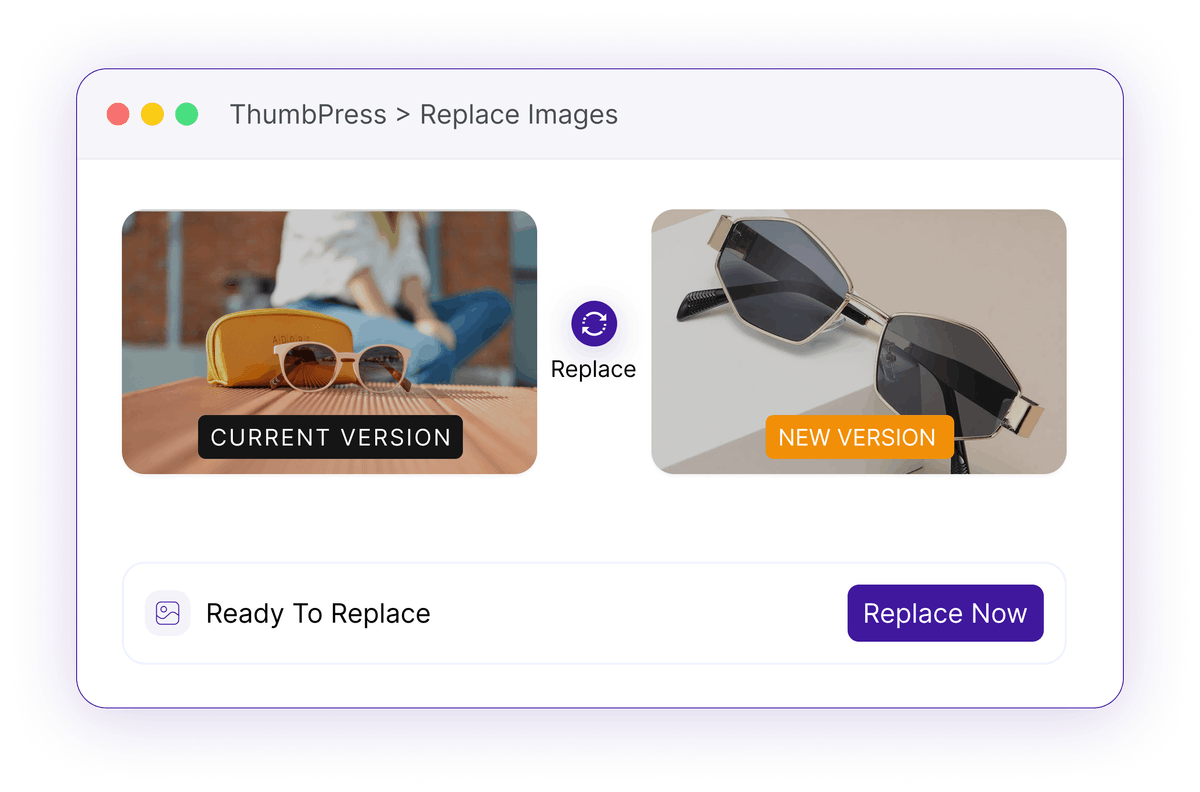
Re-Uploading Isn't Replacing
WordPress has no way to swap a file in place - so updating one image turns into a hunt across your whole site.
A New Upload, A New URL
Upload a corrected image and WordPress creates a brand-new attachment with a brand-new URL - the old one keeps showing everywhere it was used.
Old image still live on every pageManual Find-and-Replace
To actually update it you'd track down every post, widget, gallery and menu that referenced the old file and edit each one by hand.
Every reference, updated one by oneStale Caches, Old Version
Even after you swap the file, browser and page caches keep serving the old image - so the fix isn't visible when it matters.
Fix that visitors still can't seeHow Replace Images Works
One swap, same URL, updated everywhere - no manual editing.

Choose
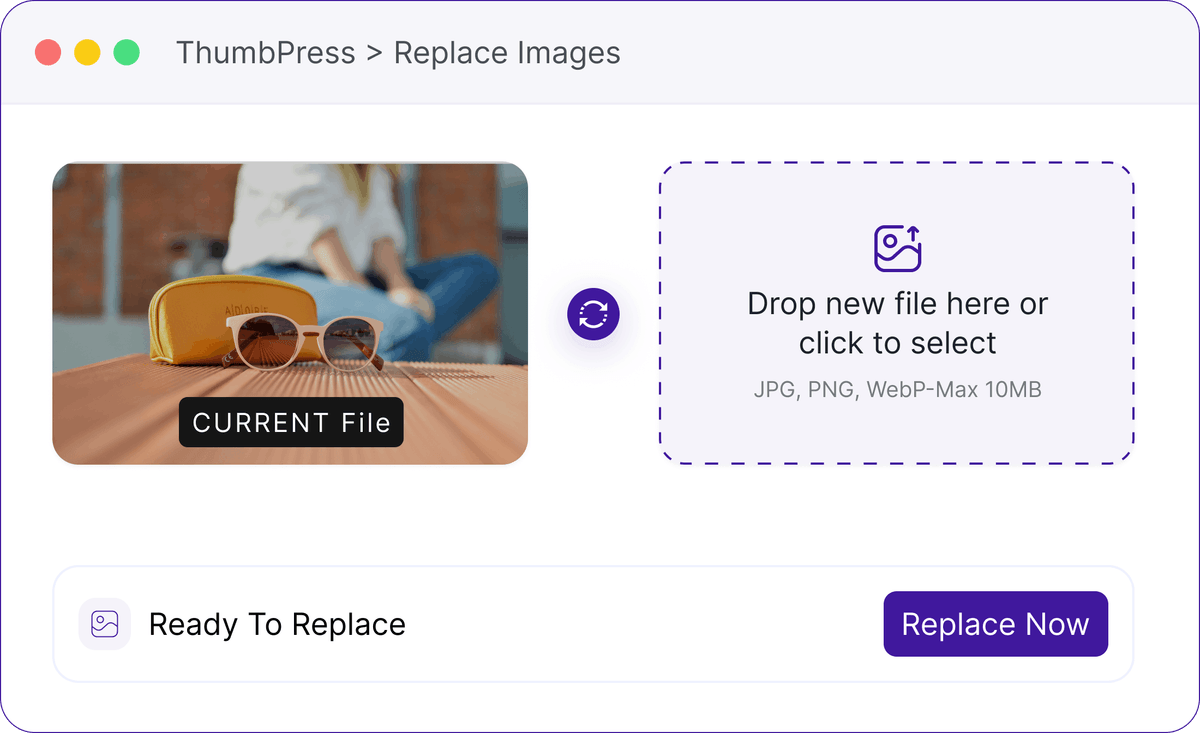
From the media library or a row action, pick the image you want to update and select its replacement file.

Swap
ThumbPress replaces the file behind the existing attachment, keeping the same media ID and the same URL.
Refresh
Caches bust automatically so the new version shows immediately, everywhere the image was already used.
Update Once, Reflect It Everywhere
Replace an outdated image while keeping its existing links and placements across your website.
Replace Image with New Version
Replace outdated images across your WordPress website in just a few clicks. Upload a new version without manually changing the image on every page or post. This is a Pro feature
Replace with Confidence
Update the file, keep the link - nothing downstream breaks.