
Control Your Social Share Image on Every Post
Pick the exact image that shows when your posts, pages, and products get shared - so every link looks the way you intend, not the way a platform guesses.
Get Started Now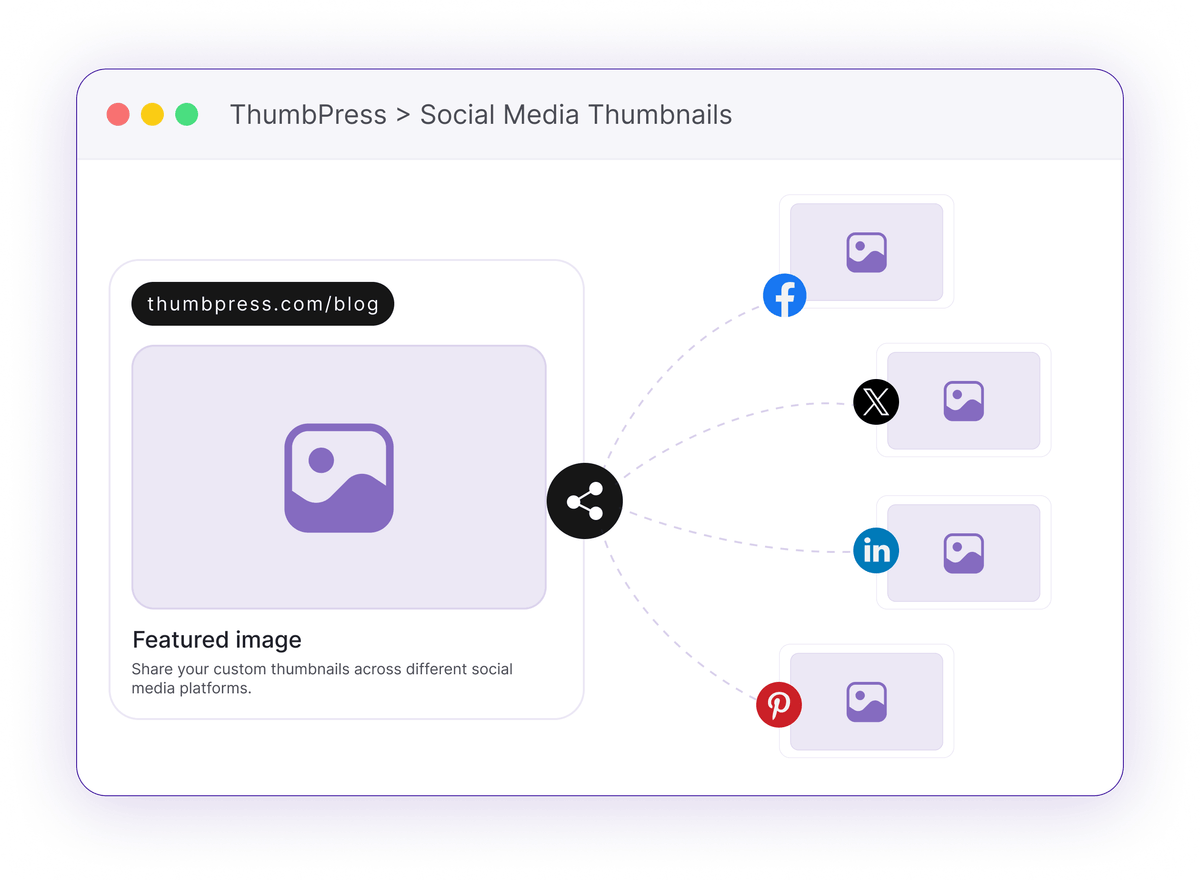
Your Best Content Deserves a Better Preview
Here's what happens when you leave the share image to chance.
Platforms Pick for You
With no Open Graph tag, Facebook and LinkedIn grab whatever image they find first - a logo, a sidebar ad, or nothing at all.
Your logo, an ad, or nothing at allOne Image, Every Network
A single fallback can't suit a wide Facebook card, a tall Pinterest pin, and an X post at the same time. Something always looks off.
One size never fits every networkWeak Links Get Scrolled Past
A dull or badly cropped preview kills click-through. The share happened - but nobody clicked.
A bad thumbnail is a wasted shareHow Social Share Images Work
Set the preview once in the editor - ThumbPress handles the meta tags.

Open
Open any post, page, or product and find the ThumbPress social share box in the editor.

Choose
Pick the exact image you want for each network, right from your media library.
Publish
ThumbPress outputs the correct Open Graph and Twitter tags so every platform shows your image.
Perfect Every Shared Link
Control the image shown on Facebook, LinkedIn, X, and Pinterest for polished, on-brand sharing.
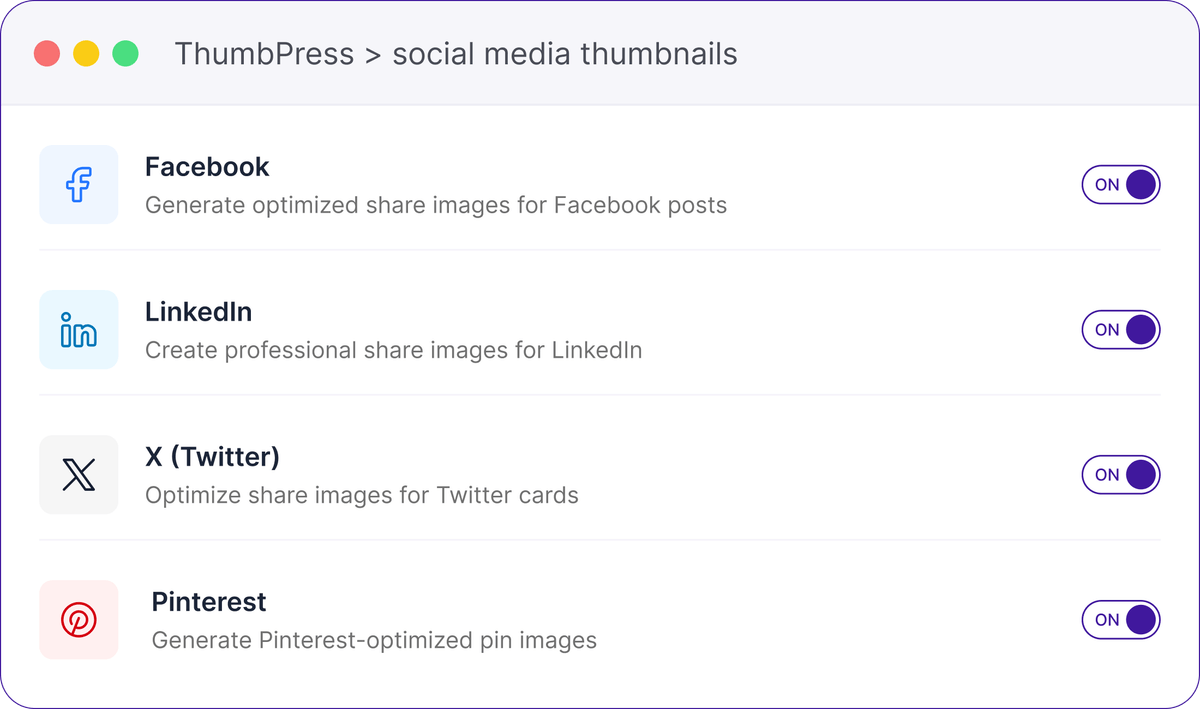
Set Social Media Thumbnails
Create custom thumbnails for Facebook, LinkedIn, X, and Pinterest so every shared link looks polished, stays on-brand, and attracts more clicks across social platforms.
Every Share, on Your Terms
You decide the preview - and it all runs on your own site.
Frequently Asked Questions
Ready to Own Your Previews?
Install ThumbPress free and set the perfect share image on every post.
Let's Go