
Faster WordPress Through Better Media Management
From large images, thumbnails, duplicates, and unused files, ThumbPress solves common media library issues and improves overall performance.
Get Started Now Trusted by 30,000+ WordPress Users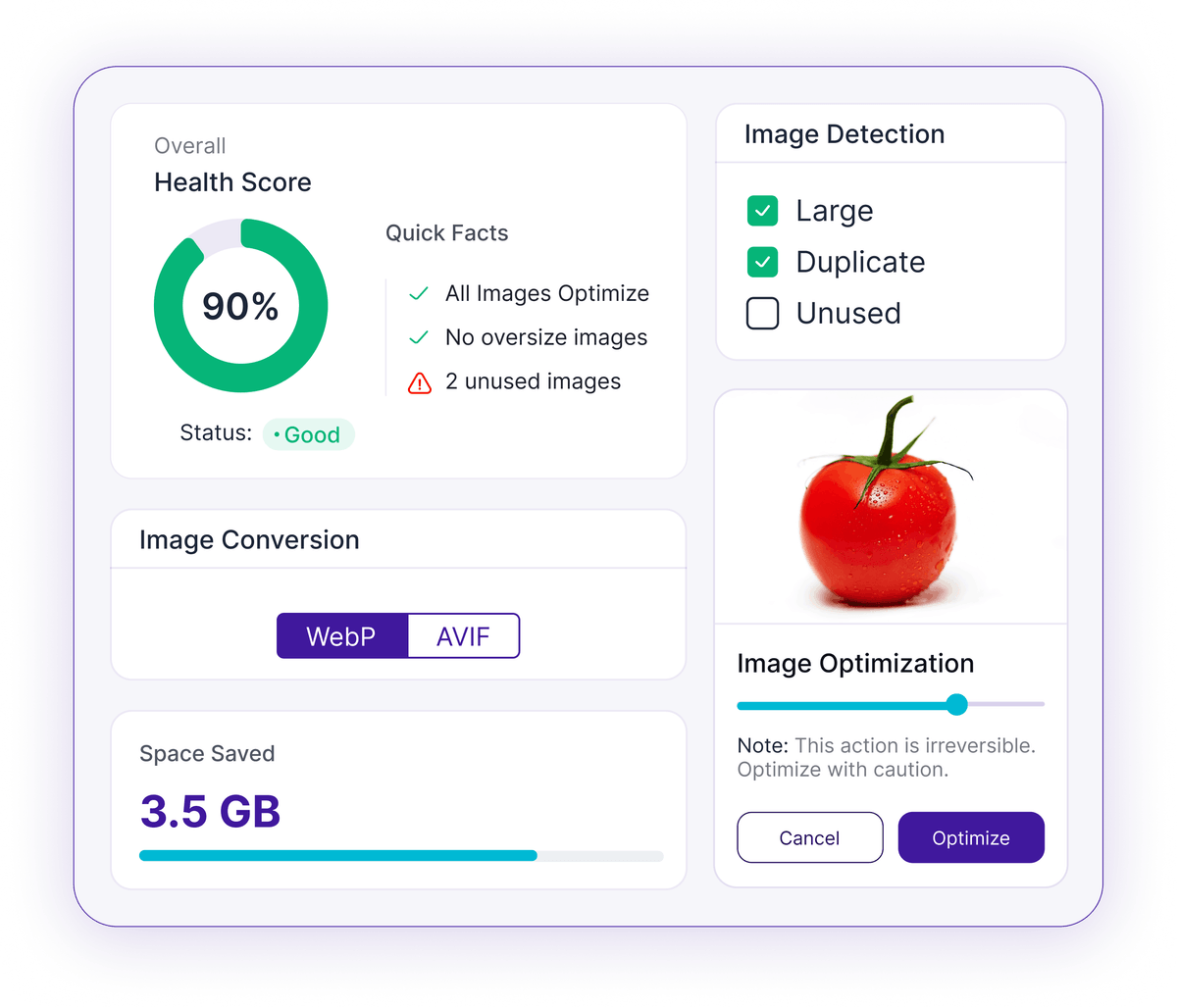
0123456789.0123456789M+
Total Downloads0123456789K+
Active Users0123456789+
5-Star Reviews0123456789+
Optimization FeaturesWhy You Need a Plugin Like ThumbPress
Managing a WordPress media library requires constant optimization and cleanup. ThumbPress takes care both for you.
Compress Images
60%
Smaller FilesDetect Duplicate Images
Scan your WordPress media library for duplicate images and clean them up to save space and improve organization.
Convert to WebP & AVIF
Convert images to modern formats like WebP and AVIF to improve speed and reduce storage usage.
Prevent extra thumbnails. Regenerate only what you need.
Offload images to our global CDN for faster page loads.
Everything You Need For Speed Storage, and Control
ThumbPress has one goal: to give you powerful tools to keep your media library optimized and managed.
Speed
Make your site faster
Storage
Clean up your library
Control
Manage images your way
Made for All Types of WordPress Sites
From small blogs to large WooCommerce stores, ThumbPress works smoothly on every WordPress site.
Easy to Use
ThumbPress is designed to be intuitive and user-friendly, making it easy for anyone to get started.
Blog or Website
Publish faster and rank higher. Optimized feature images mean better Core Web Vitals scores and more organic traffic.
Agency (Multiple Sites)
Manage image optimization across all your client sites from one plugin. Bulk operations, white-label reporting, and lifetime licensing included.
Trusted by 30,000+ WordPress Users Just Like You
Over the years, WordPress and our themes and plugins has gather 21 different types of thumbnails, so the size was increasing at an alarming speed. By disabling all thumbnails, all 6000 thumbnails are gone for good and after a bit of manual tweaking, all media are functioning as usual. Long live this plugin!

Math Vault
@WordPress.orgThank you so much. You saved me. My site was making 21 thumbnails and slowing down my site speed. Something that you didn't mention is after choosing setting you have to press regenerate to start deleting old thumbs and generate the ones needed or maybe I missed that part.

Pzakhire
@WordPress.orgMy host is a pain about website size disk usage and this quickly knocked a whole bunch of space off. Combine with insanity or similar to reduce the size of initial uploads and broken link checker in case you accidentally delete an image size you are using and very quickly you've got a much cleaner website.
