Images usually account for the largest portion of a webpage’s size. If they’re not optimized, they can slow down loading times, hurt Core Web Vitals, and ultimately affect both SEO and conversions.
For years, WebP has been the preferred image format for WordPress websites. But AVIF is quickly becoming the better option. It delivers significantly smaller file sizes while maintaining excellent visual quality, making it an attractive choice for blogs, business websites, and WooCommerce stores alike.
The challenge is finding a plugin that doesn’t just best convert images to AVIF but also handles bulk optimization, browser compatibility, caching, and media management efficiently.
In this guide, we’ll compare the best Convert to AVIF plugins for WordPress, explain what features actually matter, and help you choose the right plugin for your website.
According to Google’s web.dev documentation, AVIF can reduce image sizes by around 50% compared to JPEG while maintaining similar visual quality.
Best Convert to AVIF Plugins: Quick Comparison
Before diving into the detailed reviews, here’s a quick overview of the best AVIF plugins for WordPress.
| Plugin | Best for | Processing method | Existing images | New uploads |
| ThumbPress | AVIF plus Media Library management | WordPress workflow | Yes | Automatic |
| Imagify | Simple cloud optimization | Cloud | Yes | Automatic |
| ShortPixel | Compression controls | Cloud/API | Yes | Automatic |
| Converter for Media | Dedicated format delivery | Server alternatives | Yes | Automatic |
| Optimole | Adaptive CDN delivery | Cloud/CDN | Dynamic | Automatic |
| CompressX | Free local conversion | Local server | Yes | Automatic |
| Modern Image Formats | Lightweight workflow | Local server | Regeneration needed | Automatic |
Plugin features and plan limits change, so verify current allowances before processing a large library.
7 Best Convert to AVIF Plugins for WordPress to Optimize Images
1. ThumbPress
ThumbPress is more than just an AVIF converter-it’s a complete image optimization plugin built for WordPress. Instead of installing separate plugins for image compression, lazy loading, thumbnail management, and media optimization, ThumbPress brings everything together in one easy-to-manage dashboard.
The plugin lets you convert existing and newly uploaded images to AVIF while also improving your site’s overall performance. Since everything works directly inside your WordPress dashboard, managing your media library becomes much simpler, especially for websites with a large number of images.
Key Features
- Convert existing and newly uploaded images to the highly efficient AVIF format for better compression and faster page loading.
- Generate WebP versions alongside AVIF to maximize browser compatibility.
- Compress images without noticeably reducing visual quality.
- Optimize hundreds of images at once with bulk image optimization.
- Automatically optimize newly uploaded images without any manual work.
- Enable Lazy Loading to improve Core Web Vitals and reduce initial page load time.
- Disable unused WordPress thumbnails to save valuable server storage.
- Regenerate thumbnails whenever your image sizes or theme settings change.
- Detect duplicate images inside your media library to reduce unnecessary storage usage.
- Protect your website images with built-in Hotlink Protection.
- Monitor your site’s media performance through an Image Health Dashboard.
Best For
ThumbPress is ideal for bloggers, WooCommerce stores, agencies, and anyone looking for an all-in-one image optimization solution instead of juggling multiple plugins.
Pricing
ThumbPress has both free and premium options. ThumbPress Premium gives you full access to all advanced WordPress image optimization features. You can choose between Yearly and Lifetime plans.
- Single Site License – $59/year
- 5 Sites License – $119/year
- Unlimited Sites License – $299/year
- Single Site Lifetime License – Starting at $119
.
2. Imagify
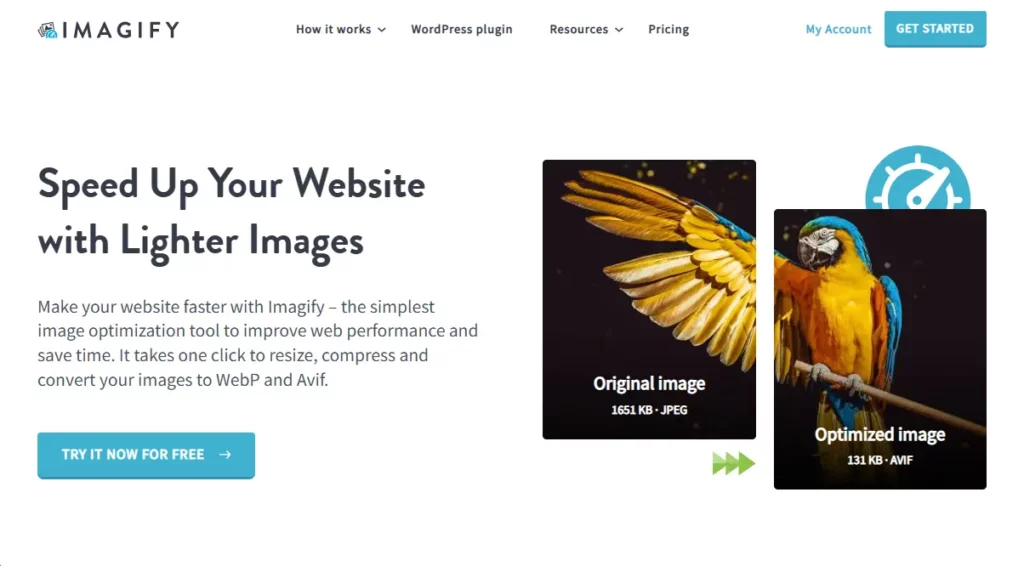
Imagify is one of the most popular cloud-based image optimization plugins for WordPress. It automatically compresses images, converts them to AVIF or WebP, and optimizes newly uploaded files without adding extra workload to your hosting server.
Because all image processing happens on Imagify’s cloud infrastructure, it’s an excellent option for websites hosted on shared hosting or servers with limited resources.
Key Features
- Automatically convert uploaded images into the AVIF format for significantly smaller file sizes.
- Choose between three different compression levels based on your preferred balance of quality and file size.
- Bulk optimize your existing WordPress Media Library with just a few clicks.
- Keep backup copies of original images so you can restore them whenever needed.
- Automatically optimize every new image uploaded to your website.
- Clean and beginner-friendly dashboard with minimal setup required.
Best For
Imagify is a great choice for WordPress users who want a simple cloud-based image optimization solution with automatic compression and WebP/AVIF support.
Pricing
Imagify offers both free and premium plans. The free plan includes 20 MB of image optimization per month, which is suitable for optimizing around 200 images. For users who need higher optimization limits, Imagify offers the following premium plans:
- Free Plan – 20 MB/month (around 200 images)
- Growth Plan – $ 5.99 /month (500MB/month)
- Infinite Plan – $ 11.99 /month (Unlimited image)
- Yearly Growth Plan – $ 4.99 /month (500 MB/month, billed annually)
3. ShortPixel Image Optimizer
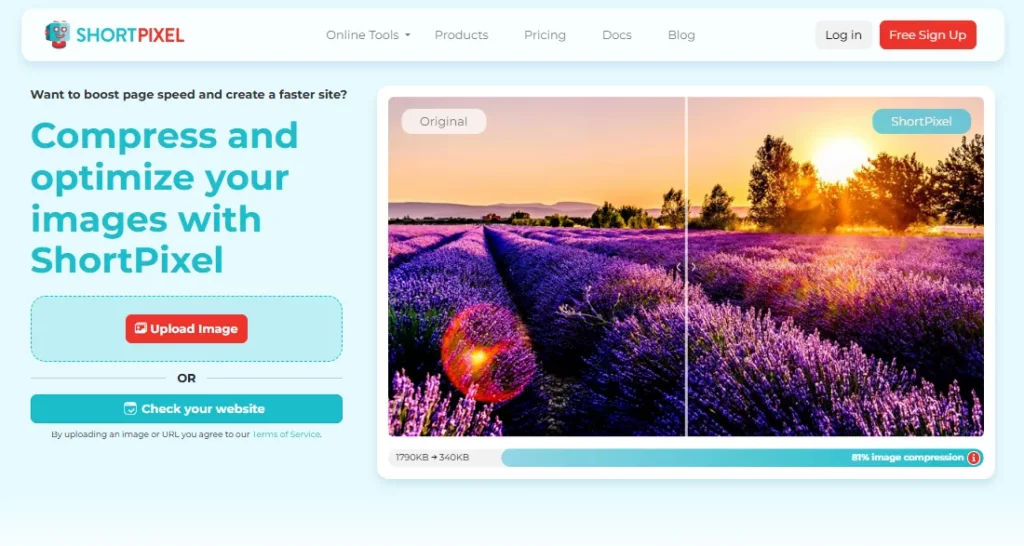
ShortPixel has been a trusted name in WordPress image optimization for years. It supports AVIF, WebP, JPEG, and PNG optimization while using cloud-based processing to reduce server resource usage.
The plugin is particularly well-known for delivering excellent compression without noticeably affecting image quality, making it popular among photographers, bloggers, and WooCommerce stores.
Key Features
- Convert images to modern AVIF format for maximum file size reduction.
- Generate WebP versions to improve compatibility across different browsers.
- Automatically optimize every image uploaded to your website.
- Bulk optimize thousands of existing images from the Media Library.
- Fine-tune compression settings based on your preferred image quality.
- CDN integration for faster global image delivery.
Best For
ShortPixel is best for website owners who want flexible image optimization with both monthly and pay-as-you-go credit options.
Pricing
ShortPixel offers a free plan. Paid plans are available for users who need higher optimization limits, and you can also purchase one-time credit packs if you don’t want a subscription.
- Monthly Plan – Starting at $15.99/month (around 3,000 image credits)
- One-Time Credit Packs – $8.33/month (Unlimited credits/month)
4. Optimole
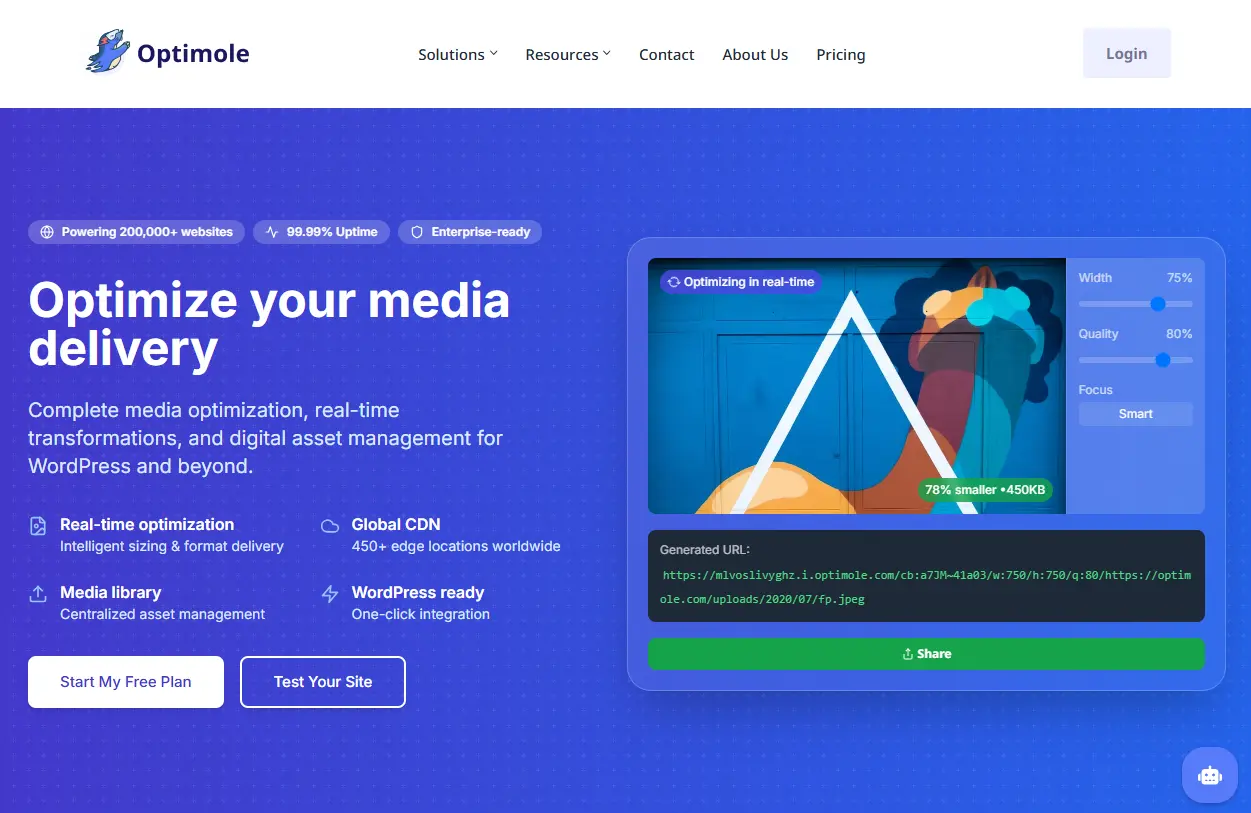
Optimole takes a different approach to image optimization by combining image compression, CDN delivery, and real-time optimization into one service. Instead of storing multiple image versions on your server, Optimole processes and serves optimized images dynamically based on each visitor’s device and browser.
This makes it an excellent choice for websites with global audiences.
Key Features
- Deliver AVIF images automatically to supported browsers for faster loading.
- Optimize images in real time through Optimole’s cloud infrastructure.
- Resize images dynamically based on each visitor’s screen size.
- Built-in Lazy Loading for improved page speed and Core Web Vitals.
- Global CDN is included to deliver images from the nearest server location.
- No need to manually regenerate optimized image versions.
Best For
Optimole is ideal for websites looking for real-time image optimization, CDN delivery, and automatic image scaling based on each visitor’s device.
Pricing
Optimole offers both free and premium plans. The free plan supports websites with up to 5,000 monthly visitors, while paid plans increase visitor limits and include additional optimization features.
- Starter Plan – $22.90/month
- Business Plan- $47.00/month
- Yearly Starter Plan – $19.08/month
5. EWWW Image Optimizer
EWWW Image Optimizer is one of the longest-running image optimization plugins in the WordPress ecosystem. It supports AVIF conversion, WebP generation, and offers both server-side and cloud-based optimization, giving users more flexibility than many competing plugins.
If you prefer keeping image processing on your own server rather than relying entirely on external services, EWWW is a strong option.
Key Features
- Convert images to both AVIF and WebP formats for better performance.
- Automatically optimize images immediately after upload.
- Bulk optimize your entire Media Library without manual editing.
- Resize oversized images automatically before they are uploaded.
- Choose between local optimization or cloud-based optimization services.
- Keep original image backups for easy restoration whenever necessary.
Best For
EWWW Image Optimizer is a solid option for users who prefer optimizing images directly on their own server while having the option to upgrade to cloud-based optimization.
Pricing
EWWW Image Optimizer includes a free version for local image optimization. Premium plans are powered by the Easy IO cloud service and add cloud optimization, CDN delivery, and enhanced performance features.
- Standard Plan – $8/month
- Growth Plan – $16/month
- Yearly Standard Plan- $80/year
6. CompressX
CompressX is a modern WordPress image optimization plugin designed with simplicity in mind. It supports AVIF conversion alongside WebP generation, automatic optimization, and bulk processing, making it a good choice for users who want solid performance improvements without dealing with complicated settings.
Its clean interface makes it especially beginner-friendly.
Key Features
- Convert uploaded images into the efficient AVIF format with minimal configuration.
- Generate WebP images for improved browser compatibility.
- Compress images while maintaining excellent visual quality.
- Automatically optimize every newly uploaded image.
- Bulk process your existing Media Library in just a few clicks.
- View optimization reports to monitor image savings and website performance improvements.
Best For
CompressX is best for users who need a lightweight image optimization plugin with support for modern formats like AVIF and efficient bulk image compression.
Pricing
CompressX offers both free and premium versions. The premium version unlocks advanced compression settings, AVIF conversion, bulk optimization, and additional performance features.
- Bronze Plan – $49/One-Time (2 Domains)
- Copper Plan – $69/ One-Time (Up to 5 Domains)
- Silver Plan – $99/ One-Time (Up to 15 Domains)
7. Converter for Media
Converter for Media is a lightweight WordPress plugin designed specifically for converting images into modern formats like AVIF and WebP. Rather than offering a full suite of image optimization tools, it focuses on one job, making your existing and newly uploaded images smaller and faster by converting them to next-generation formats.
Its simple setup and straightforward interface make it a great choice for users who already use another optimization plugin but need reliable AVIF conversion without adding unnecessary features.
Key Features
- Convert existing JPEG and PNG images into the highly efficient AVIF format to significantly reduce file sizes.
- Generate WebP versions alongside AVIF to improve compatibility across different browsers.
- Bulk convert your entire WordPress Media Library without processing images one by one.
- Automatically convert newly uploaded images to modern formats to save time and maintain consistent optimization.
- Detect browser compatibility and serve the most suitable image format for each visitor.
Best For
Converter for Media is ideal for WordPress users who want an easy way to convert images to modern formats like WebP and AVIF without changing their existing workflow.
Pricing
Converter for Media offers both free and premium versions. The Pro version adds advanced conversion settings, more customization options, and premium support.
- Monthly Plan – $5/ Month (10,000 optimized images)
- Monthly Plan – $10/ Month (25,000 optimized images)
- Monthly Plan – $25/ Month (70,000 optimized images)
- Yearly Plan – $50 / year (one license for unlimited websites)
What to Look for in a WordPress AVIF Plugin
Bulk and Automatic Conversion
A useful plugin should handle both your existing library and future uploads. Converting only new images leaves old product photos, banners, and featured images untouched.
For an established website, bulk AVIF conversion can save hours of downloading, converting, and re-uploading images manually.
Safe Fallback Delivery
Modern browsers support AVIF, but a reliable workflow should retain an alternative.
The HTML <picture> element can supply a fallback image when a preferred source cannot be used.Some plugins handle this through HTML markup, while others use server rules or browser-aware CDN delivery.
Original-Image Protection
Check whether the plugin preserves originals, replaces them, or provides a restore function. You should understand what happens after deactivating or uninstalling it.
Keeping the original files is particularly important while testing image quality or moving between optimization services.
Server and Quota Usage
Local conversion avoids external services but can strain shared hosting. Cloud processing reduces local CPU usage but may involve monthly quotas or processing credits.
Remember that WordPress creates several thumbnail sizes for each upload. A library containing 1,000 original images can include many thousands of files that need conversion.
Why Should You Convert Images to AVIF?
Converting images to AVIF isn’t just about using a newer file format-it’s about improving your website’s speed, performance, and user experience. A good AVIF plugin automates the entire optimization process, so you can enjoy the benefits without changing your workflow.
1. Reduce Image File Sizes Without Losing Quality
One of the biggest advantages of AVIF is its impressive compression efficiency. Compared to traditional formats like JPEG and PNG, AVIF can significantly reduce file sizes while maintaining excellent visual quality. Smaller images mean faster page loads, lower bandwidth usage, and less storage space required for your media library.
For websites with lots of product photos, blog images, or portfolios, these savings can have a noticeable impact on overall performance.
2. Improve Website Speed and User Experience
Images often account for the largest portion of a webpage. When they’re optimized, your pages load much faster, especially on mobile devices and slower internet connections.
A faster website creates a smoother browsing experience, encourages visitors to stay longer, and can help reduce bounce rates. For ecommerce stores, even small improvements in page speed may contribute to higher engagement and better conversion rates.
3. Automatically Optimize Every Image
Instead of converting images manually before every upload, an AVIF plugin handles the process automatically. Most plugins optimize newly uploaded images in the background and can also bulk convert your existing Media Library.
This automation saves time while ensuring every image on your website follows the same optimization standards.
4. Improve Core Web Vitals and SEO
Website speed plays an important role in both user experience and search engine optimization. Smaller, optimized images help improve loading performance, which can positively affect metrics like Largest Contentful Paint (LCP) and other Core Web Vitals.
While image optimization alone won’t guarantee higher rankings, it contributes to a faster, better-performing website that both users and search engines appreciate.
Before Converting Your WordPress Media Library
Bulk conversion is usually safe when handled correctly, but it should not be the first action you take after installing a plugin.
- Back up your database and /wp-content/uploads/ directory.
- Test the plugin on a staging website when possible.
- Confirm that your hosting environment supports AVIF generation.
- Record several existing image URLs.
- Convert a small batch containing different image types.
- Inspect blog posts, product galleries, background images, and page-builder sections.
- Use browser developer tools to confirm which format is being delivered.
- Compare image quality on desktop and mobile screens.
- Clear page, CDN, object, and browser caches.
- Confirm the plugin’s restoration and uninstall behavior.
- Avoid running two plugins that rewrite or convert the same images.
- Measure performance before and after conversion.
AVIF can reduce image transfer size, but it is not a complete Core Web Vitals fix. Images are often the Largest Contentful Paint element, yet LCP also depends on image dimensions, discovery priority, server response, and render-blocking resources.
Final Thoughts
AVIF has become one of the most effective image formats for improving WordPress performance. With better compression than JPEG and often smaller file sizes than WebP, it’s an easy way to reduce page weight without sacrificing visual quality.
The right plugin depends on your workflow. If you only need basic image conversion, lightweight plugins like Converter for Media or Modern Image Formats may be enough. If you manage a large media library, WooCommerce store, or multiple websites, a more comprehensive solution with bulk optimization, thumbnail management, compression, and performance tools can save significant time.
Rather than focusing solely on AVIF conversion, think about your entire image optimization strategy. Faster images, properly sized media, and efficient delivery work together to create a better experience for both visitors and search engines.
Frequently Asked Questions
Does WordPress Automatically Convert JPEG and PNG Files to AVIF?
No. WordPress can upload, edit, resize, and save AVIF files when the hosting environment supports them, but it does not automatically convert an existing JPEG or PNG Media Library.
Does converting images to AVIF reduce image quality?
Not necessarily. AVIF uses advanced compression that can significantly reduce file size while maintaining excellent visual quality. In many cases, visitors won’t notice any difference compared to JPEG or WebP, especially when images are optimized with the right settings.
Will AVIF Conversion Break Existing Image URLs?
It depends on the plugin. Some plugins create alternative files while preserving the original image URLs. Others rewrite HTML, replace Media Library files, modify server delivery rules, or serve optimized versions through a CDN.
Is AVIF supported by all web browsers?
Most modern browsers support AVIF, including Chrome, Edge, Firefox, Opera, and Safari. If a browser doesn’t support AVIF, compatible plugins automatically serve another image format, so visitors can still view your images without issues.