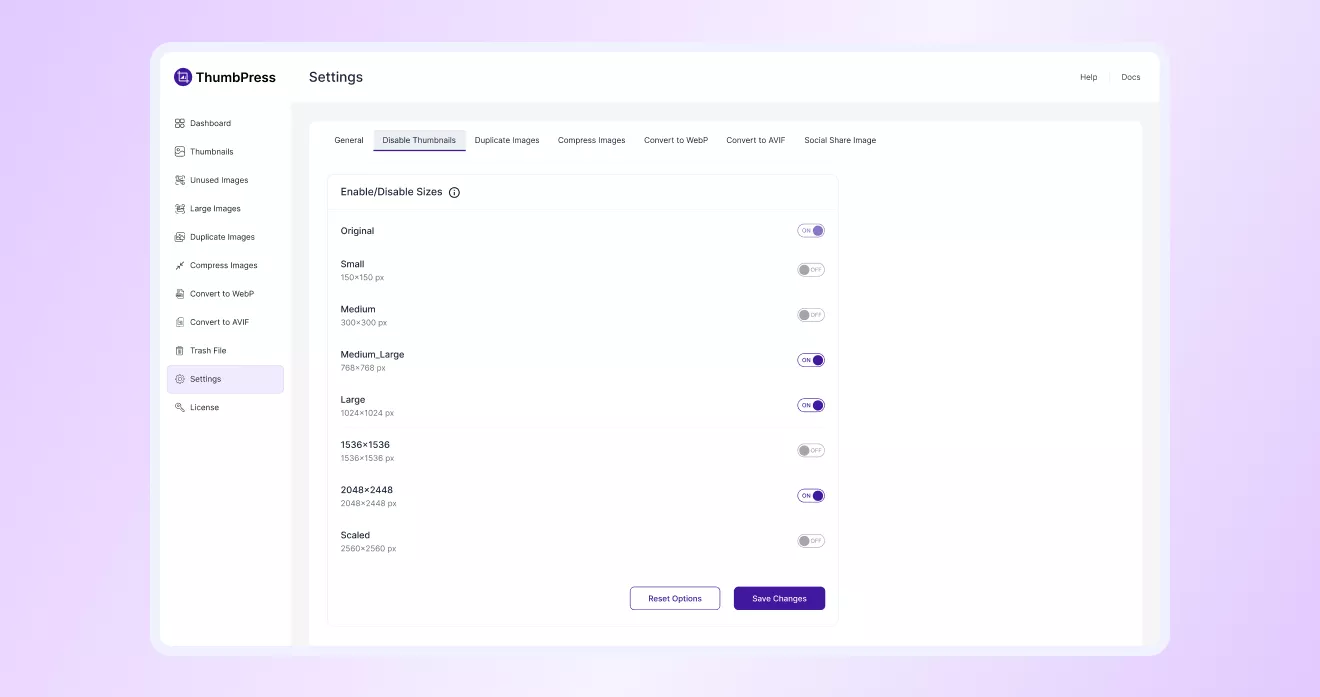

How to Disable Thumbnails
in ThumbPress
Let’s have a look at how you can Disable Thumbnails with ThumbPress and
keep a hold on thumbnail generation.
Install and Activate ThumbPress
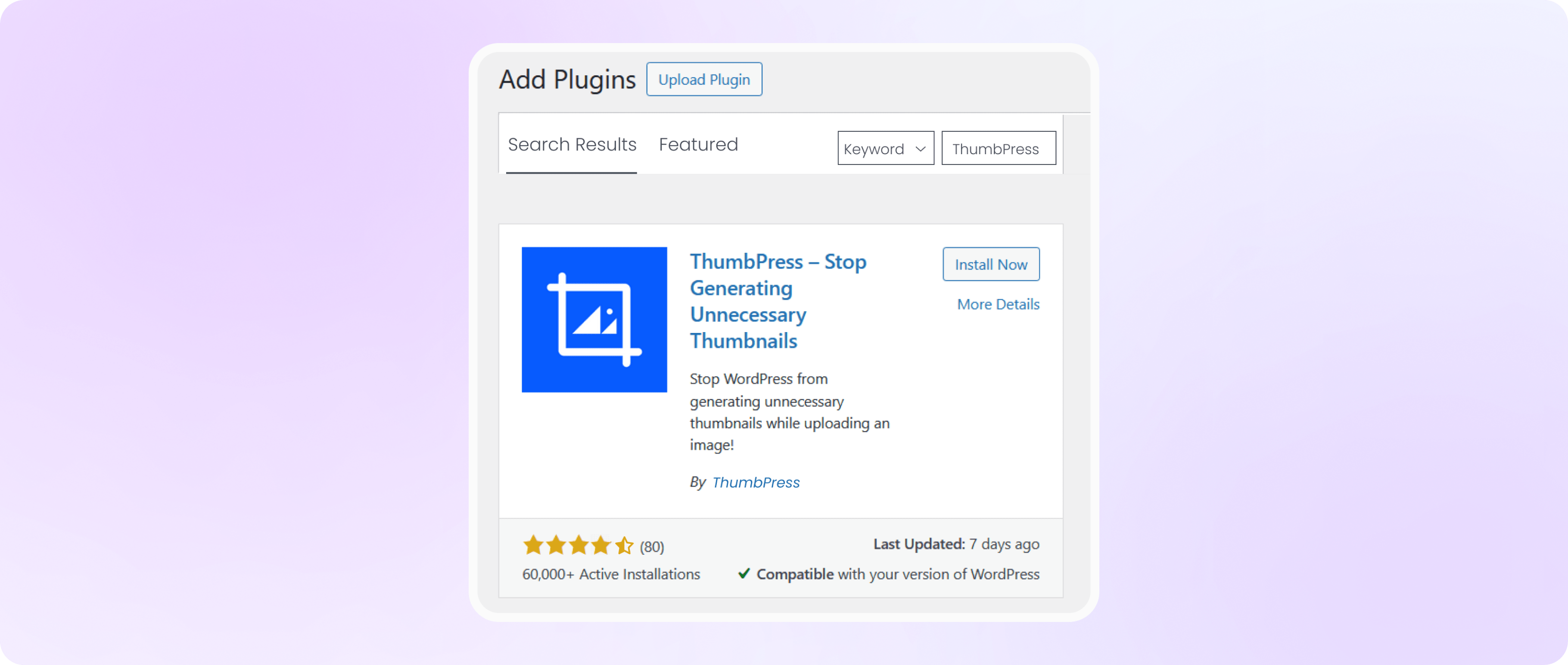
First, you need to install ThumbPress on your dashboard. To install and activate ThumbPress
Go to Dashboard > Plugins > Add New Plugin and search for ThumbPress in the search bar on the top right of the screen. Click Install Now and then Activate ThumbPress.
Enable Disable Thumbnails From Settings
Head over to the ThumbPress > settings > Disable Thumbnails option, enable the
necessary thumbnails, and hit the Save Settings button.