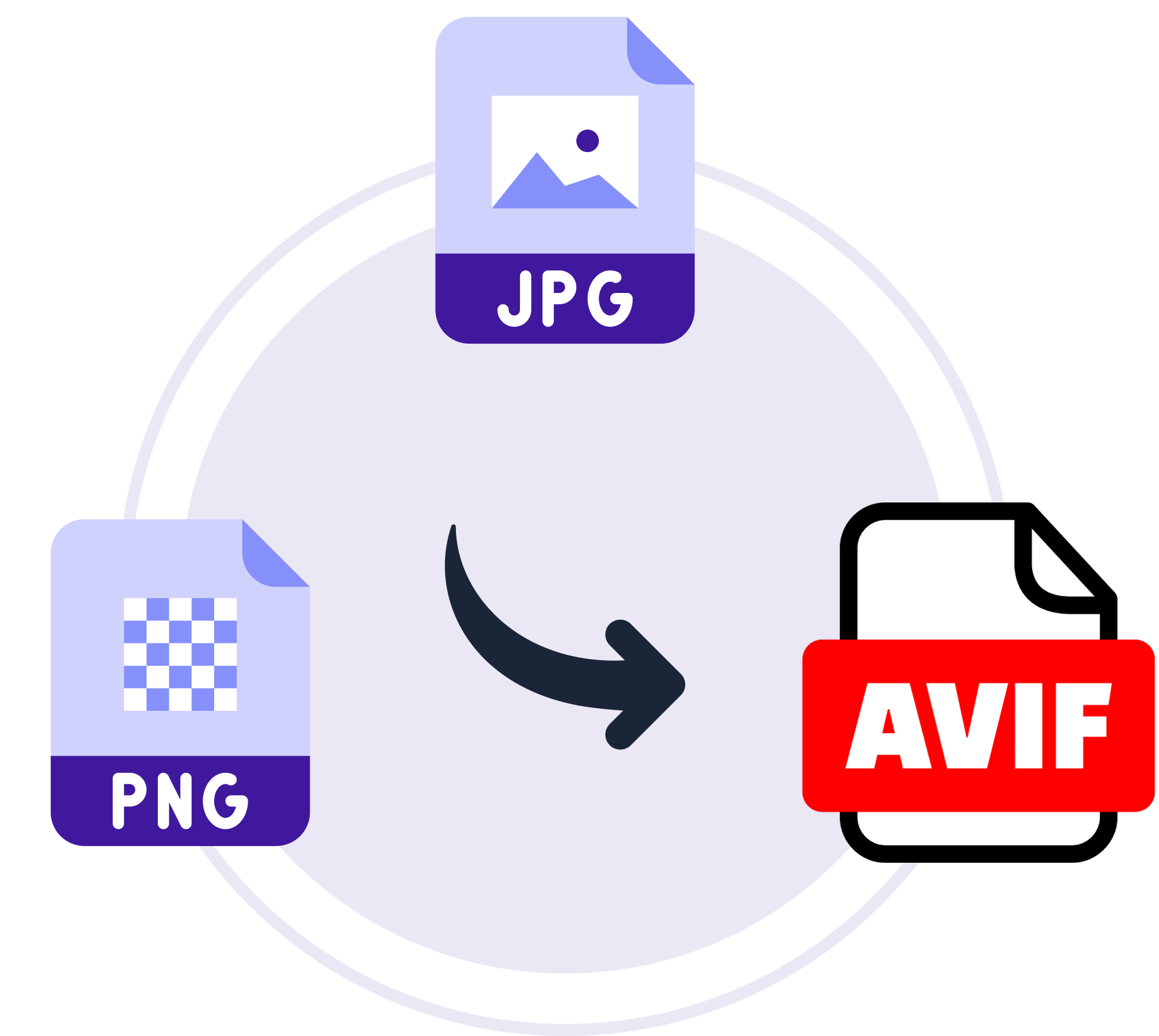
How to Convert Images to AVIF
Learn how to convert your WordPress images to AVIF using ThumbPress
and unlock peak compression performance for your website instantly!
Install and Activate ThumbPress
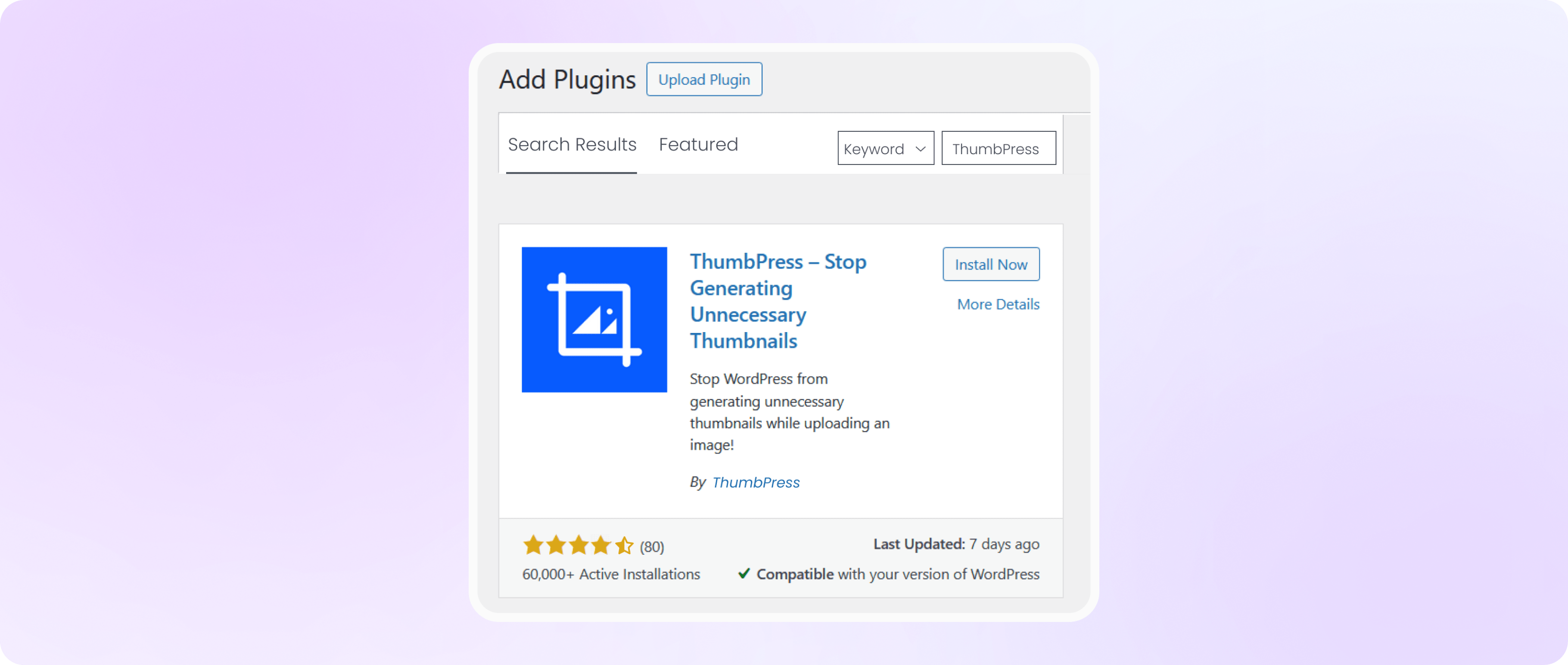
Head over to your WordPress Dashboard, go to Plugins > Add New Plugin, and search for ThumbPress in the search bar.
Click Install, then hit Activate to get the plugin running on your site
Select Chunk Size, File Formats
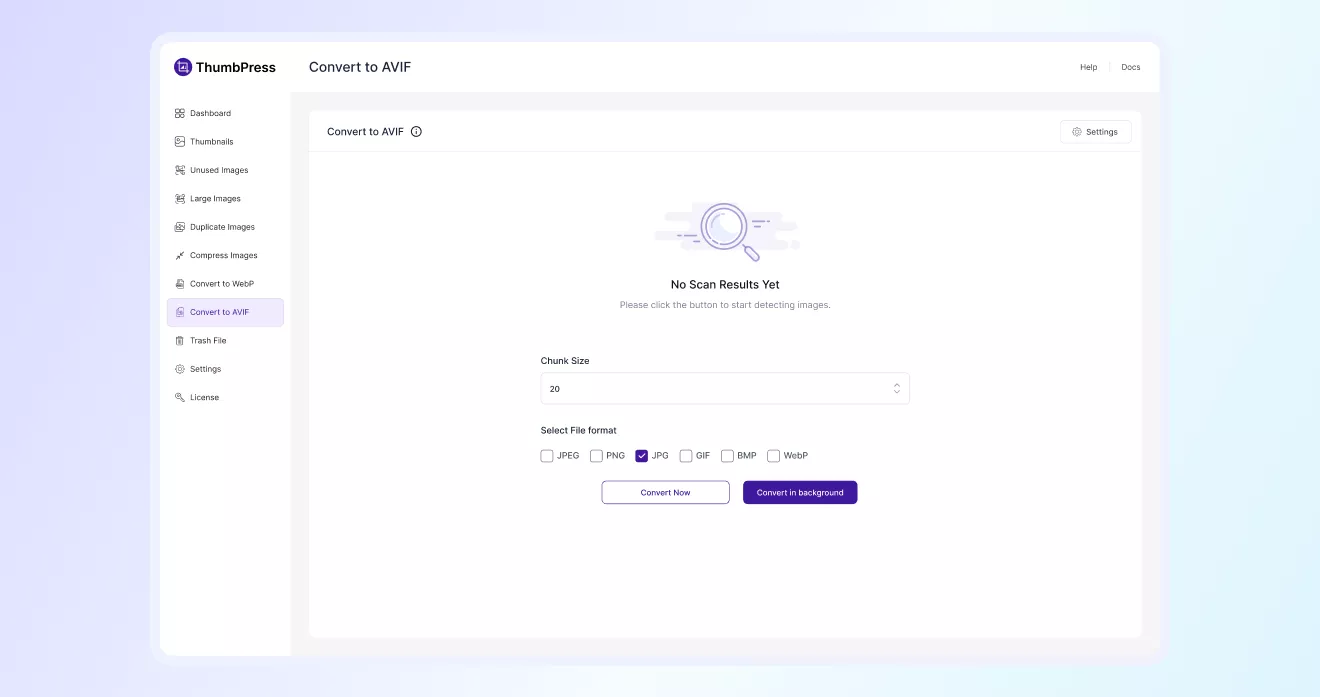
Navigate to ThumbPress > Convert to AVIF. Choose which file formats you’d like to convert: JPEG, PNG, JPG, GIF, BMP, or all of them.
Set your preferred Chunk Size to control how many images are processed per batch, then hit Convert Now to begin.
A live progress indicator will let you know exactly how the conversion is going.
Note: Here, Chunk Size is the number of images processed in a single batch per server request.
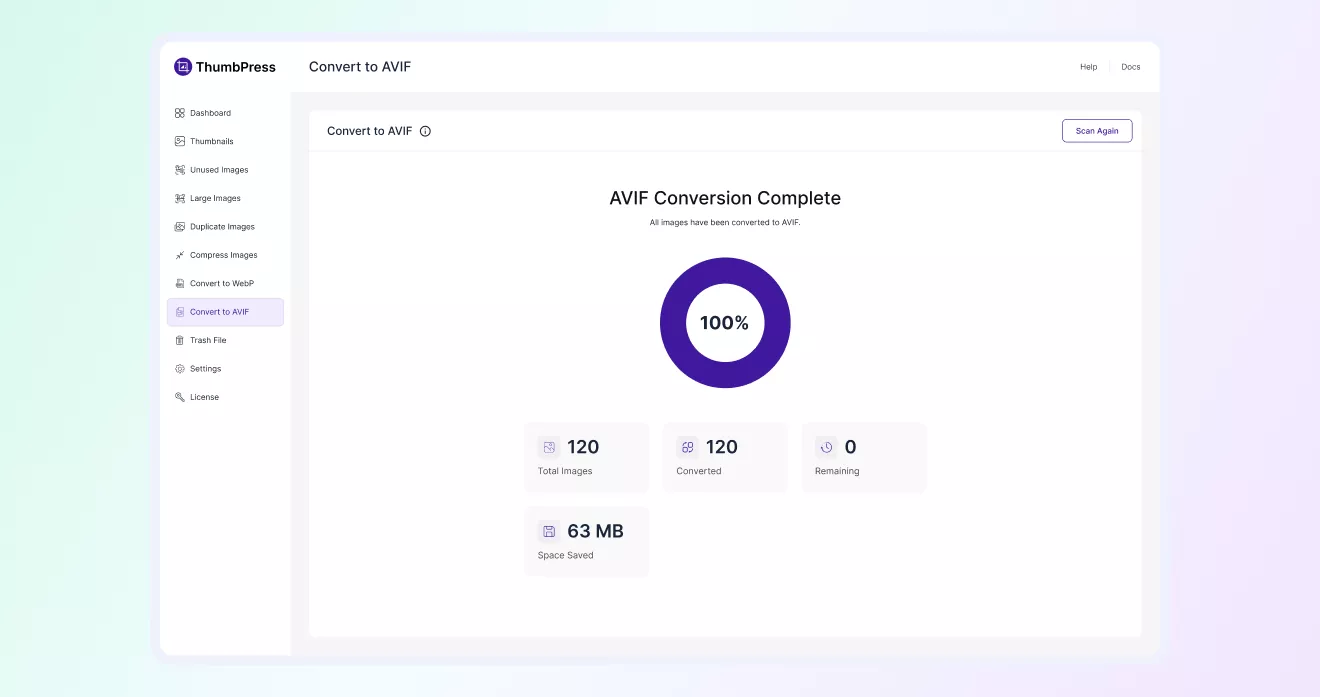
Review the Conversion Results
Once the conversion process finishes, ThumbPress displays a detailed summary of the results. You can quickly see
how many images were processed, how many were successfully converted to AVIF, and the total storage space saved after optimization.
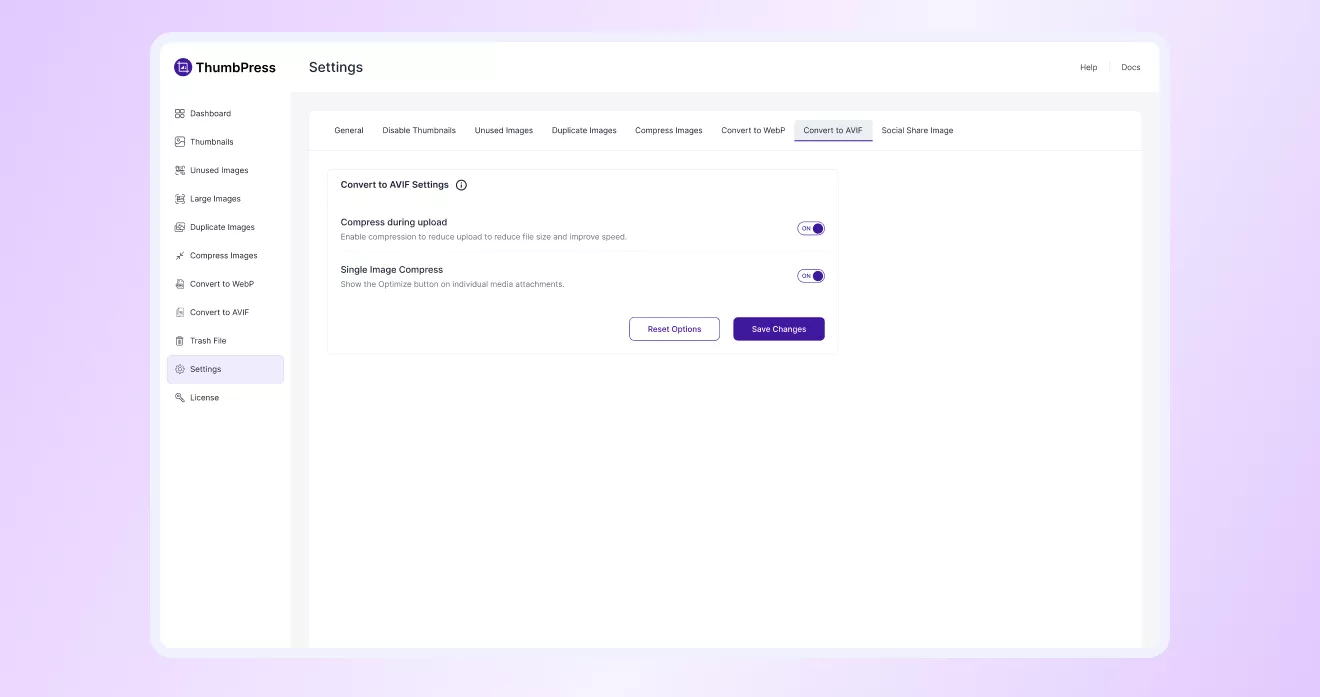
AVIF Conversion Settings
You can set up how AVIF conversion works on your site. Automatically convert images during upload or optimize
individual files manually to reduce file size and improve loading speed.