Can I move my license from a staging site to my live site?


Sure, you can do this. You just need to deactivate the license from your old site and activate it on the new one. Here is the process:
1. First, log in to https://my.pluggable.io
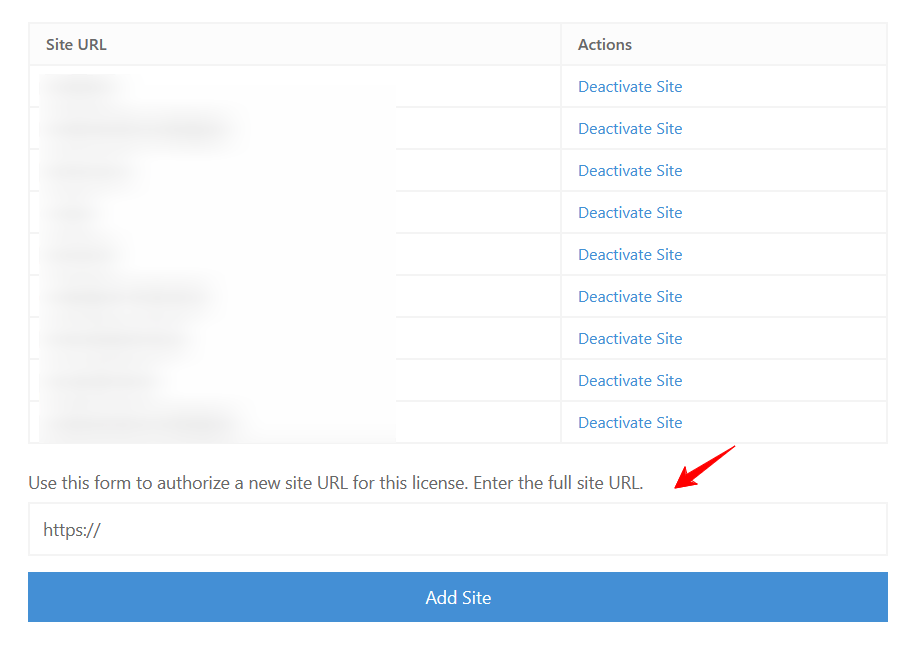
2. Then navigate to Customer Dashboard > Manage > Manage Sites and deactivate the test domain license.
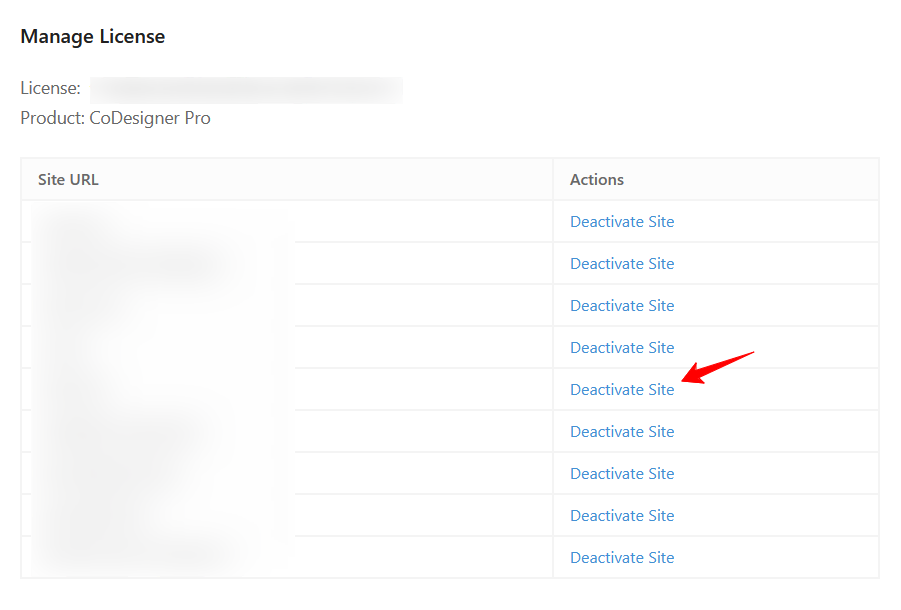
3. Now, enter your full site URL in the Add Site empty field. After that, click on the Add Site button.
Was this doc helpful?
Subscribe to Our Newsletter
Get the latest WordPress tutorials, trends, and resources right in your inbox. No Spamming, Unsubscribe Anytime.

Thank you for subscribing to our newsletter!