Trashed Files


Home » Admin Dashboard » Trashed Files
The Trashed Files section in the ThumbPress plugin allows you to manage images that have been moved to trash but are not permanently deleted yet. This feature helps you review files before taking final action and ensures you do not accidentally lose important media.
Note: Deleted file restoration is available only with a Premium plan.
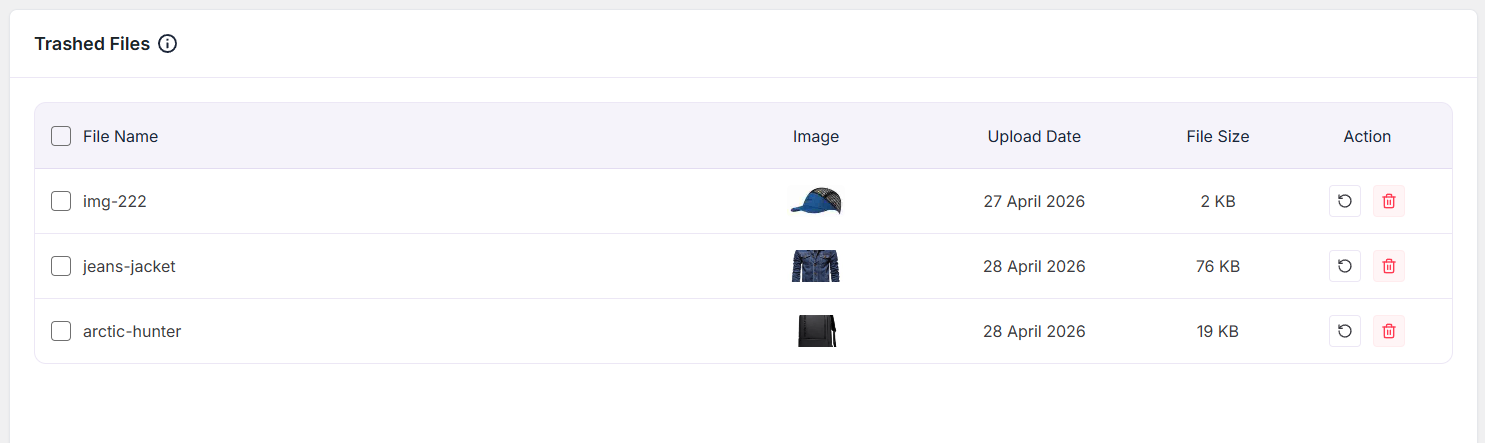
When images are deleted using ThumbPress, they are first moved to the trash. In this section, you can view all trashed files along with key details such as:
- File Name – The name of the image file
- Image – A preview thumbnail of the file
- Upload Date – The original upload date of the image
- File Size – The size of the file
- Action – Options to either restore or permanently delete the file
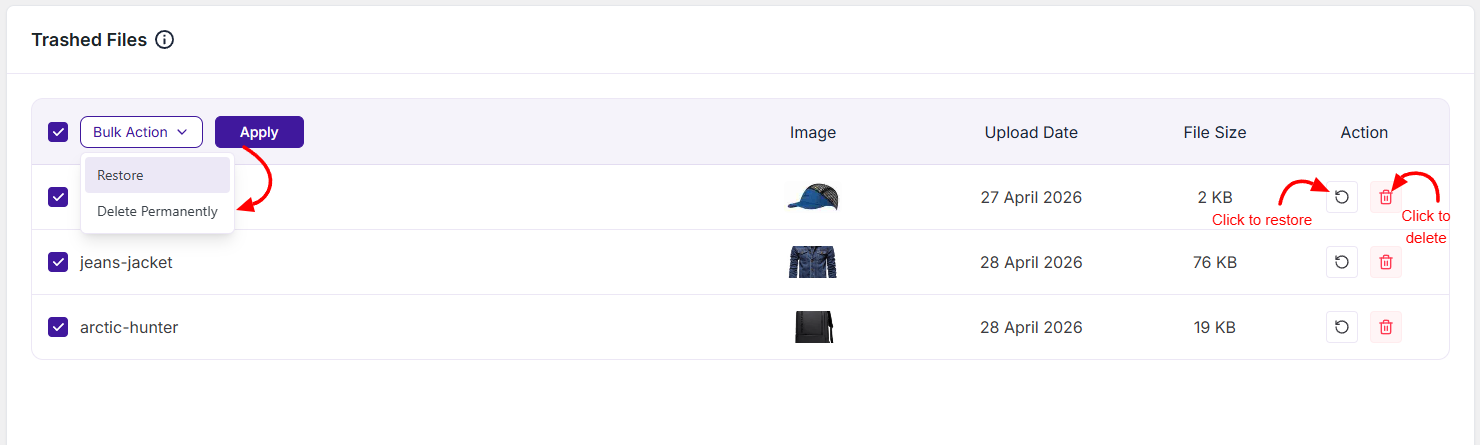
Restore
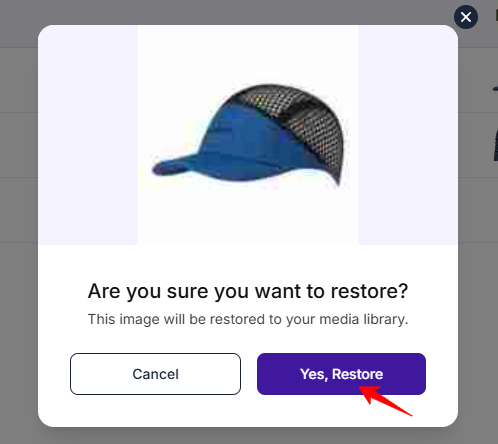
- Restores the selected image to the Media Library
- Useful if a file was deleted by mistake
- The file will return to its original location and become usable again
Delete Permanently
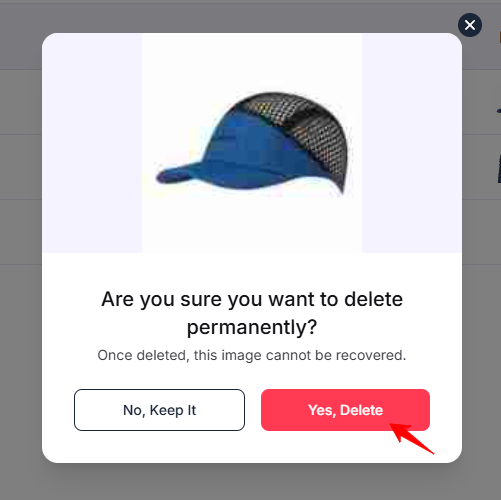
- Permanently removes the file from your server
- This action cannot be undone
- Helps free up storage space by removing unwanted images completely
Was this doc helpful?
Subscribe to Our Newsletter
Get the latest WordPress tutorials, trends, and resources right in your inbox. No Spamming, Unsubscribe Anytime.

Thank you for subscribing to our newsletter!