Duplicate Images Settings


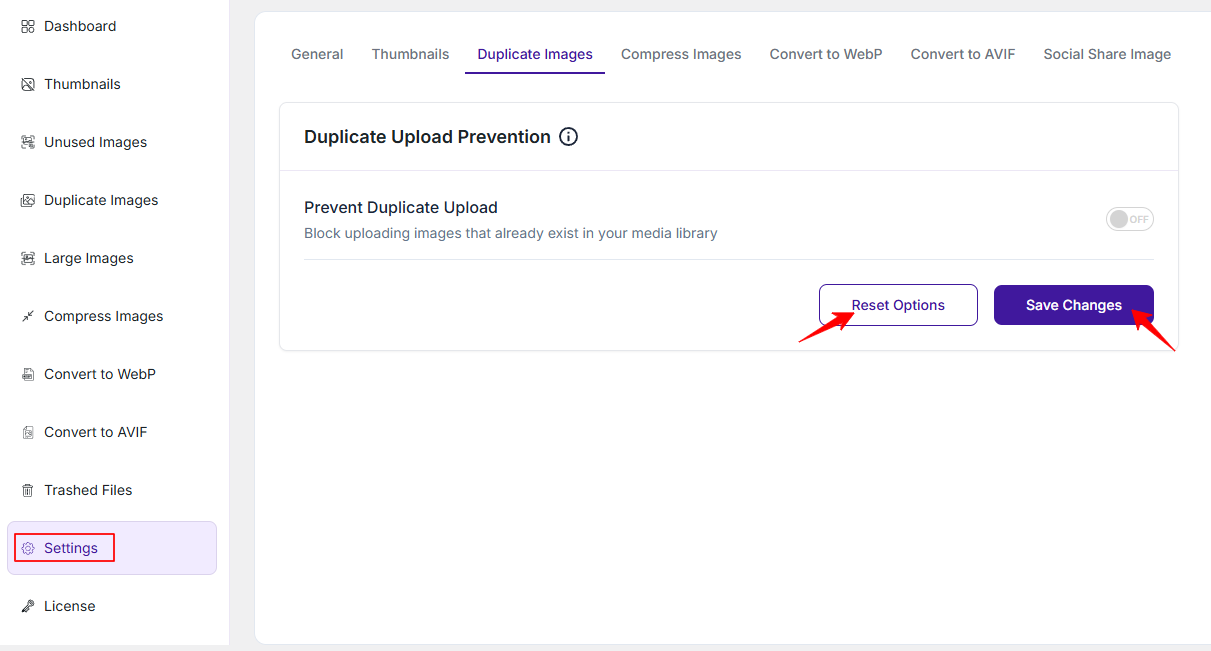
The Duplicate Images Settings feature in the ThumbPress plugin helps you keep your media library clean by preventing the upload of identical images.
To access this section, please go to
WordPress Dashboard → ThumbPress → Settings → Duplicate Images
Prevent Duplicate Upload
This option allows you to block uploading images that already exist in your media library. It comes with a simple On/Off switch to activate or disable.
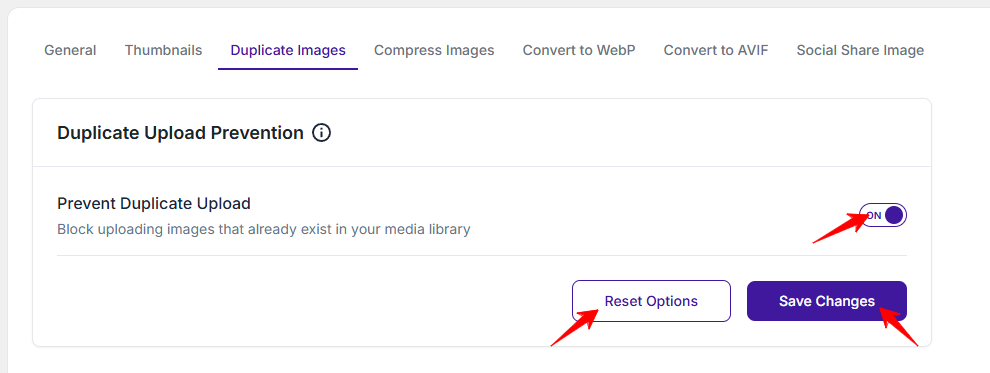
When enabled, the plugin checks for duplicate images during upload and prevents them from being added again.
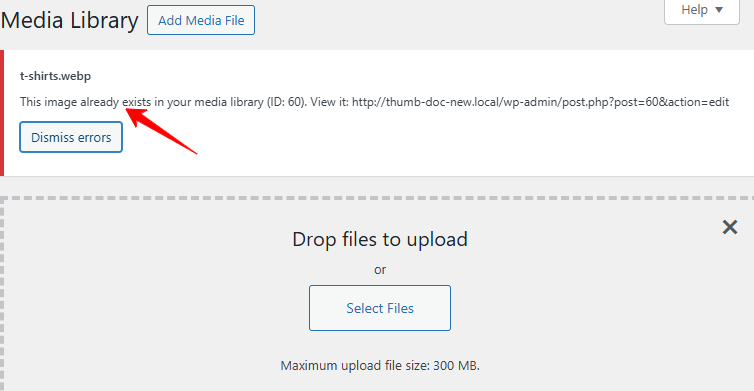
When disabled, duplicate images can be uploaded without any restriction.
Save or Reset Settings
- Save: Save your changes to apply them. Without saving, nothing will take effect.
- Reset: Oppositely, click “Reset” anytime to restore the default settings.
Was this doc helpful?
Subscribe to Our Newsletter
Get the latest WordPress tutorials, trends, and resources right in your inbox. No Spamming, Unsubscribe Anytime.

Thank you for subscribing to our newsletter!